ACCESS GATEWAY
204 System Administration
“Authorization and Billing” on page 272
“Subscriber Management” on page 278
“Subscriber Management Models” on page 278
“Configuring the Subscriber Management Models” on page 279
Adding a Subscriber Type Profile
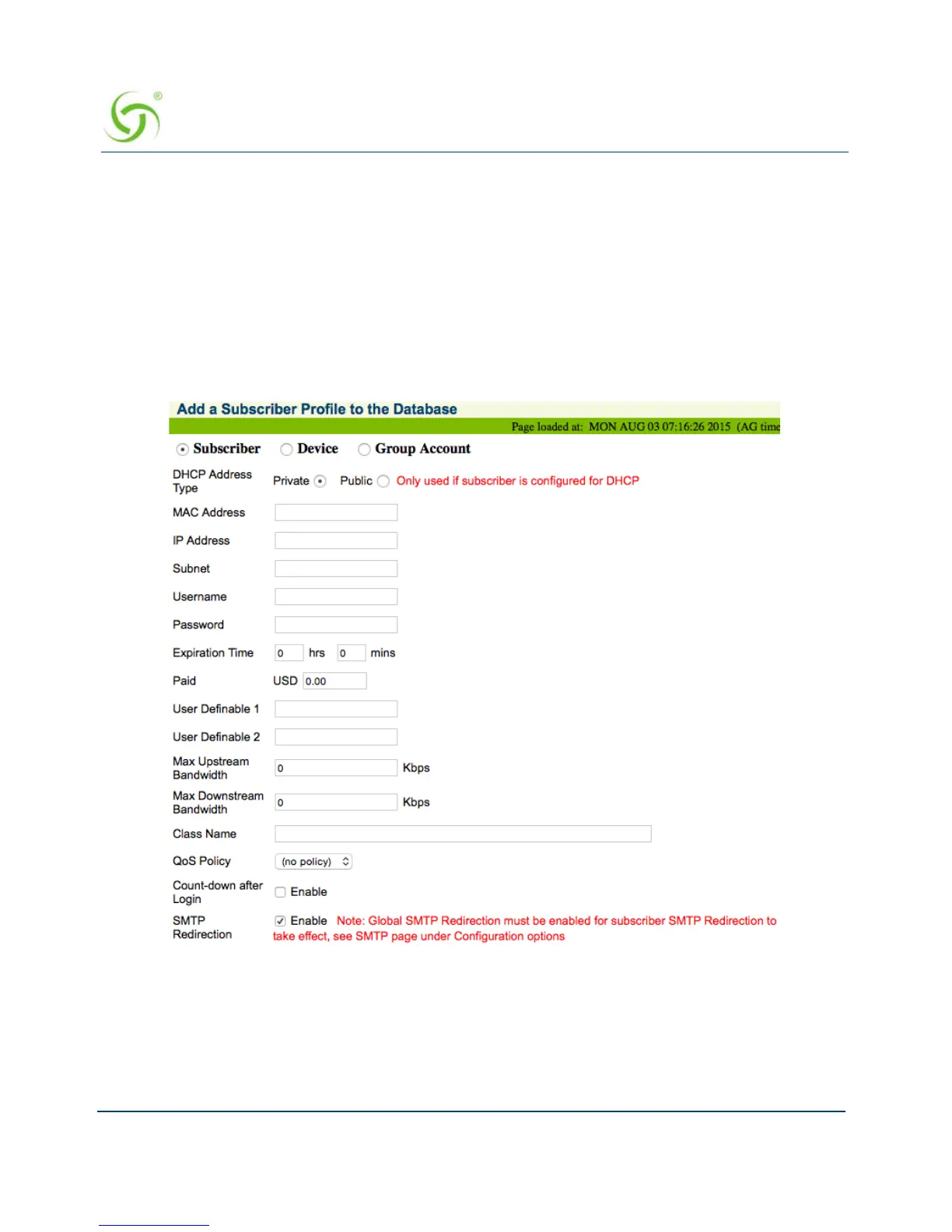
1. From the Web Management Interface, click on Subscriber Administration, then Add.
The Add a Subscriber Profile to the Database screen appears:
2. Choose the Subscriber account type.
3. Define the DHCP Address Type: Public or Private (only used when the IP Upsell feature
is enabled, otherwise leave this set to “private”).
4. Enter a valid MAC Address for the subscriber.



 To Next Page