8
88
90
91 82
3.6 VIEWING THE ACTUAL BOOM HEIGHT
• Toggle the "SENSOR DISPLAY" switch to view actual boom heights.
• The left, right, and main (center) boom heights are each displayed on a
separate screen. If there are 2 sensors on each wing, both sensor heights
will be displayed on the same screen. If only one sensor is mounted on
each wing (standard), only one height reading will be present on each
screen.
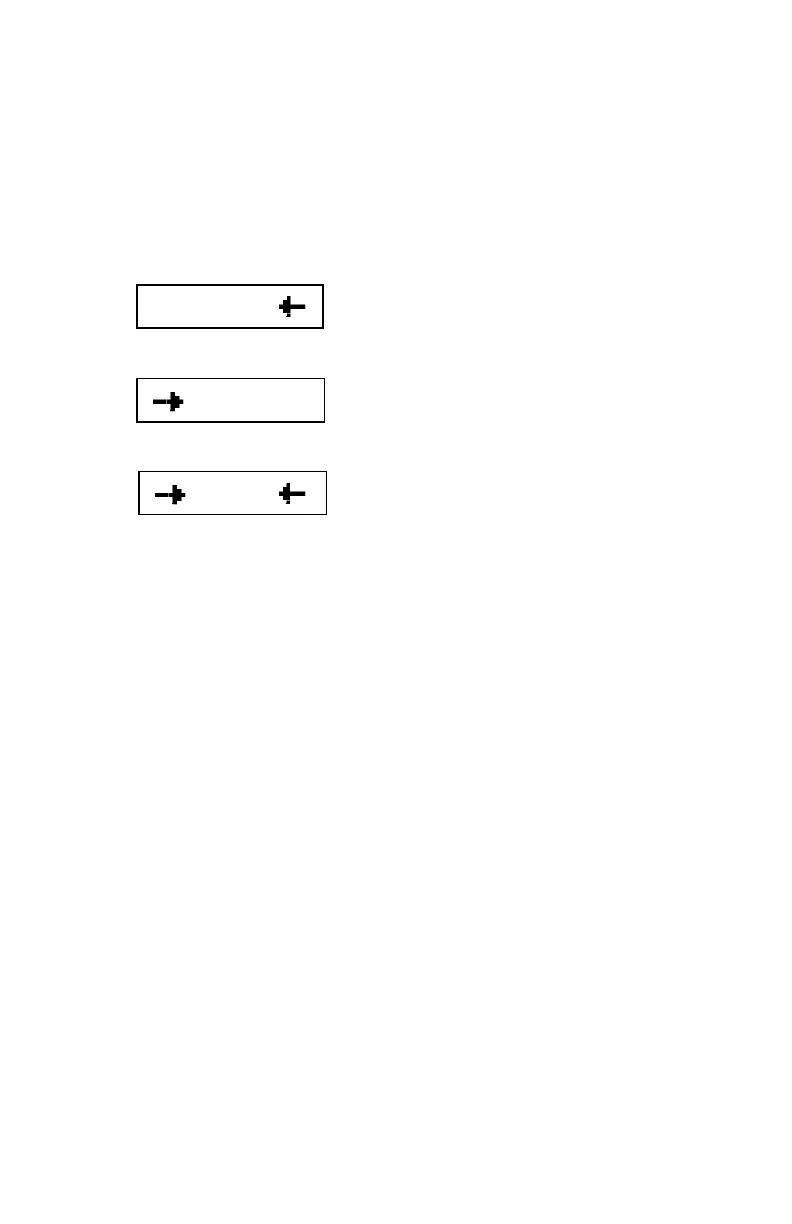
Left boom outer sensor (LO) is at 91 and the
left boom inner sensor (LI) is at 82.
Right boom outer sensor (RO) is at 88. In this
case it is the only sensor on the right boom.
Center section height is 90.
• To lock the currently viewed sensor heights on the screen indefinitely
toggle the " + " switch once.
• Height menus can be viewed in both AUTO and MANUAL mode.
• More information on sensor height menus is available in the UC4+
Operators Manual.



 To Next Page