6
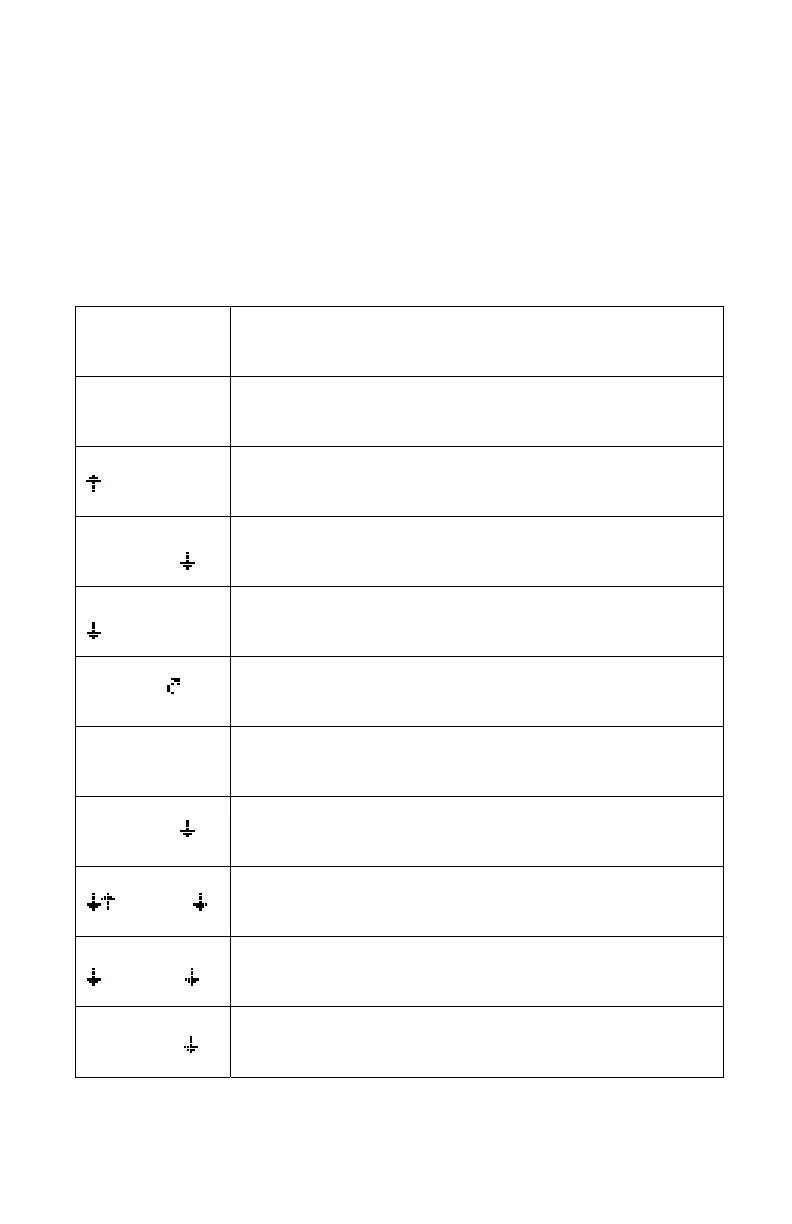
3.3 NORMAL OPERATING SCREEN
• In AUTOMATIC mode the digits represent average target boom height
in the selected units (cm or inches)
• In MANUAL mode the digits represent average actual boom height in
the selected units
Table 1 – Examples of Normal Operating Screens
LCD Display Description
A 89 A
In AUTO mode, target average height is 89 cm (or inches
if selected)
A 89 A
Left side taking corrective action upwards
A 89 A
Right side taking corrective action downwards
89 A
Main lift is taking corrective action downwards
A 89
Main roll section is taking action in the clockwise
direction
M 89 A
Left boom in MANUAL mode
Right boom in AUTO mode with target average height of
89
M 89 M
Booms in MANUAL mode with actual average height of
89
Operator is manually lowering the right boom
89 A
Left is in AUTO and going down
Main boom is in AUTO and lifting
Right boom is in AUTO and lowering
A 89 M
Left boom is in AUTO and is lowering
Right boom is in MANUAL and the operator is lowering
it
D 89 A
Left boom is disabled and the setpoint for the main lift and
right boom is 89



 To Next Page