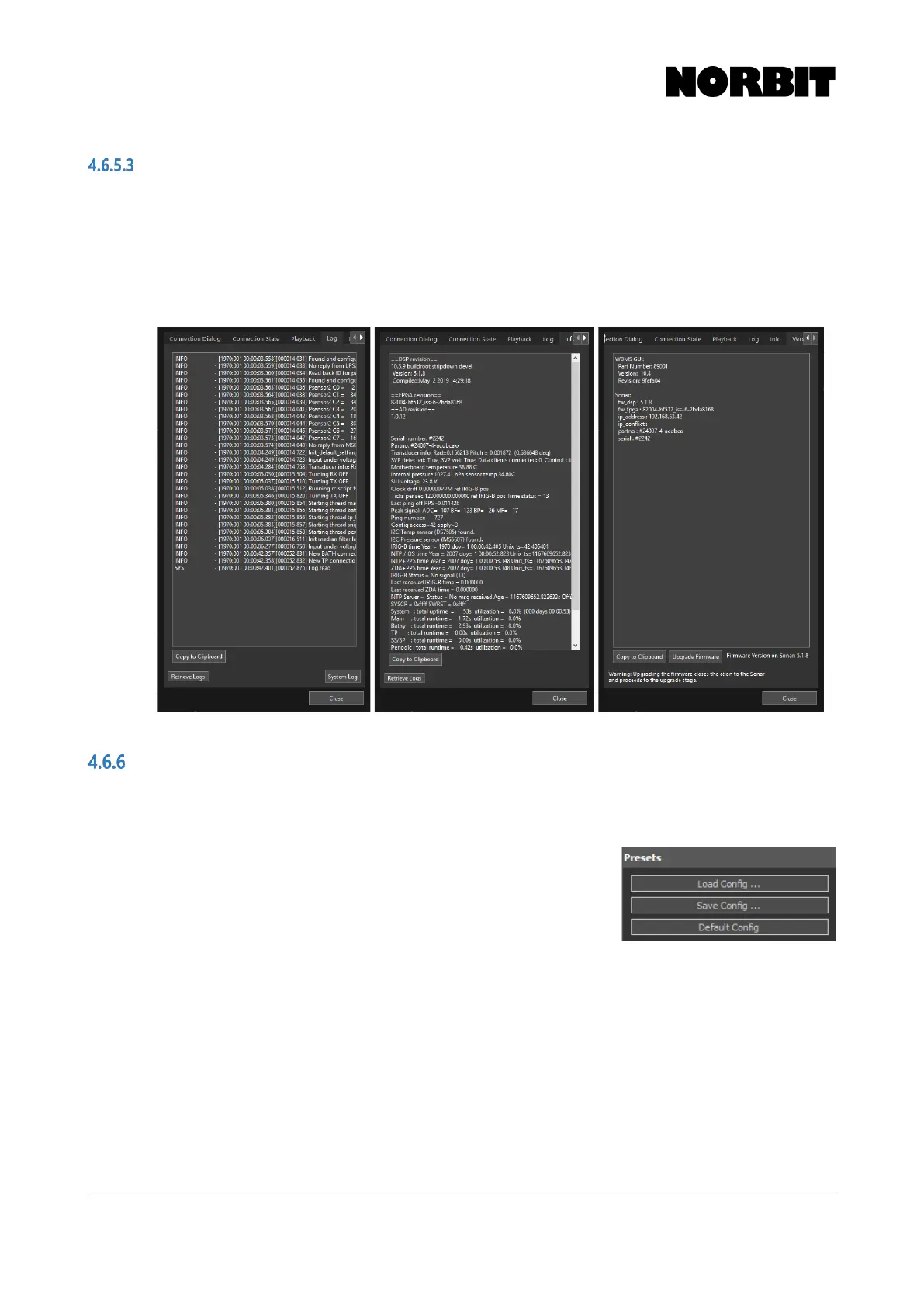
Log, Info & Version
The Log tab contains a record of system events. This is useful for troubleshooting, and NORBIT
support may ask for a copy during support cases.
The Info tab contains a record of serial numbers, part numbers, revision numbers, and various
system statistics.
The Version tab displays the current WBMS GUI version, as well as the current firmware version.
Presets
Users can save preferred sonar configurations to a file by selecting Save Config. These files can
be loaded by selecting Load Config, as and when required. The saved configuration files are stored
in the folder: C:\Users\<user>\AppData\Roaming\NORBIT\PredefinedSonarSettings\
Configuration files contain all sonar settings (frequency, swath
angle, static gain, etc.) and all GUI display preferences. Users may
transfer the files between computers to load desired presets.
This functionality allows rapid reconfiguration of the sonar with
minimal operator input. For example, a preset could be made for
quay wall surveys with settings appropriate for that application, i.e. Equiangular beam distribution,
range gates, and swath direction steered to either the port or starboard side.



 To Next Page