10.4.3 User Manual Contents April 17, 2020
Firmware: 5.2.1 Page 11 of 142
1.9
Maintenance Schedule
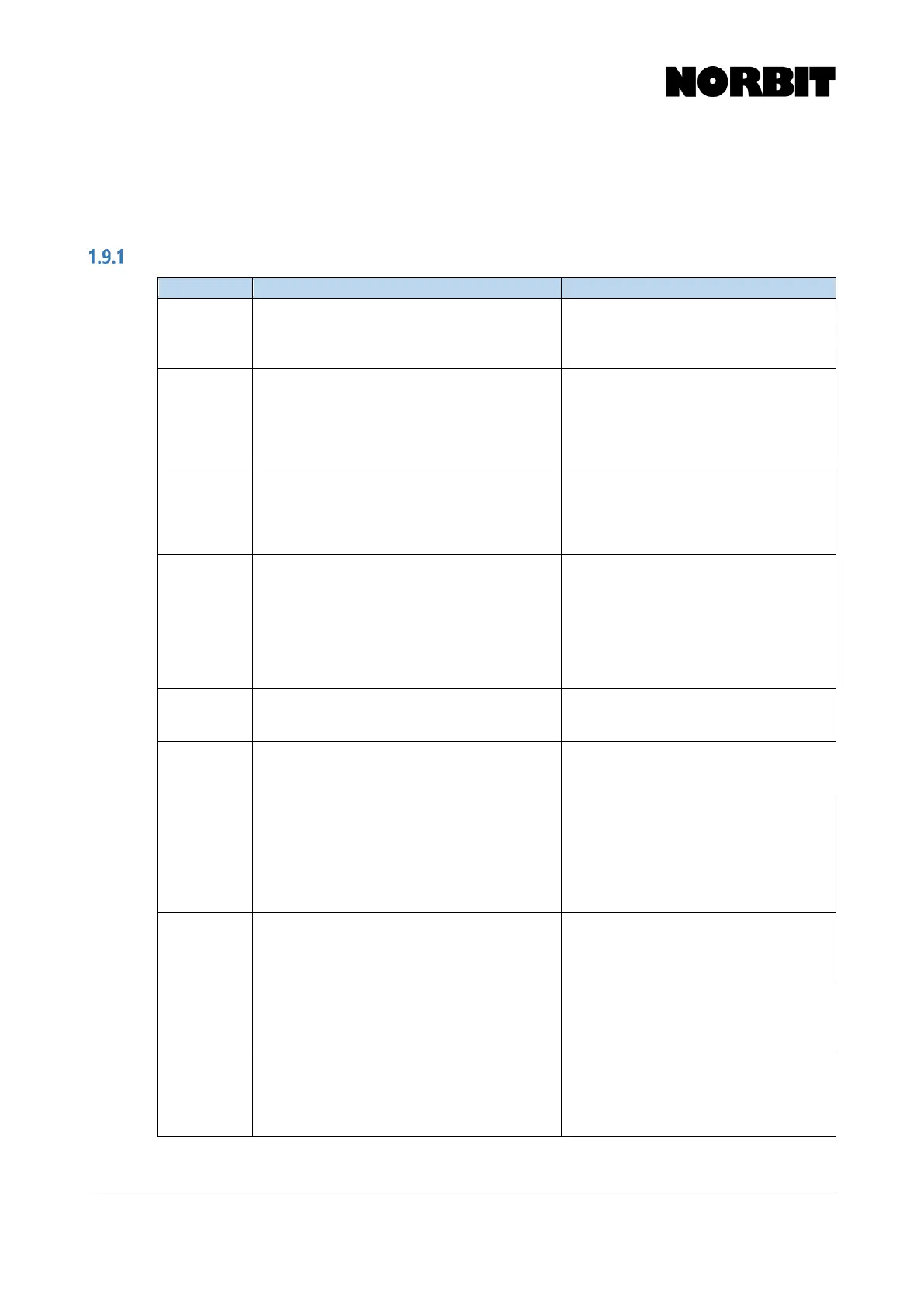
It is good practice to perform periodic inspections or checks of the sonar system. The table below
lists several checks, recommended by NORBIT, to guide users in performing maintenance checks.
Before Each Survey
Inspect polyurethane for gouges, nicks or
separation from housing. The array face
should be smooth and uniform.
Water intrusion will result in excessive
damage and be costly to repair. Contact
NORBIT Support for further information.
Always store sonar away from sun.
Inspect the projector array for gouges or nicks
and check the attachment area of the projector
with the sonar housing. The projector surface
should be smooth and uniform. A delamination
protection ring should be tightly fitted to
projector at the housing attachment point.
Water intrusion will result in excessive
damage and be costly to repair. Contact
NORBIT Support for further information.
Always store sonar away from sun.
O-Rings on
wet end
cable
connections
Check O-rings for damage and particulates
that may interfere with O-ring operation and
keep it lightly lubricated. Use Silicone Grease
that is min 90% pure.
If missing a spare O-ring, please remove
and borrow one from the cable wet-end
protective cap. But be sure to get the
appropriate one replaced from NORBIT
support.
Remove sound speed probe and check
connector for corrosion. Probe O-ring should
be in good condition. Replace probe and
ensure a tight fit. Apply light coating of silicone
grease to O-ring prior to re-attaching probe.
Compare value with value from profiler at
same depth. Difference should not be greater
than 1m/s
Bad or missing surface sound speed will
create beam steering errors and affect
outer swath data performance. It is
recommended that the probe be
calibrated every 18-24 months.
Inspect housing for scratches and corrosion.
Ensure anode is in good condition (for
aluminum housing).
Small scratches compromise the galvanic
barrier of the aluminum housing. Contact
NORBIT for further information.
Check for debris and clean out with
compressed air. Cable connector must be dry
and clean. Use protective cap when not in-use.
Sonar connection is not wet-mateable.
Do not disconnect or connect when sonar
is submerged or in wet areas.
Check connectors and clean out with
compressed air. Run cable through hand and
check that cable is smooth, without kinks and
without tears. Check that pins are shiny and
not bent. Check O-rings for wear and replace
as necessary. Use small amount of silicone
lubricant.
A bad connection or bad cable will
corrupt survey data. Treat the cable with
great care (do not walk on it).
Check that threads on plastic sleeves are in-
tack and not de-threaded. Vibration over long
term can loosen bolts and compromise data
quality or loss of wet-end.
Use only stainless-steel bolts and
washers. Contact NORBIT for spare
parts. Use Loctite 242 Blue, lock washers
and/or nylon nuts.
Check that all hardware for the mounting
bracket is tight. Care must be taken when
checking the mounting screws for the sonar as
over tightening may damage the connections
The bracket is very robust and provides
electrical isolation from the vessel.
Electrical &
Galvanic
Isolation
Shield
Check that plate is included in shipping case
and used between sonar and sonar bracket
when mounted. For the WBMS (non-integrated
systems), it is imperative to use the included
electrical isolation shield.
This protects the aluminum sonar
housing from galvanic corrosion.



 To Next Page