Sonar Simulator
For training and certain troubleshooting scenarios, NORBIT
provides a sonar simulator that sends simulated data to the
standard GUI. The simulator is currently only for sonar data
and does not output simulated navigational data.
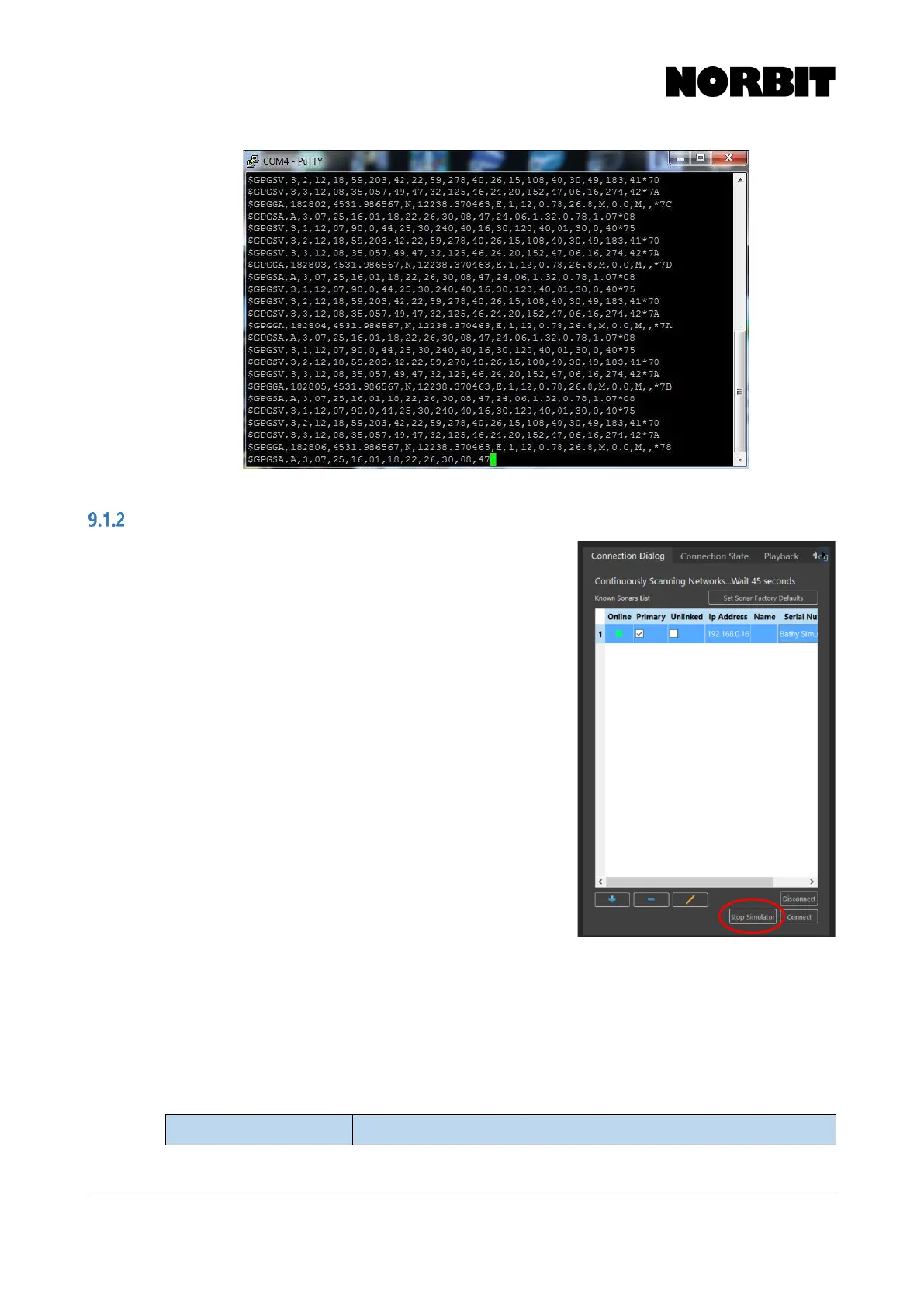
The simulator can be started via the Connection Dialog.
Press Start Simulator. Once started, highlight the bathy
simulator on the sonar list and click Connect as you would
do with a standard sonar. You may receive an incompatible
firmware warning; ignore this and click Connect Anyway.
To start the simulated sonar data, click the play button. The
simulator data can be used in acquisition software for
testing, training or troubleshooting purposes. The simulator
does not output sound velocity, navigational or inertial data.
Consequently, the simulated sonar data will not be time
stamped.
To close the simulator, simply shut down the GUI. If you
wish to switch back to a real sonar, return to the Connection
Dialog and select it.
9.2
Symptoms & Suggested Actions
Following is a table that should facilitate troubleshooting of common problems:



 To Next Page