10.4.3 User Manual Contents April 17, 2020
Firmware: 5.2.1 Page 92 of 142
Database Setup for WBMS, iWBMS, iWBMSh & iWBMSe
QINSy structures all data in a native database format. All data and hardware settings including
offsets are saved to a database file. The setup locates all sensors relative to an object, usually the
survey vessel. The offsets from the object to the system (vessel) CoR are entered as a node.
Step 1. Configure Geodesy
To start creating the database, go to QINSy > Setup > New Database. Go through and fill out the
relevant Datum Parameters fields, i.e. specify the project geodesy.
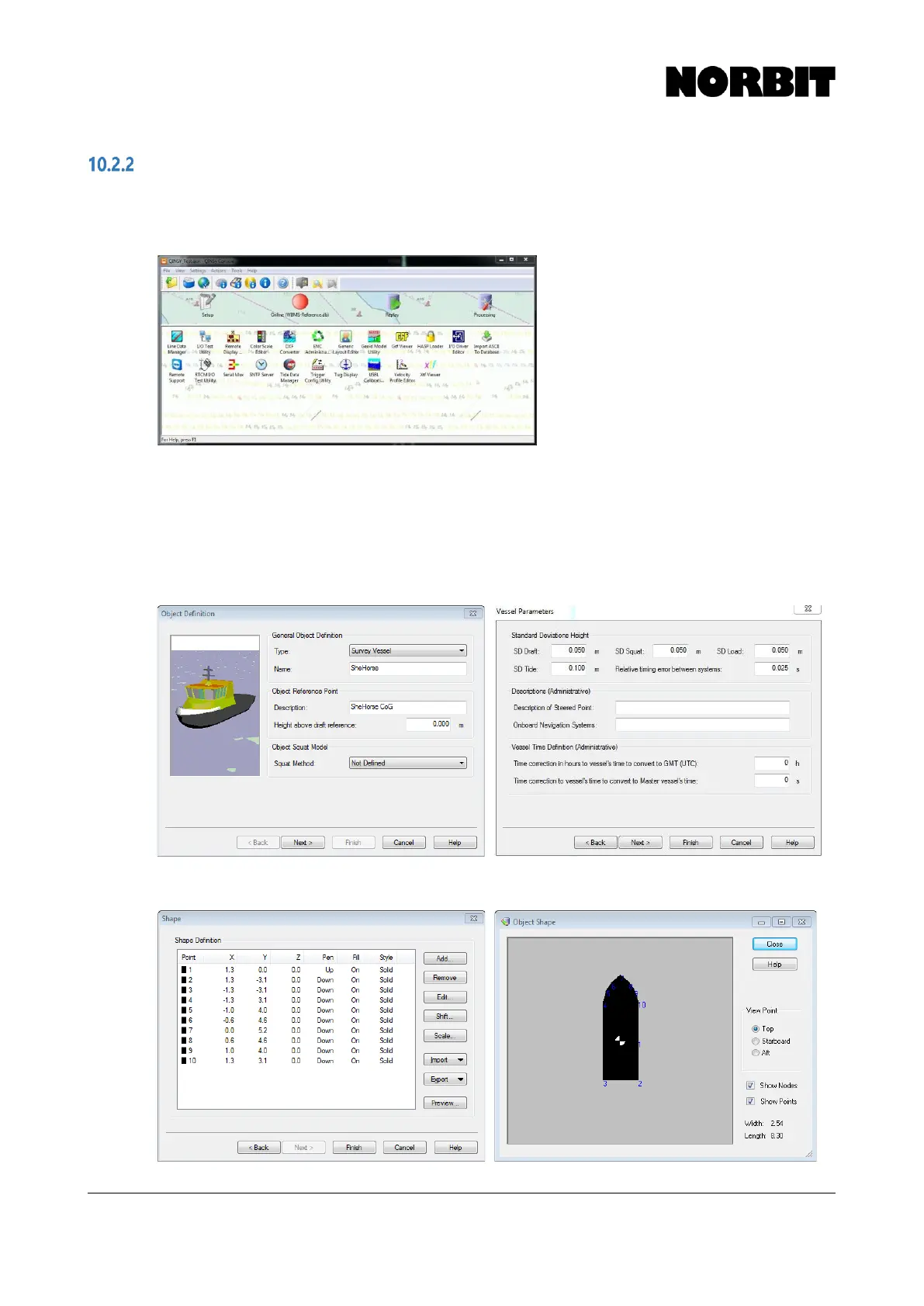
Step 2. Object Definition
Complete all relevant fields in the Object Definition section. This allows users to specify the shape
of the vessel, location of the vessel/object reference point, etc.
Should the user desire a vessel shape, it can be created and previewed in this section.



 To Next Page