EasyManua.ls Logo

NordicTrack EXP1000 NTTL09990 - User Manual

NordicTrack EXP1000 NTTL09990
30 pages
Print Icon
To Next Page IconTo Next Page
Loading...
USER'S MANUAL
CAUTION
Read all precautions and instruc-
tions in this manual before using
this equipment. Save this manual
for future reference.
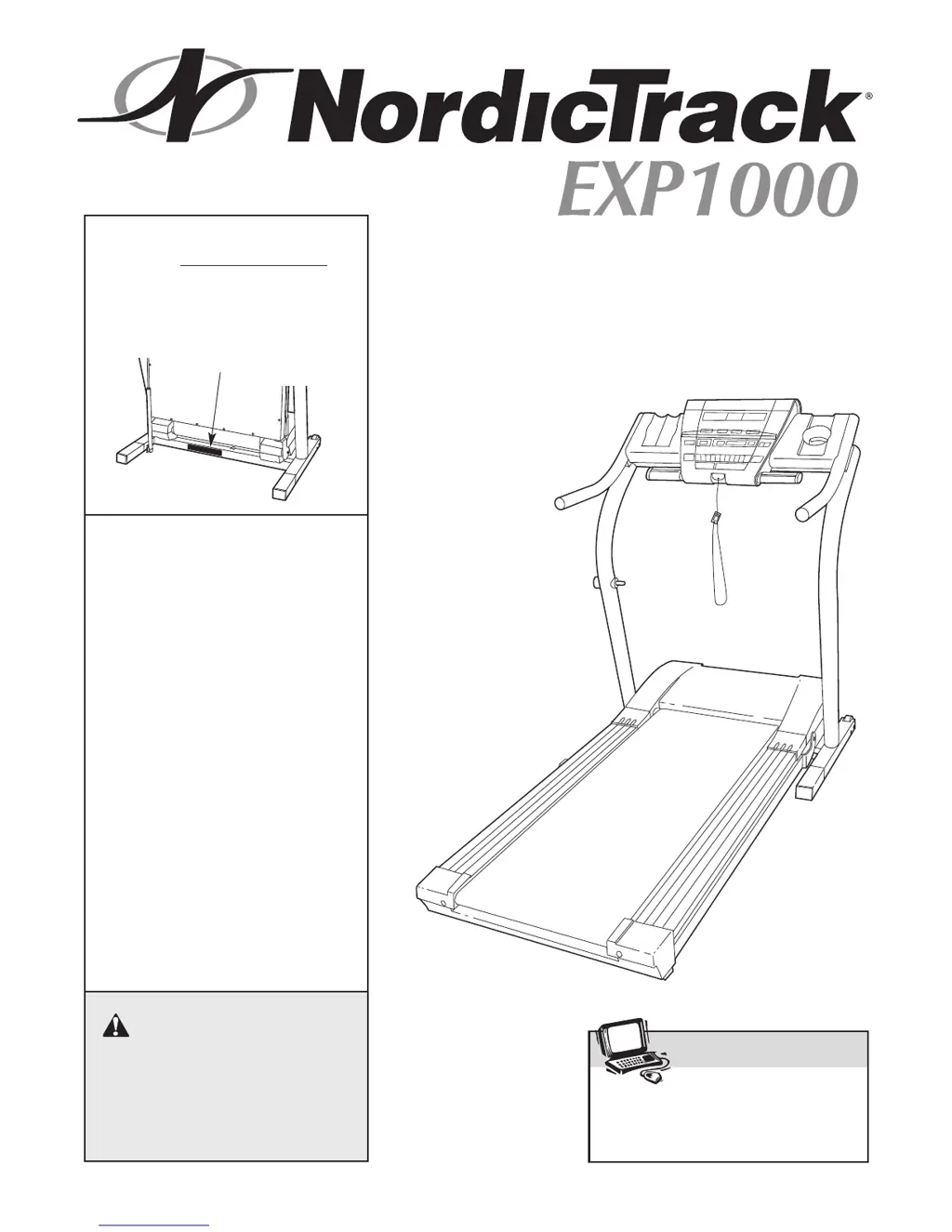
Serial Number Decal
Model No. NTTL09990
Serial No.
Find the serial number in the location
shown below. Write the serial number
in the space above for reference.
Visit our website at
www.nordictrack.com
new products, prizes,
fitness tips, and much more!
V
QUESTIONS?
As a manufacturer, we are com-
mitted to providing complete
customer satisfaction. If you
have questions, or if there are
missing parts, we will guarantee
complete satisfaction through di-
rect assistance from our factory.
TO AVOID UNNECESSARY DE-
LAYS, PLEASE CALL DIRECT TO
OUR TOLL-FREE CUSTOMER
HOT LINE. The trained techni-
cians on our Customer Hot Line
will provide immediate assis
-
tance, free of charge to you.
CUSTOMER HOT LINE:
1-888-825-2588
Mon.–Fri., 6 a.m.–6 p.m. MST
Patent Pending

Questions and Answers

  • J
    jennifer71Jul 25, 2025
    What to do if my NordicTrack EXP1000 NTTL09990 power does not turn on?
    • M
      Matthew GuerraJul 26, 2025
      If your NordicTrack Treadmill doesn't power on, ensure the power cord is plugged into a UL-listed surge protector (15 amps, 14-gauge cord, five feet or less) that's plugged into a grounded outlet. Also, verify the key is fully inserted into the console and the on/off switch near the power cord is in the 'on' position. Lastly, check the circuit breaker; if tripped (switch protrudes), wait five minutes, then press the switch back in to reset it.
  • T
    Tiffany StephensonAug 9, 2025
    Why does my NordicTrack EXP1000 NTTL09990 Treadmill power turn off during use?
    • A
      Andrew WilliamsAug 9, 2025
      If your NordicTrack Treadmill shuts off during use, check the circuit breaker near the power cord; if tripped, wait five minutes before resetting it. Also, ensure the power cord is securely plugged in, the key is fully inserted into the console, and the on/off switch is in the 'on' position.

Summary

Initial Safety Warning

Important Safety Precautions

Before You Begin

Treadmill Assembly Instructions

Operation and Adjustment Guide

Getting Started with Your Treadmill

Manual Mode Operation

Using Preset Workout Programs

Creating Custom Workout Programs

Connecting External Devices for iFit

Using Internet Site Programs

Information and Demo Mode

Folding and Moving the Treadmill

Folding for Storage

Step-by-step guide to folding the treadmill for storage, including incline adjustment.

Moving the Treadmill Safely

Procedure for safely moving the treadmill after it has been folded for storage.

Unfolding for Use

Instructions on how to safely unfold the treadmill from storage to its operational position.

Troubleshooting Common Issues

Power and Display Troubleshooting

Addresses issues with power not turning on, turning off during use, or console display malfunctions.

Walking Belt and Incline Troubleshooting

Solutions for walking belt speed issues, centering, slipping, and incline adjustment problems.

Conditioning Guidelines and Workout Tips

Limited Warranty Information

NordicTrack EXP1000 NTTL09990 Specifications

General IconGeneral
Motor2.5 HP
Speed Range0-10 MPH
Incline0-10%
Running Surface20" x 55"
Weight Capacity300 lbs
FoldingYes
Programs20
Weight203 lbs
DisplayLCD

Related product manuals