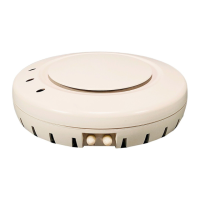
Installing and connecting a Series 2332 Access Point 55
Nortel WLAN Series 2332 Access Point Installation Guide
Verifying AP health
After you install the AP and enable PoE on the Ethernet cable connected to the AP, you can easily verify the AP’s status
by observing the LEDs, particularly the health LED. (See Figure 3 on page 28.)
The health or LINK LED indicates whether the AP is ready for operation.
• If the LED is green and glowing steadily, the AP has been booted successfully by the WSS and is ready for
operation.
• If the LED is not steadily glowing green, contact the system administrator for the WSS or, if you are the system
administrator, see Appendix , “AP troubleshooting,” on page 125.
Note. The 10/100 Ethernet ports on a WSS are configured as wired network ports by
default. You or the system administrator must change the port type for a WSS port directly
connected to an AP to activate the link. (See the Nortel WLAN 2300 Series—Security
Switch Installation and Basic Configuration Guide.)


 To Next Page