Northstar FISH 457/467 Installation and Operation Manual14
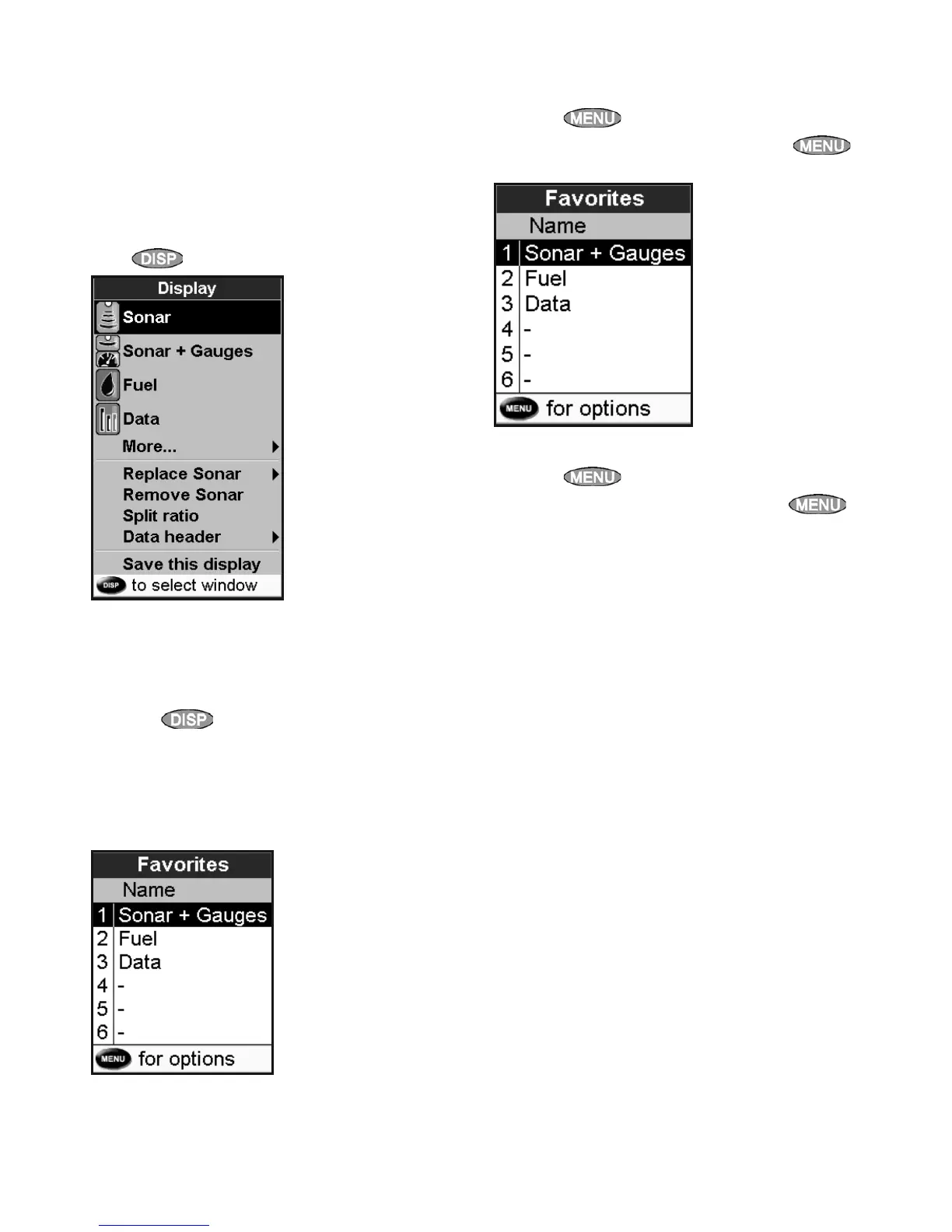
The 457/467 has a list of commonly used displays,
called favorite displays. There can be up to six
favorite displays.
Sonar, Gauges, Fuel, Data, and Tanks windows can
be combined in a display. Each of these displays
can have a data header (see section 2-6-3).
Selecting a favorite display
Press
and select a favorite from the menu.
Adding a favorite display to the list
1 Set up the display with the window or
windows you want in the new favorite (see
section 2-6).
2 Press
and select Save this display. The
457/467 displays the favorites list.
3 Select where in the list to add the new
favorite. If you select an existing favorite
display then the new favorite will replace the
existing favorite in the list.
Deleting a favorite display from the list
1 Press
twice then select Favorites.
2 Highlight the display to delete, press
and select Delete.
Changing the order of the favorites list
1 Press
twice then select Favorites.
2 Highlight the display to move, press
and select Move up or Move down.
2-6-2 Favorite displays



 To Next Page