Northstar FISH 457/467 Installation and Operation Manual 45
8-10 Setup > Simulate
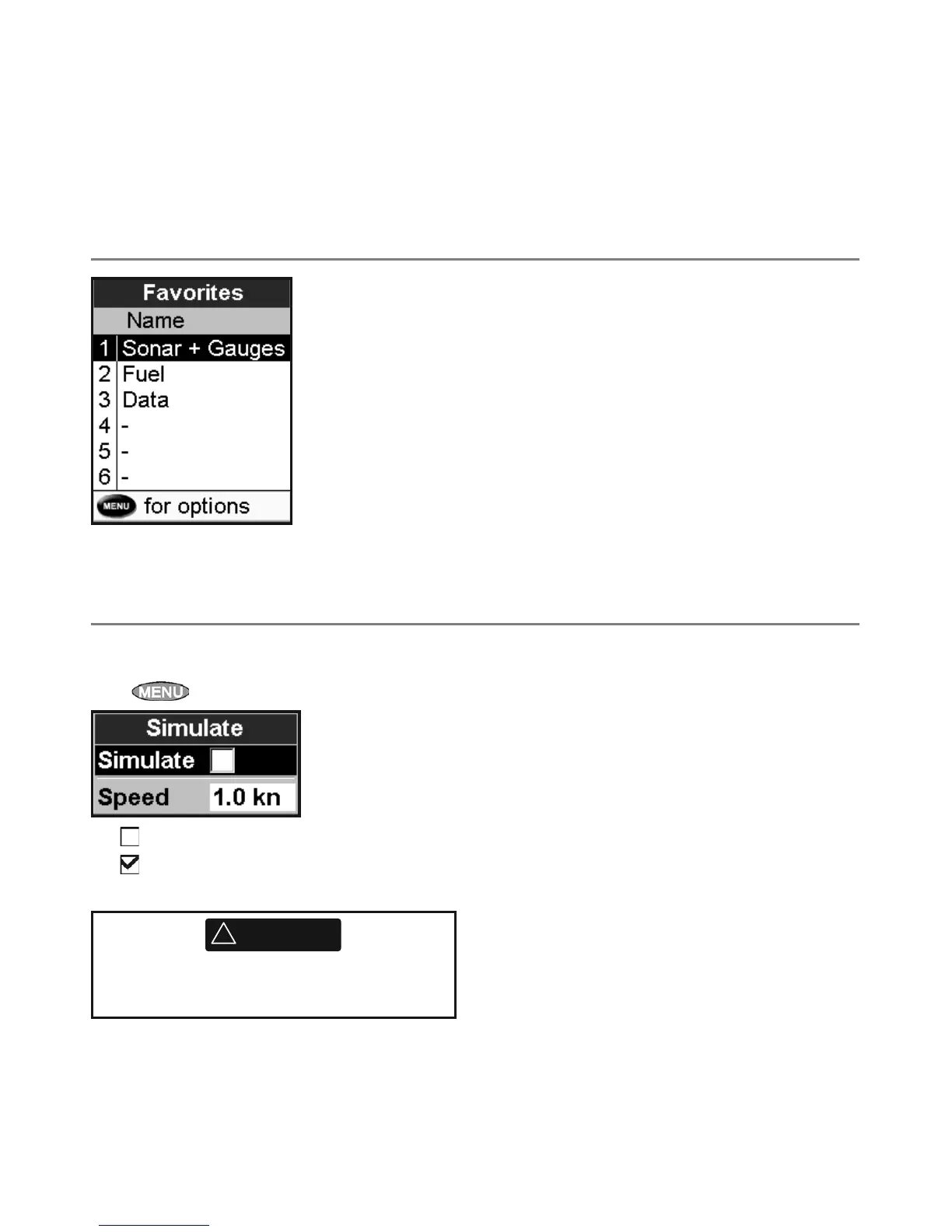
Simulate mode is a way of becoming familiar with
the 457/467 (see section 2-5).
Press
twice, then select Simulate:
Turn simulate mode off
Turn simulate mode on
Speed: The simulated boat speed to use.
Never have simulate mode on when the
457/467 is on the water.
!
WARNING
Speed range
The maximum reading to display on an analog
boat speed gauge (see section 5). Choose a range
suitable for your boat.
Fuel
See section 7-7, Calibrate.
8-9 Setup > Favorites
See section 2-6-2.



 To Next Page