Installing the Charger
CHG-120 Instruction Manual 11/06/2002 PN 50641:B1 19
Configuring the Charger
You can configure the charger to do the following:
• Set the charger input power (see Figure 3 on page 11).
• Delay AC loss reporting (for Central Station applications); and
• Disable charger ground fault detection.
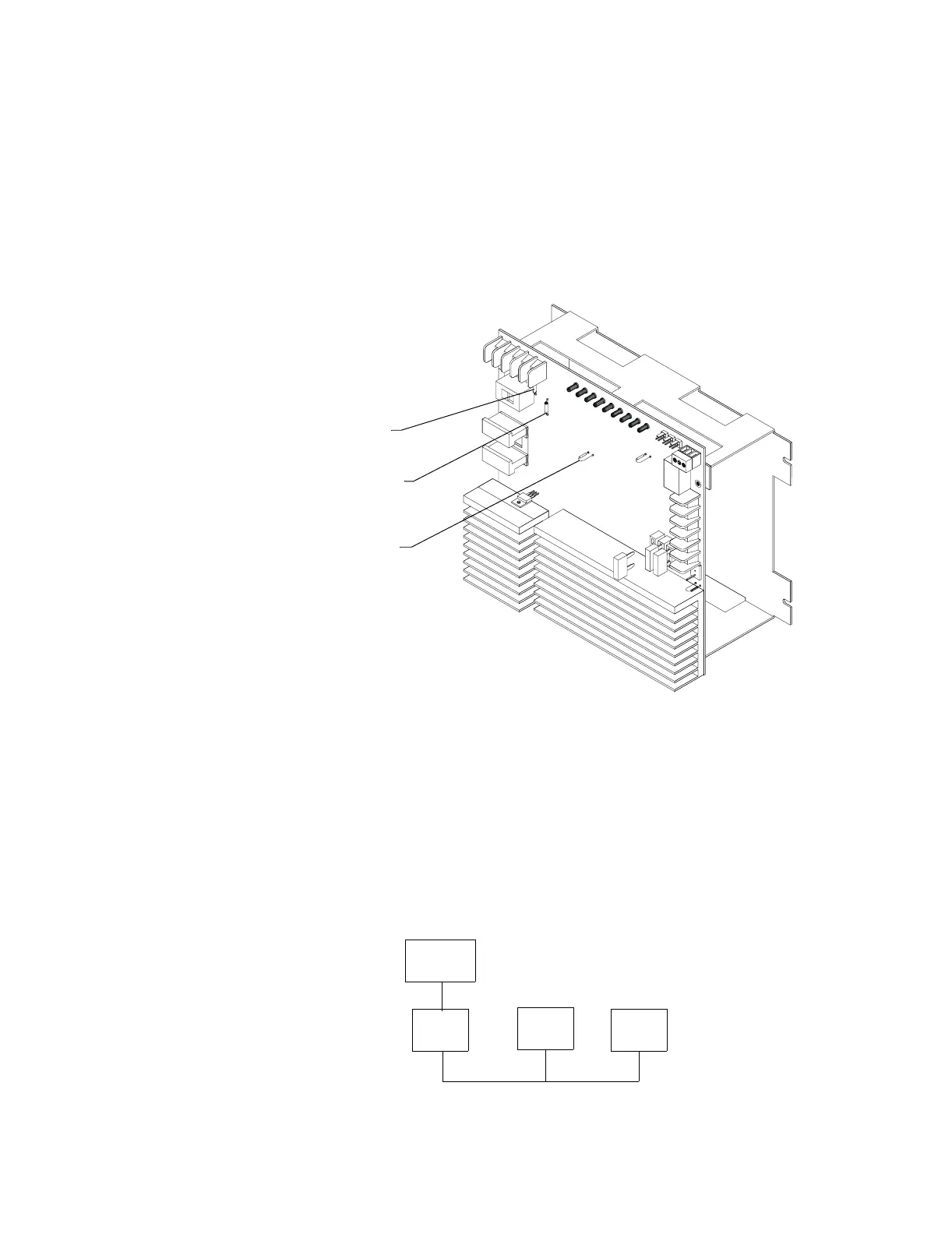
Figure 12 shows how to configure the charger for delaying the loss of AC reporting and for
disabling ground fault detection:
Figure 12 Configuring the Charger
Delay loss of AC Reporting If using a Digital Alarm Communicator (DACT), you must
delay the reporting of an AC loss condition to a central station. This delays activation of the
trouble bus and Form-C trouble contacts when AC fails. You can configure the charger for
an 8-hour or a 16-hour delay as follows:
• 8-hour delay – Cut and remove jumper JP8 on the charger (Figure 12).
• 16-hour delay – Cut jumper JP8; then, cut and remove resistor R100 (Figure 12).
Disable Ground Fault Detection To disable local (charger) earth fault detection, cut and
remove resistor R104 (Figure 12). Figure 13 contains a simplified block diagram that
shows ground fault detection disabled on a charger connected to multiple power supplies:
Figure 13 Disabling Ground Fault Detection
Delay loss of AC (16 hrs) cut and
remove R100, in addition to
cutting JP8
Disable ground fault detection
cut and remove R104
Delay loss of AC (8 hrs) cut JP8
On the charger,
disable ground fault
detection (cut R104).
Charger
MPS-400
On MPS-400 #2 and #3,
disable ground fault
detection (cut JP2).
# 1
MPS-400
# 2
MPS-400
# 3
On MPS-400 #1, enable
ground fault detection
(do not cut JP2).



 To Next Page