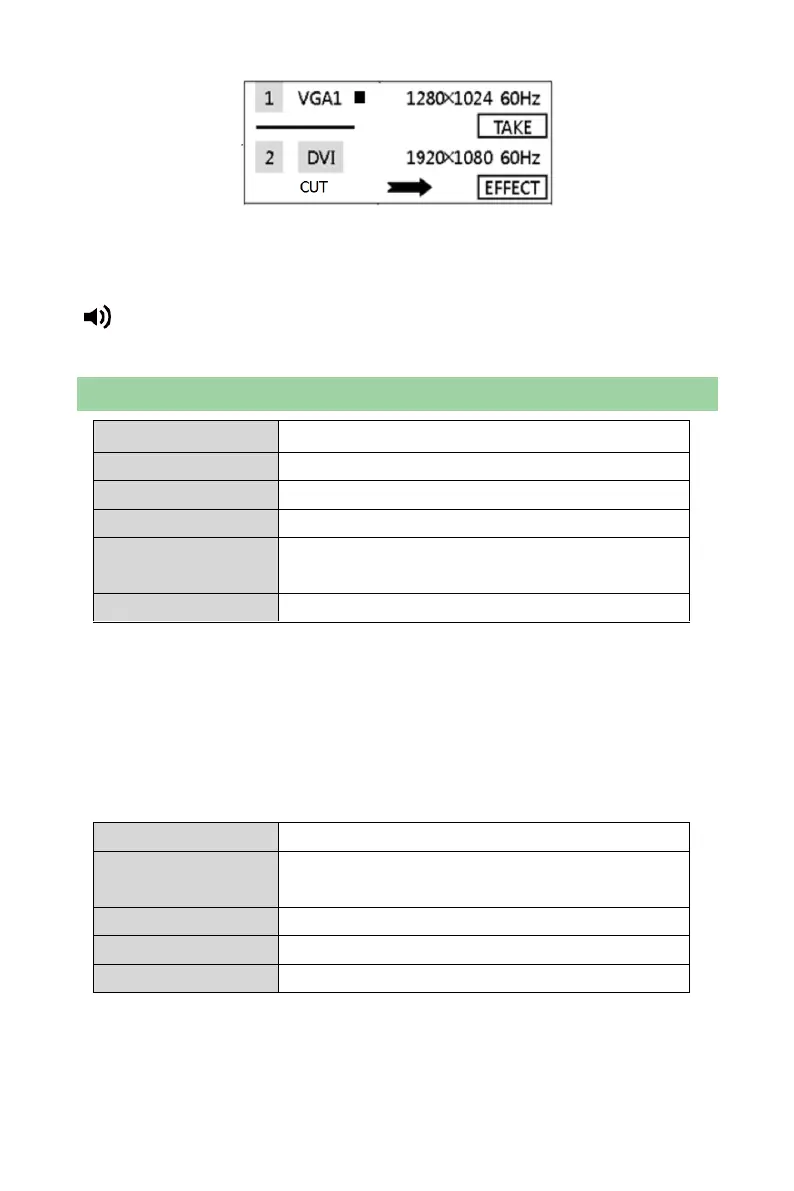
Image switching interface
Image switching interface can be opened through the shortcut “TAKE” on the
front panel.
Tip: The signal sources that can be switched from one to another are the same
as the sources of PIP.
Misc Settings
Freeze: The output of the processor is frozen at current displayed picture.
Instant: If it is closed, a blank screen will appears on the LED display during input
source switching. If it is opened, the switching effect will kick in.
Lock Input Resolution: The resolution of front-end signal source can be set
through DVI input channel. Point-to-point display can be realized. It will get the
best display effect and save bandwidth.
Auto: System will read the optimum resolution of rear-end device.
Apply: Put the manually set parameters into effect in order to change the
resolution of signal source.



 To Next Page