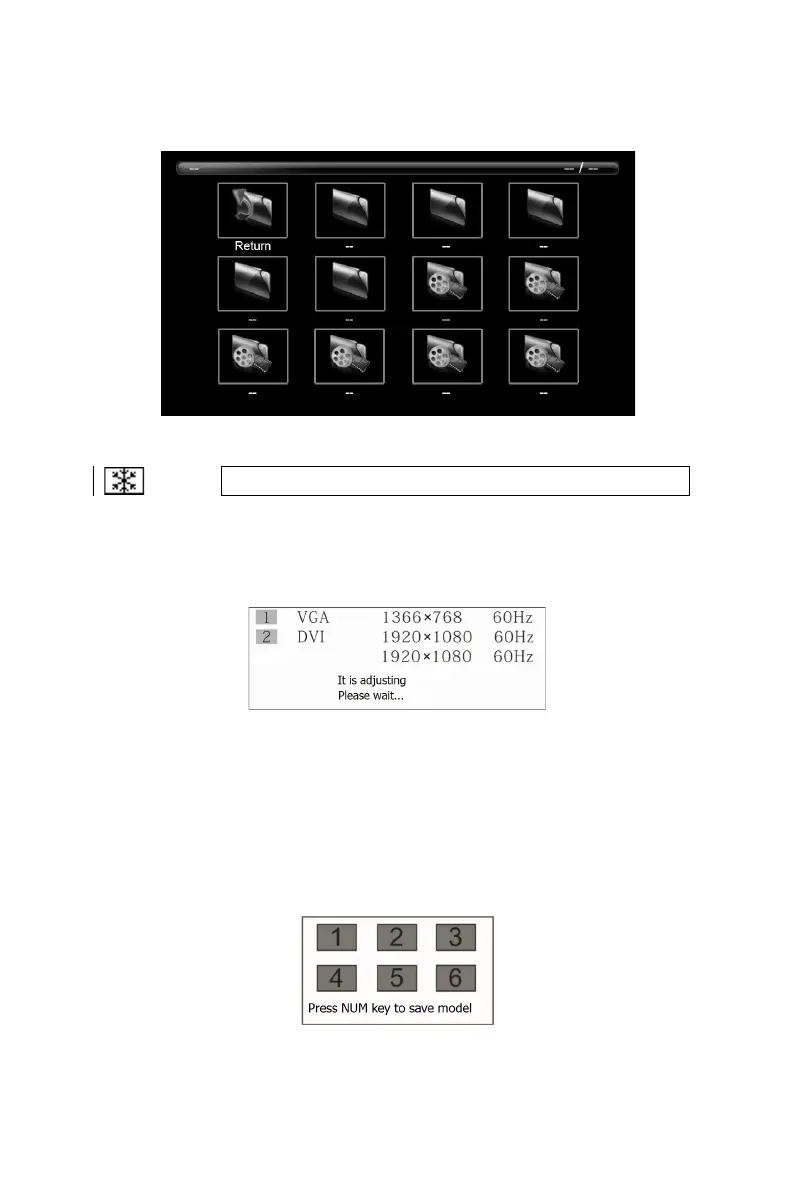
display. Turn the knob to select media.
As shown in the figure below:
Image Freeze
“
FROZ
”
This function can freeze current image. Operations on signal source cannot
influence the output image.
Auto Adjusting
“
AUTO
”
Auto adjusting is used for auto phase adjustment.
Model Function
“
MODE
”
In some occasions, it is needed to set multiple scene modes. Different scene modes
can be saved as different models which can be loaded when needed.
Press “MODE” button to load models.
In this interface, press “AUTO” to save the model.
Current scene can be saved as corresponding model.
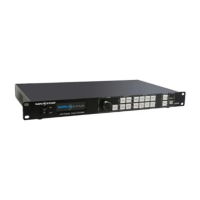
When multiple units operate together, they can be cascaded by network cables as


 To Next Page