ML0042 October 15, 2019 - 82 - Copyright 2019 Bitronics, LLC
Summary panel
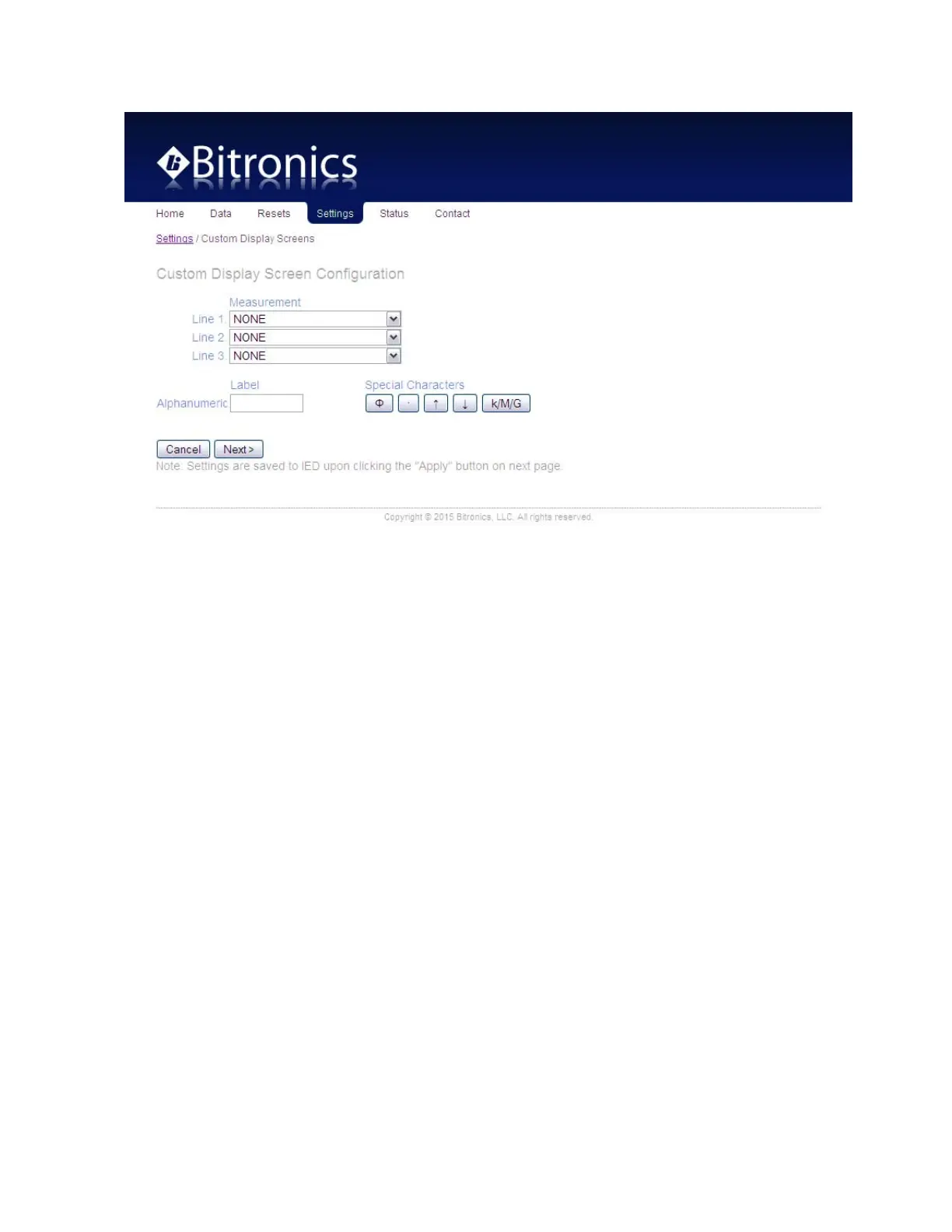
Screens are saved to IED once the “Apply” button has been clicked. A row (screen)
from the summary table can be selected for viewing, editing or deleting by clicking its
radio button.
The order of the screens can be changed by selecting a screen from the list and
clicking on the up or down arrows.


 To Next Page