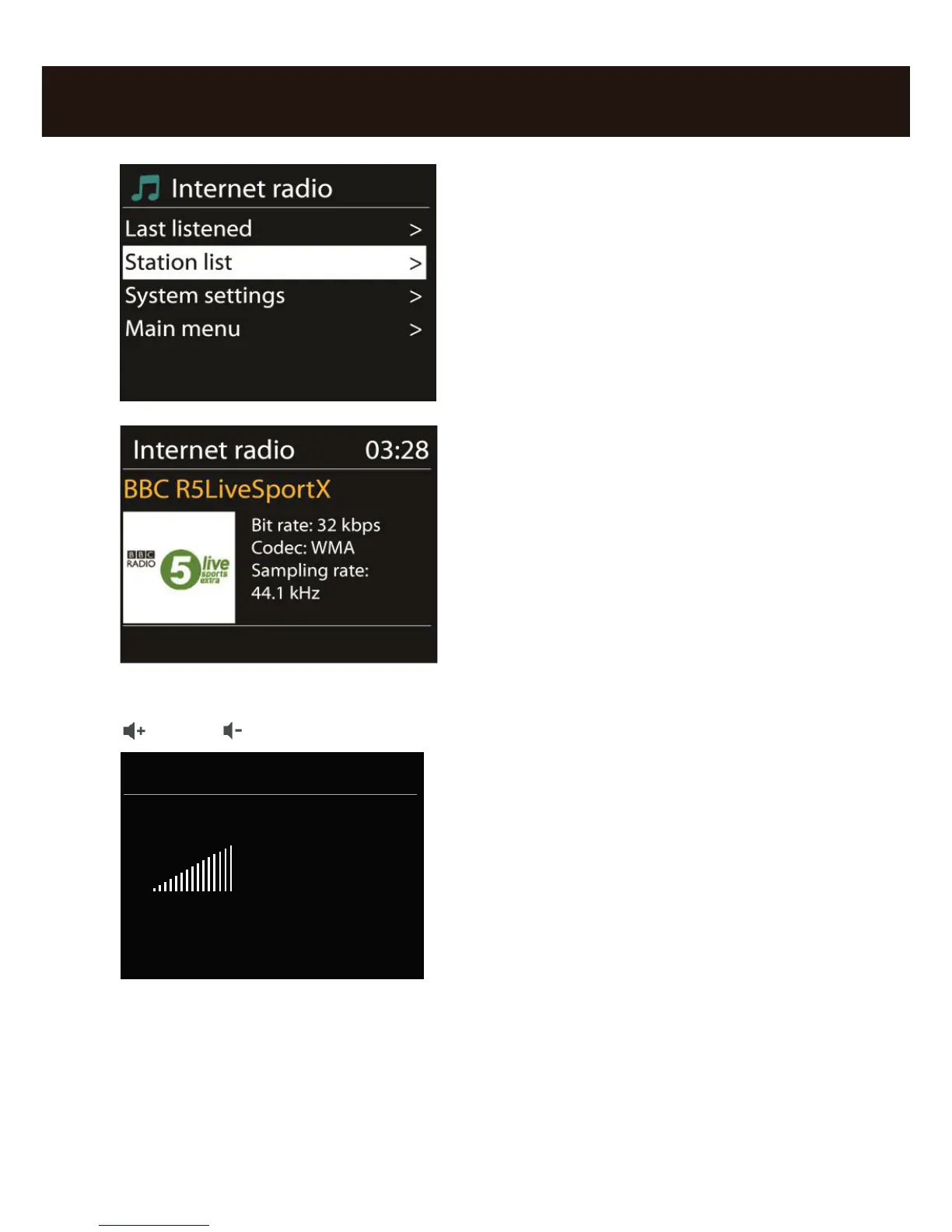
In the submenu that follows, navigate to the
station of your choice according to your perso-
nal taste.
To accommodate the large number of stations
available from around the world, our database
is conveniently sorted into countries, genres,
popular stations etc. and is updated
on an ongoing basis.
To adjust the volume during playback, use the button on vol+ and vol- on the radio
/ or the keys on the remote control.
Have fun with your new NOXON iRadio!
Here‘s how to reach NOXON:
http://www.noxonradio.de/en/support
Support-Hotline: 02157 - 817914
NOTE: The structure and function of the software can be changed with a rmware
update!



 To Next Page