15
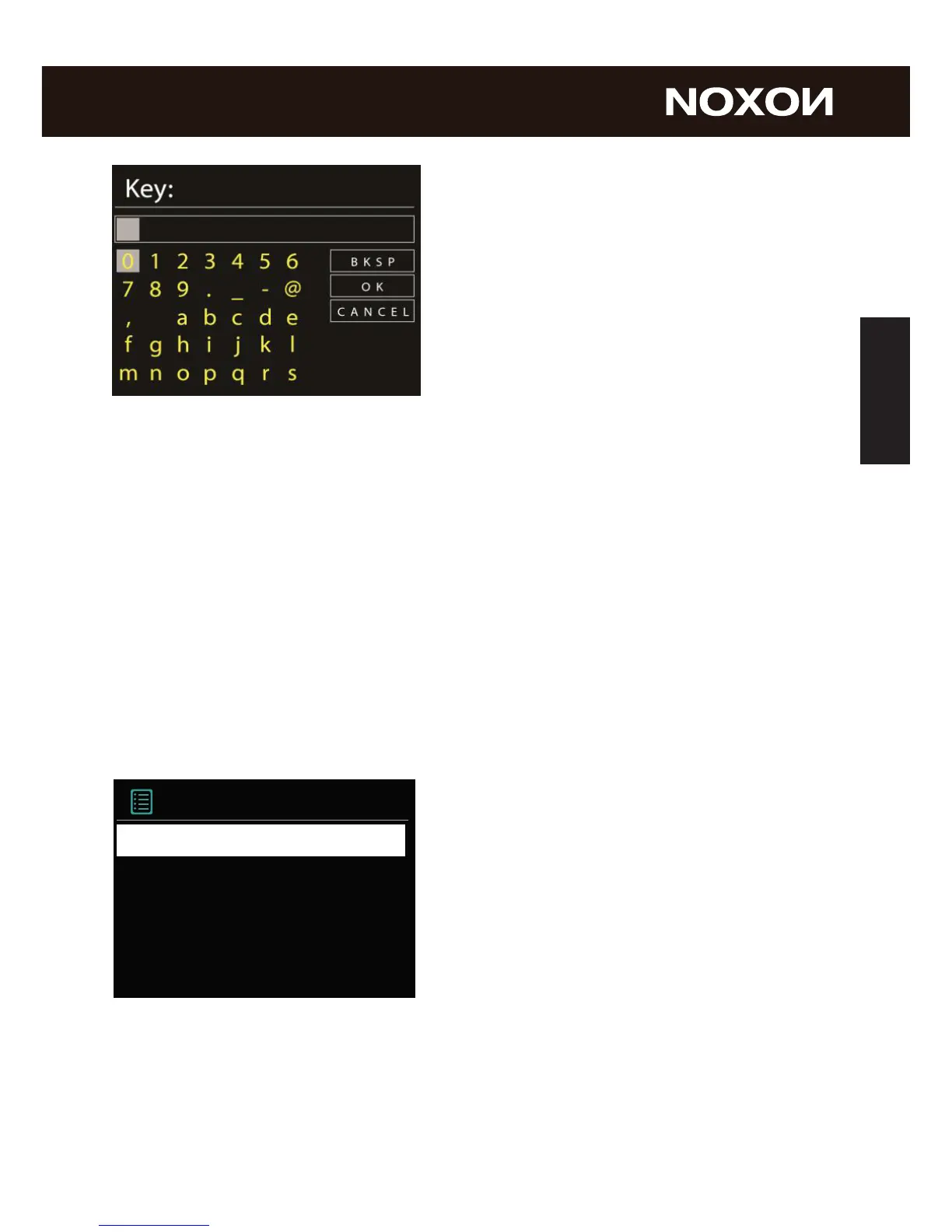
Navigate through the selection in the usual way
using the navigation dial, push function and
Back button.
When you have nished entering the key, con-
rm with OK. You likewise reach this eld via
the navigation dial.
There, you‘re nished already! Just press the navigation dial again to go to the main
menu – and use your NOXON iRadio to plunge into the wonderful world of Internet
radio.
Note: We recommend checking the device‘s rmware from time to time to ensure that
you have the latest version and to update it if necessary – only in this way can you
access the latest functions of your device. We‘ll explain how to do so later on in this
manual. Listen and enjoy
After you have set the device up successfully, the (almost) innite variety of Internet
radio is at your ngertips.
Listen and enjoy
After you have set the device up successfully, the (almost) innite variety of Internet
radio is at your ngertips.
From the main menu, select „Internet Radio“ and conrm the selection.



 To Next Page