Revision 2.2
Operation
5-7
As previously discussed in Section
5.2, the Digital inputs consist of:
• Composite
• SDI
• External 70 MHz
• ASI
As previously discussed in Section 5.2,
the Analog inputs consist of:
• Composite
• SDI
• External 70 MHz
Remember, only one input can be made
active at any time. Only the Input Menu
can select the active input, regardless of
whether there are signals present on
any of the input connectors,
Modulation Menu Selections
The Modulation Menu establishes the
operating parameters for both Analog
and Digital modulation schemes. The
Modulation Menu has two sub-menus:
• Mode Select.
• Parameter Setup.
Mode Select is used strictly for
selecting the type of Digital Modulation
to be utilized by the TX1. Choices are
COFDM, DVB-S, and VSB.
Parameter Setup allows the user to
change or adjust the various parameters
affecting the different modulation types.
These parameters are for:
• FM
• COFDM
• DVB-S (Future)
• VSB
FM
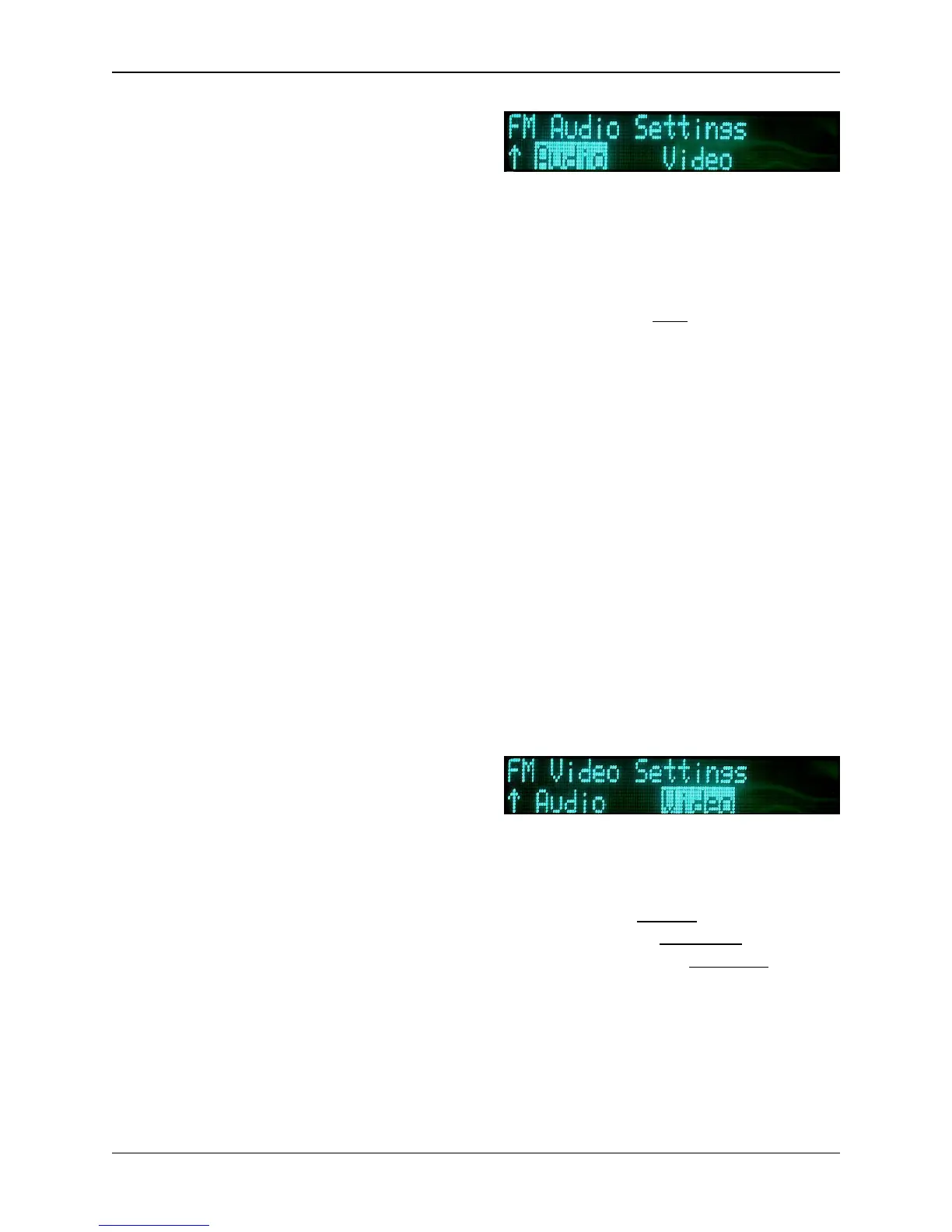
For FM (Analog), there are two sub-
categories: Audio, and Video.
Under the FM Audio sub-menu, the
user can chose between any one of four
Analog audio channels (SC1L,
SC1-R, SC2-L, & SC2-R) and change
any of the following:
• Input: Off, Line, Tone, AES/EBU,
and Embedded
• Insertion: Adjusts from –40 dB to
–20 dB; (default –28 dB.)
• Gain: Adjusts from –6 dB to
+6 dB; (default 0.0 dB)
• Nextel Frequency Band:
Adjusts sub-carrier frequency -
(Refer to table in Section 5.7.1 -
Audio Sub-carrier
Frequencies.)
(Refer to Section 5.2.1: Changing
Operating Frequency.)
If LINE is selected, the unit accepts
balanced 600 inputs at +8 dBm
Analog (–10 dBu Digital). At 1 kHz
input, headroom is +18 dBm Analog
(0 dBu Digital).
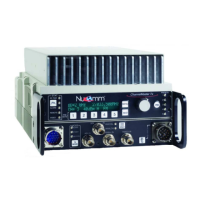
Under the FM Video sub-menu, the
user can change any one of four
selections. They are:
• Inverse: Normal, Inverse
• Emphasis: Emphasis, Flat
• Filter: Bypass, 3.90 MHz, 4.50
MHz, 4.75 MHz, 5.60 MHz
• Deviation Bandwidth: (Display
Only)


 To Next Page