Revision 2.2
5-14
ChannelMaster TX1 Transmitter
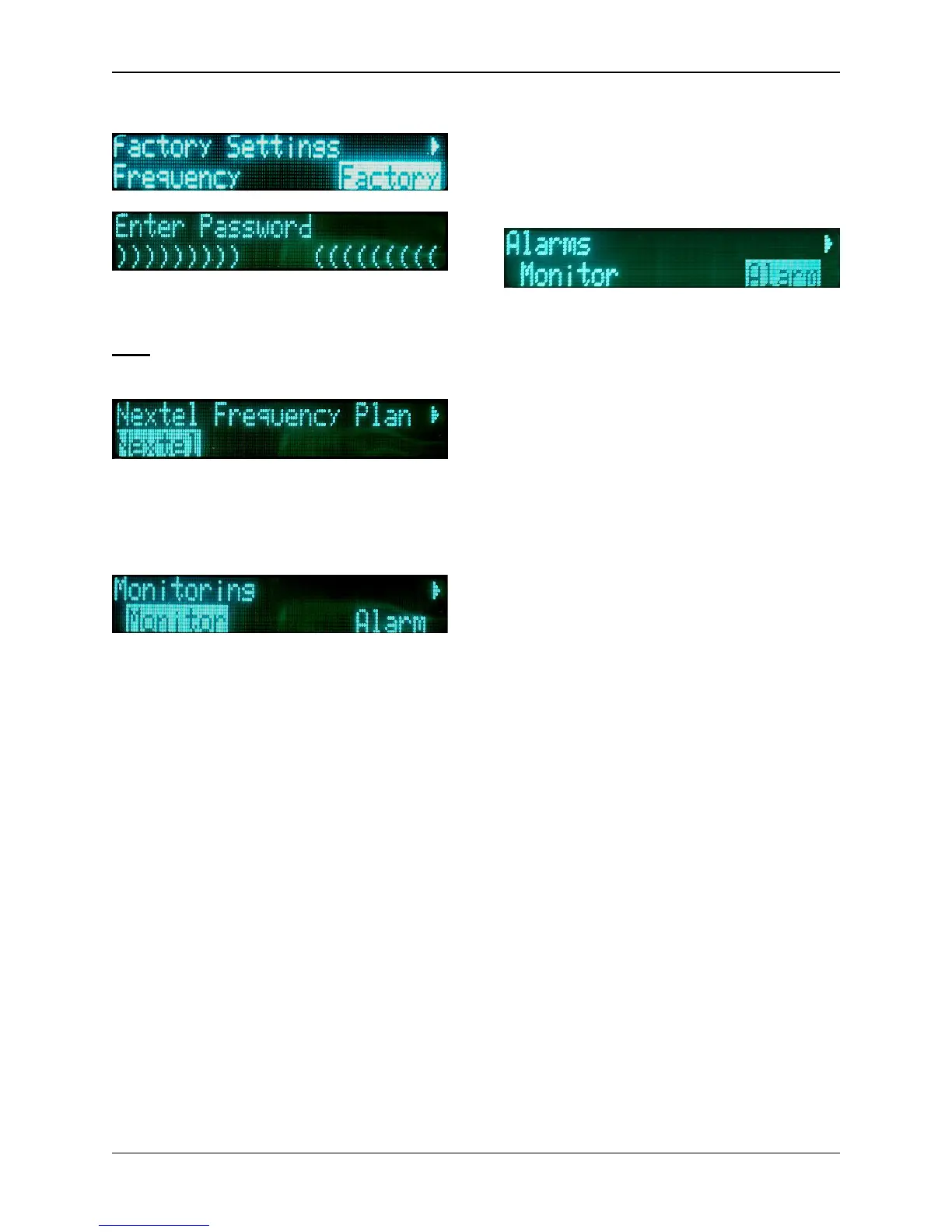
The Factory Settings are to be used
by Nucomm authorized personnel
only! Any unauthorized tampering
could make the unit unusable.
For the Nextel sub-menu, see Section
5.7: Nextel BAS Relocation Settings.
Monitor Menu Selections
The Monitor option allows the user to
monitor operational conditions of several
components while the unit is in use.
These include:
• PSU
• Temperature
• Modulator
• Upconverter
• RF Head
NOTE: For PSU values, all voltages are
set to alarm at a condition of
± 10%.
Alarms
Alarms are reported when errors occur
during the operation of the
ChannelMaster TX1. The alarm may be
the result of a detected broken
communications link or an improper
input (etc.), and not the fault of the unit
itself. Regardless of the problem, the
Alarm LED will illuminate, and the LCD
will flash a text message stating the
alarm problem.
Alarm History List
Working in conjunction with the Alarms
function, the Alarm History List allows
the user to view any active alarm(s)
currently affecting the system. If the
alarm problem is resolved, the alarm will
disappear from the listing.


 To Next Page