Revision 2.2
5-6
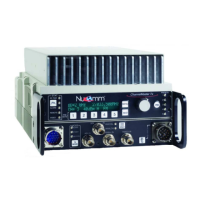
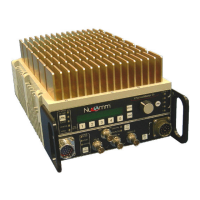
ChannelMaster TX1 Transmitter
as if you had selected the following
menu items: Menu>Encoder>Audio.
(Refer to Section 5.5; Encoder Menu
Selections.)
When modulating in analog, the system
displays the FM audio settings, as if the
following items were selected: Menu>
Modulation> Parameters> FM> Audio.
(Refer to Section 5.5; FM.)
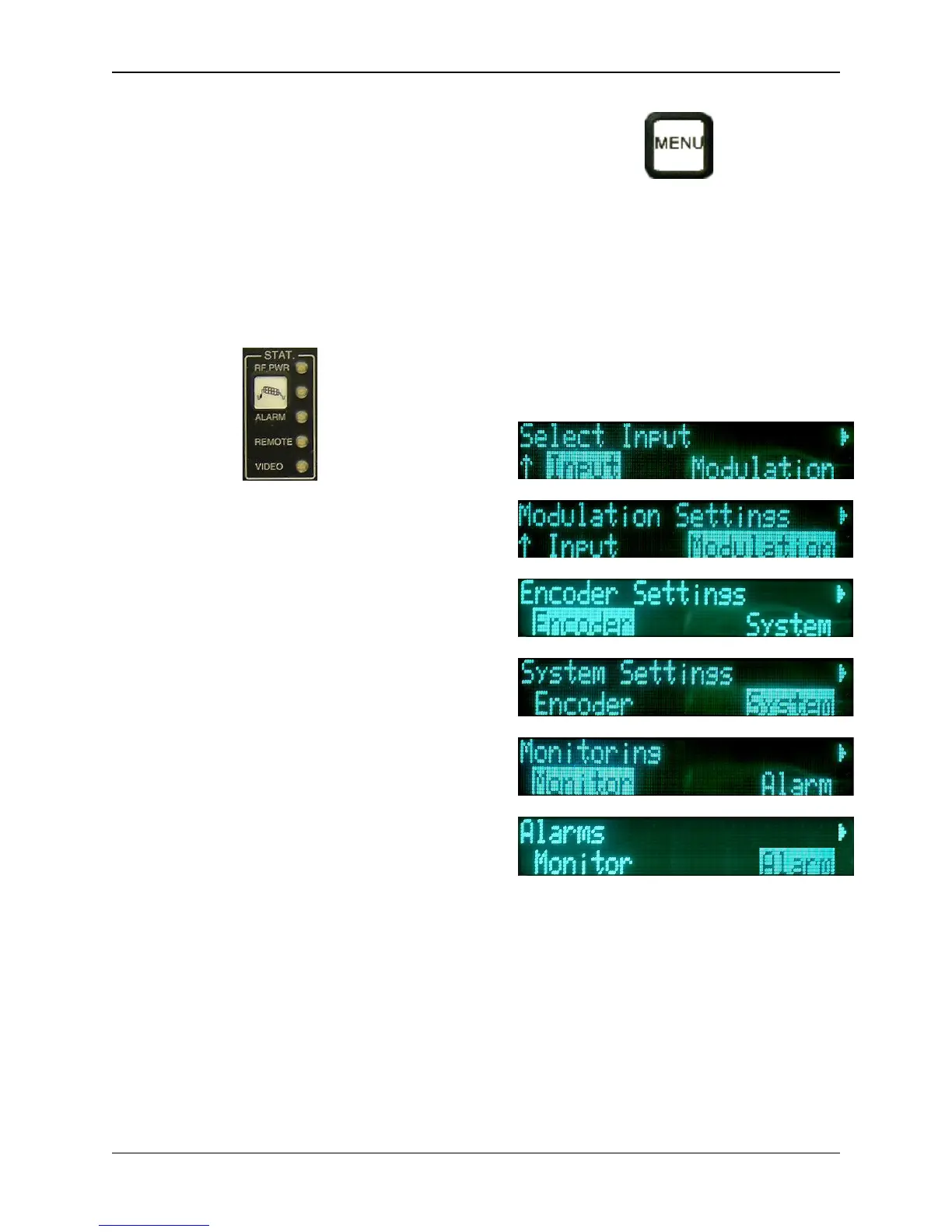
5.4 Status Indicators (9)
The following show the unit's status:
RF (Green): RF present at output port.
Color Bars: Color Bars are active.
Alarm (Red): Indicates an improper
setting or a module failure. The exact
reason for the alarm can be
determined from the Alarm section of
the Main Menu.
Remote: Unit is under remote control.
Video (Green): Indicates that video is
present.
5.5 Main Menu Selections
The user can customize the
ChannelMaster TX1 operation (rather
than using the factory defaults)
through the Main Menu. After
pressing the Main Menu Button, the
Main Menu Screen will appear.
From the Upper Level Menu, the user
can select one of six sub-menus to
access. They are:
• Input Menu
• Modulation Settings Menu
• Encoder Settings Menu
• System Settings Menu
• Monitoring Menu
• Alarms (Current)
Input Menu Selections
The Input Menu works in conjunction
with the DIGI_ANLG (Digital/Analog)
Button. Once the type of modulation is
chosen, the operator then uses the
Input Menu to manually select the
input source that is to be made active.


 To Next Page