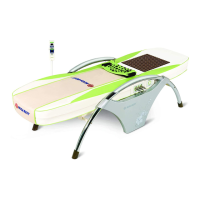
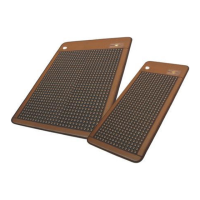
N4
How to Use Product
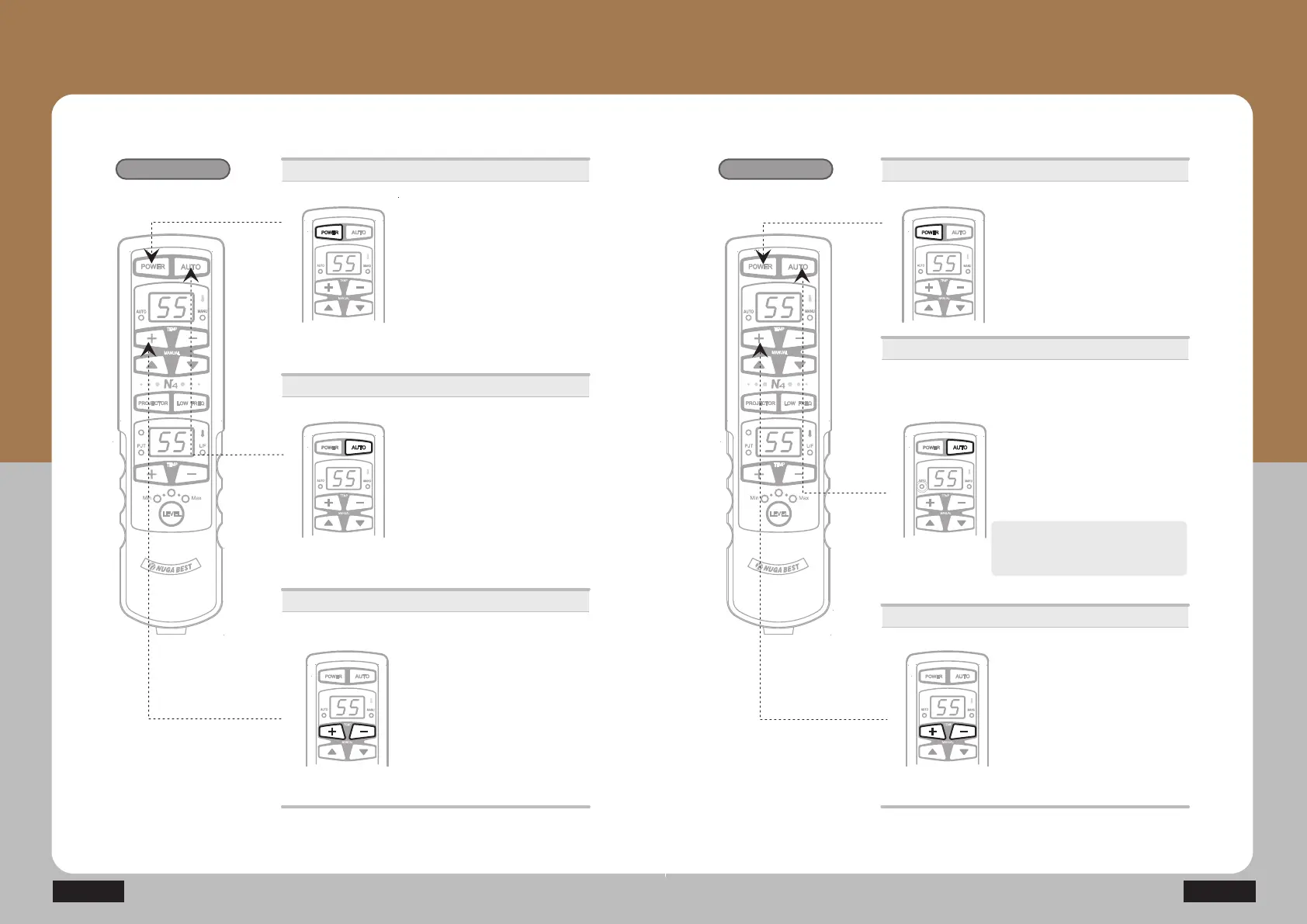
How to Use Controller
- How to Use Product by Mode
Auto ⴘ Mode
Round-trip
acupuncture function
ⴘ Press the power button.
· Check out the connecting conditions
of the controller.
· Press the power button once : On
Press it once again : Off
Power supply
Auto ྙ Mode
ⴙ Press the automatic button
(Auto LED lights up) to operate the
cervical vertebrae / internal projector.
There is no need to manipulate
the buttons during the operation
once it has started.
It will stop automatically after the
38-min massage.
Temperature control
ⴚ Control temperature with +/- button.
(Moderate temperature: 55~60Ⳅ)
· Range of temperature setting for
internal projector: 40~70Ⳅ
(Temperature of cervical vertebrae
SURMHFWRULVIL[HGDWÛ&
· Temperature setting unit
40~70Ⳅ : Temperature setting per 1Ⳅ
GGG
Auto ⴙ Mode
Round-trip
massage function
ⴘ Press the power button.
· Check out the connecting conditions
of the controller.
· Press the power button once : On
Press it once again : Off
Power supply
Temperature control
ⴚ Control temperature with +/- button.
(Moderate temperature: 55~60Ⳅ)
· Range of temperature setting for
internal projector: 40~70Ⳅ
(Temperature of cervical vertebrae
SURMHFWRULVIL[HGDWÛ&
· Temperature setting unit
40~70Ⳅ : Temperature setting per 1Ⳅ
Auto ྚ Mode
ⴙ Press the automatic button twice
(flashing of the automatic mode LED)
to operate cervical vertebrae /
internal projector. There is no need
to manipulate the buttons during the
operation once it has started.
It will stop automatically after the 38-min
massage.
Press the AUTO button to operate
AUTO 2 Mode during AUTO 1 Mode
is operating.


 To Next Page