5 - 74 en-938821/2
5.9.2 Loading Part Programmes from a Peripheral
Part programmes can be loaded from peripherals such as tape reader, PC, diskette drive.
For loading from a NUM diskette drive, see 5.9.6.
Requirements
Link established with the peripheral (See C.2).
Peripheral ready to send data (See peripheral manual).
"GRAPHIC PROGRAMMING" menu displayed (See 5.9).
One of the Auto, Single, Dryrun or Manual modes selected or no mode selected.
Actions
Select "BACKGROUND LOAD". ☞
^
6
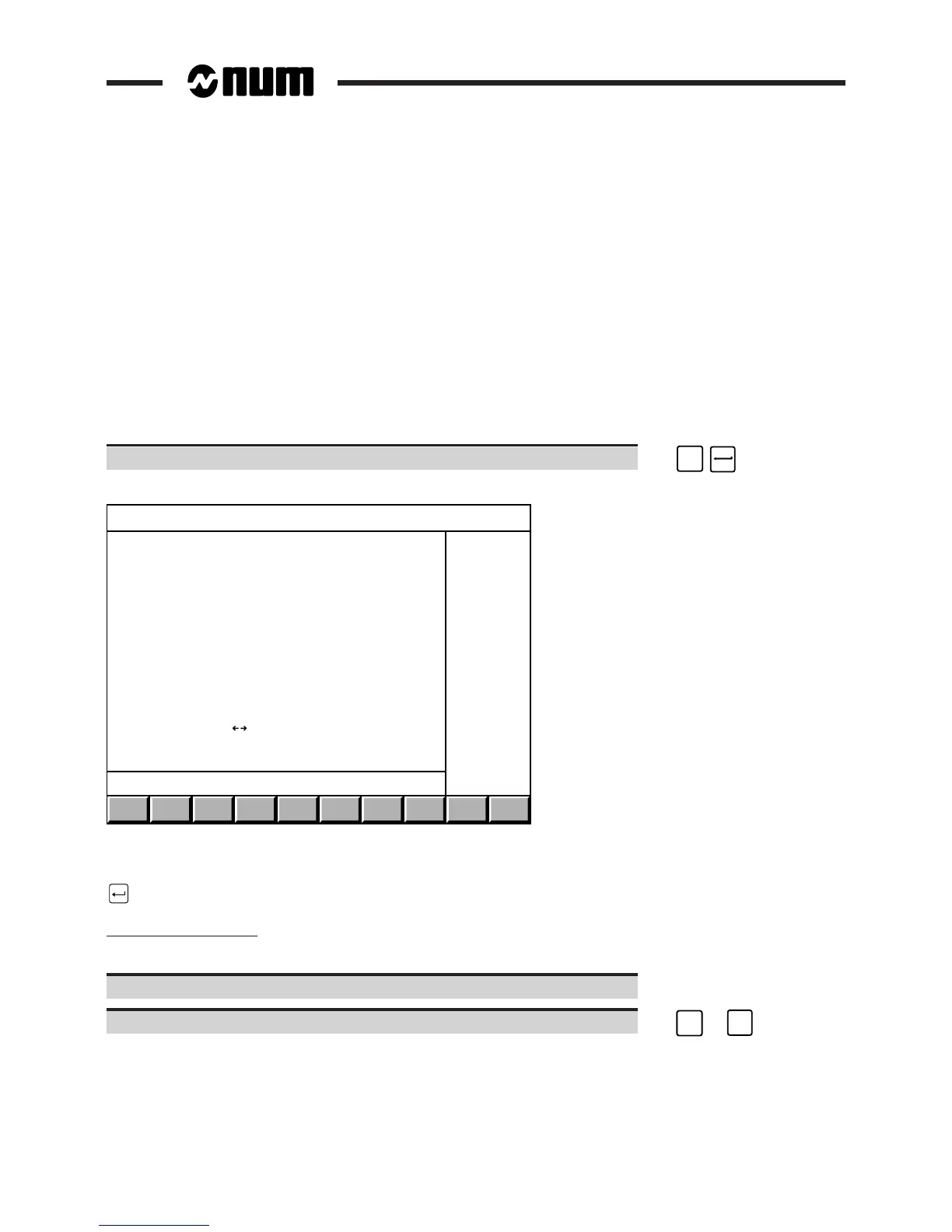
Display of the shortened version of the "FILE LOADING" menu:
FILE LOADING MENU
> 0 PROGRAMMES
1 TOOLS OFFSETS
4 DIALOGUE SERVICE DISKETTE
LINE ( ) : COMM1
?❙
Items 1 and 4 of the menu are not displayed unless the line selected is configured for the Kermit protocol (See C.2.3).
To select an item, move the cursor onto the item with the up and down arrow keys or enter the item number then press
.
Selecting the serial line
The CNC serial line parameters must be set (See 8.3) according to the peripheral (See peripheral manual).
Set the transmission data rate of the peripheral.
Select the serial line set for the peripheral. ☞
➞
or
➞



 To Next Page