13
Daily
Keep the machine clean.
Ensure brushes / pads / squeegee / lters are in good condition.
Check for any worn or damaged parts and replace immediately.
Drain and rinse dirty water tank after every use.
Weekly – as daily and –
Check brush / pad and deck skirt, wipe and rinse.
Check oor tool blades for wear and wipe clean.
Clean separator assembly including lter and check condition of seal.
Flush out system with clean water and clean lters.
TwinTec
Maintenance
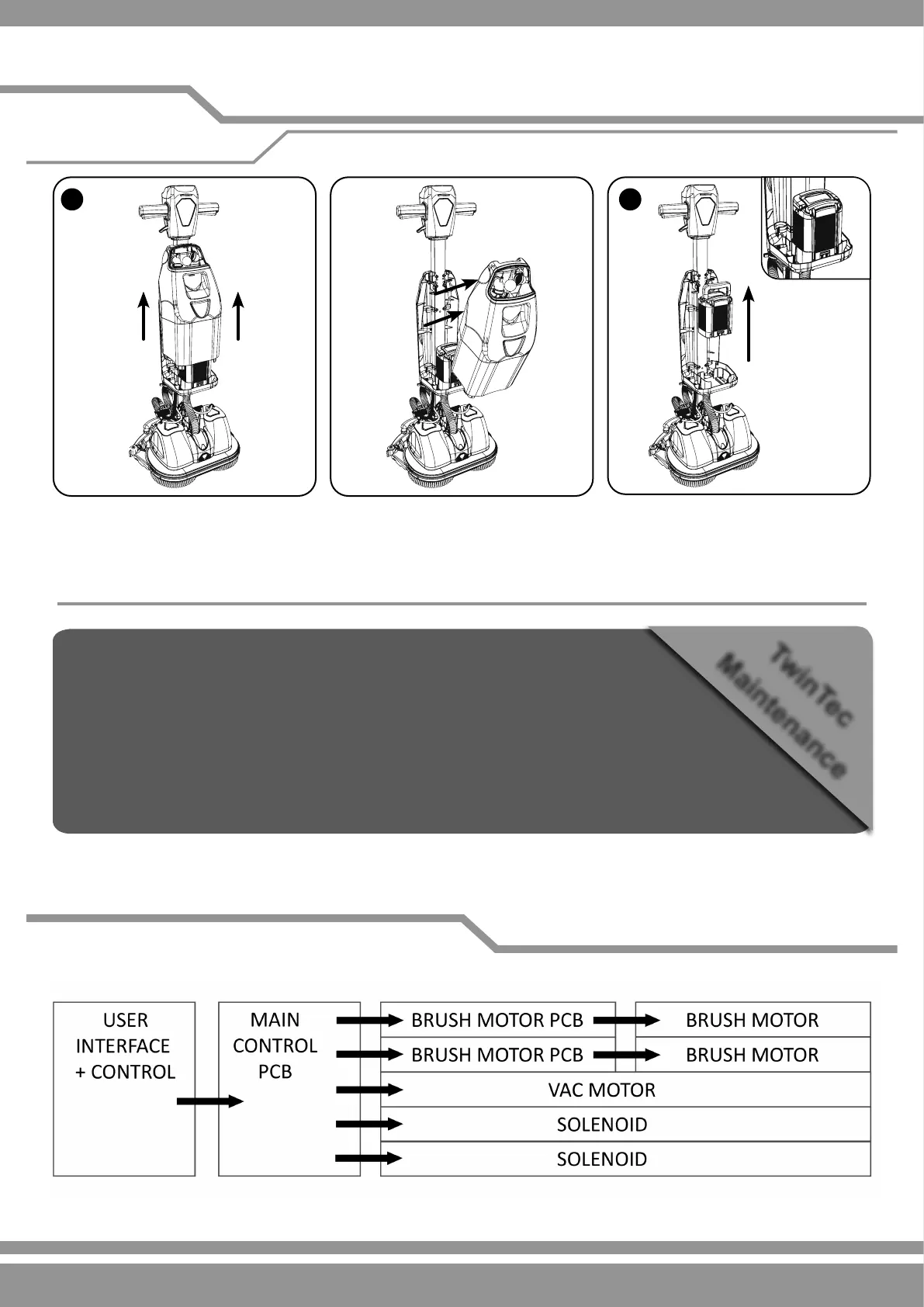
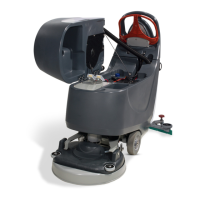
Remove the tank assembly from the front of the machine using the inset handle on the front of the tank assembly, lift the tank
assembly straight up (A).
Pull the tank assembly from the machine and place on the ground.
The battery can then be lifted from the machine for storage or charging using the handle on the battery (B).
For information relating to the operation and charging of your battery please refer to the battery and charger original operating
instructions.
Schematic Diagram
Batttery Removal and Charging
Removing the battery





 To Next Page