45
LCD Display Fault Possible Cause Effect on Product Investigate the Following Action Required If Fault
Persists.
Blank * No power * Key switched off
* Emergency stop pressed
* Machine will not operate. *Key switched off
* Emergency stop pressed
* Switch key on
* Release emergency stop
‘OVER CURRENT’ * Brush over current. * Brush pressure to great.
* Brush current exceeds 23A
* Wrong type of brush for surface
* Vac. Brush, water & Detergent
motors / pump will not operate.
* Brush LED’s all ash in unison
until the trigger is released.
* Release brush pressure.
* Changed type of brush.
* Restart machine.
‘UNDER VOLTS’ * Battery voltage dropped
below 21 Volts.
* Left most Battery LED ashes
* Batteries require recharging.
* Faulty cell on battery
* Machine will not operate. * Battery leads and connections. * Charge Batteries.
* Replace battery
(if cell damaged)
‘ TANK FULL’ * Tank full requires emptying. * Waste Tank Float switch activated whilst
cleaning or off-aisle mode selected.
* Faulty Float switch.
* Vac. Brush, water & Detergent
motors / pump will not operate.
* Tank full LED illuminated.
* Top waste tank full.
* Empty top waste tank
* Replace switch
‘CHARGING’ * Machine on charge.
MACHINE INHIBITED - NO OPERATION.
Contact Service Agent.
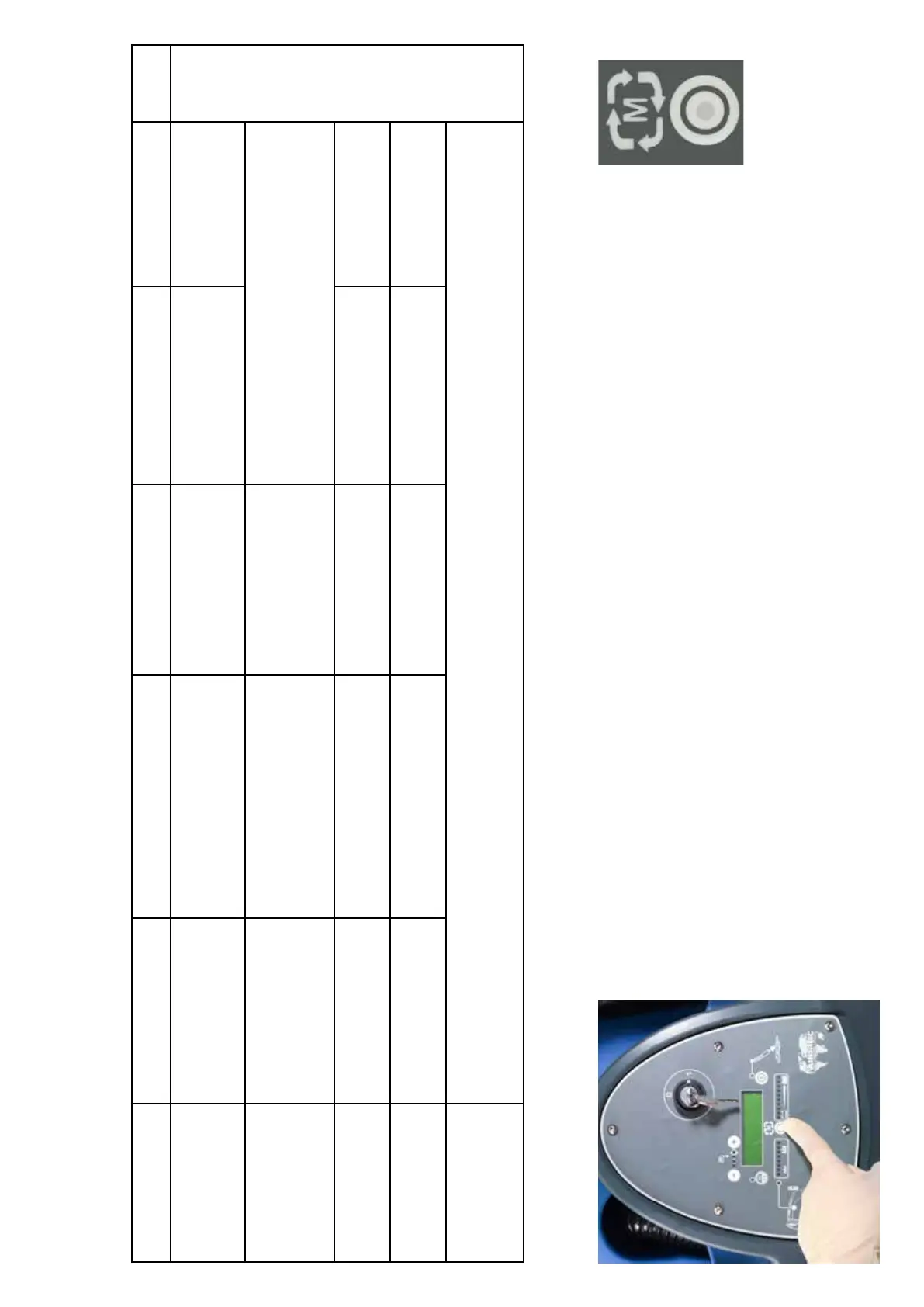
The TTB 6055 has a self contained trip meter, to view the meter turn the key to the ‘On’ position.
Press the mode button to cycle between the different modes.
T = Total time.
This meter counts when ever any function is being used, including the off asile function.
V = Vacuum total time.
B = Brush total time.
W= Water Pump total time.
LCD Display’ and fault codes





 To Next Page