19
February 2017
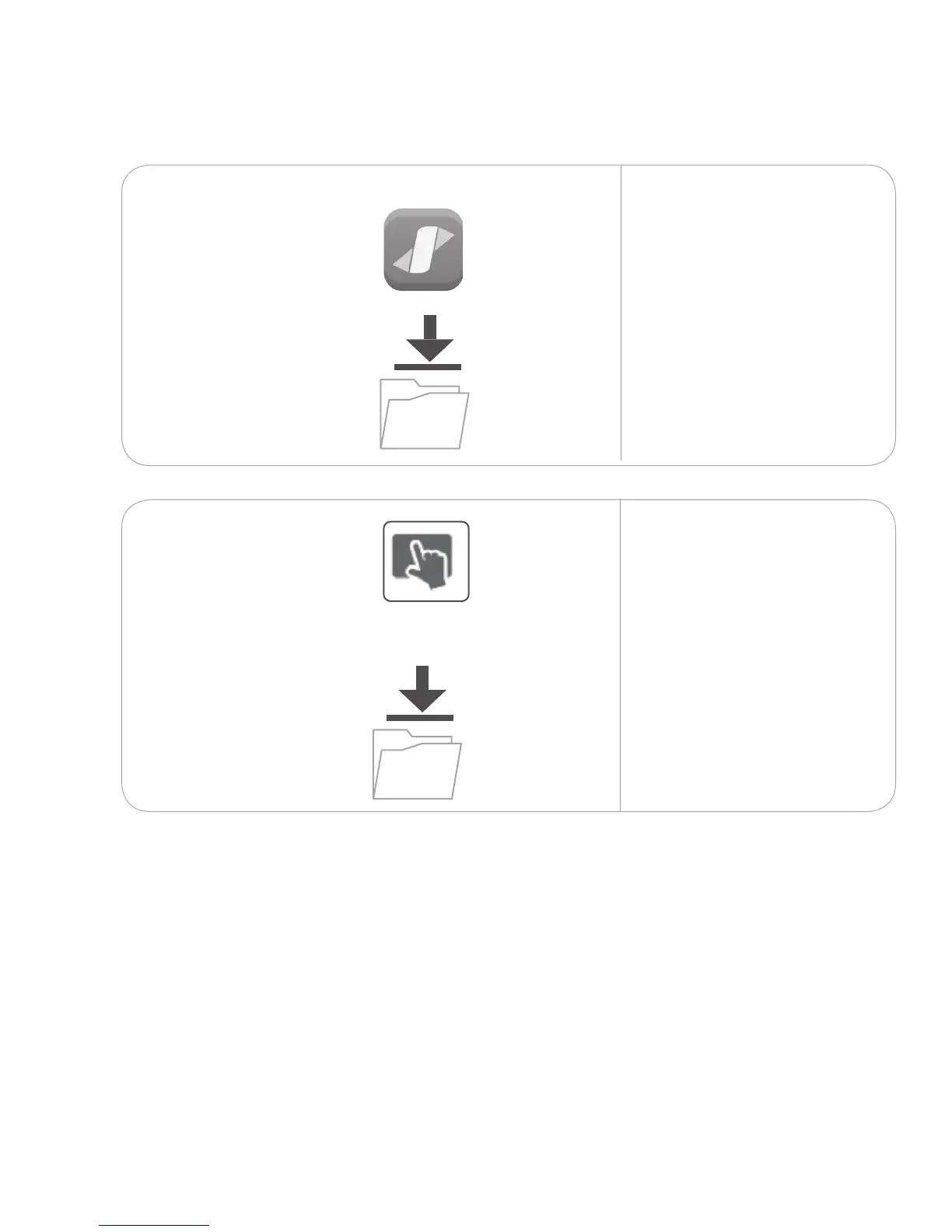
Download Span wall software and touch driver
7.
T
ouch
driver
Use the wireless keyboard
and mouse to navigate to the
Internet.
Download and install Span
wall software from the
Download section at
nureva-span.uservoice.com.
7.1.2
Download and install the
touch driver from the
Download section at
nureva-span.uservoice.com.
The touch driver must be
installed in order to set up the
interactive image in step 6.
7.1.1



 To Next Page