8
February 2017
Install the hardware brackets2.
Install the wall mount plate(s) 2.1
Download the installation
drawing for your system's
conguration from
nureva-span.uservoice.com
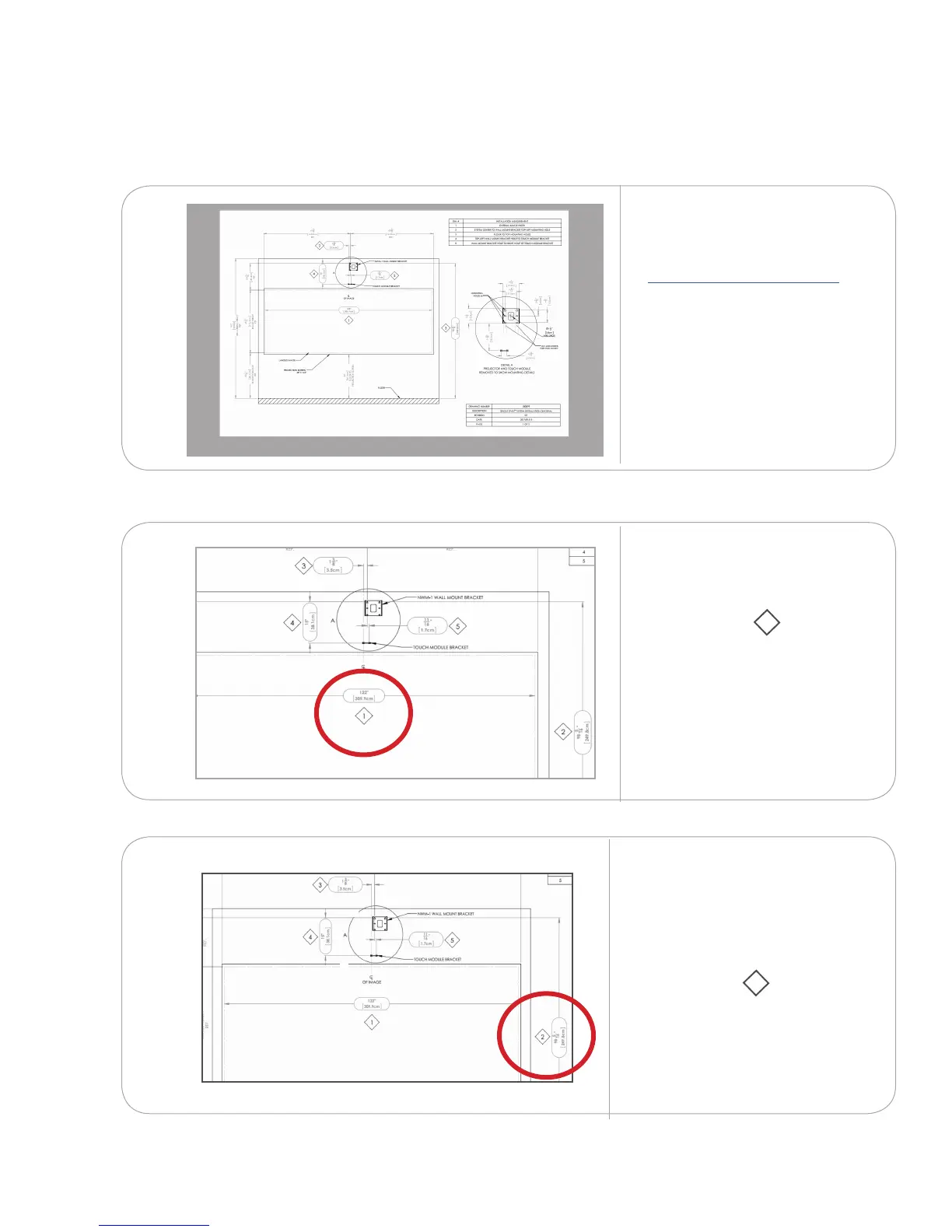
Measure and mark the system
centerline.
Refer to installation
measurement 1 on your
installation drawing.
From the centerline, measure
from the oor to the top of the
wall mount plate holes. Mark
that spot.
Refer to installation
measurement 2 on your
installation drawing.
xx
2.1.1
2.1.2
2.1.3



 To Next Page