27
February 2017
Launch the wall software
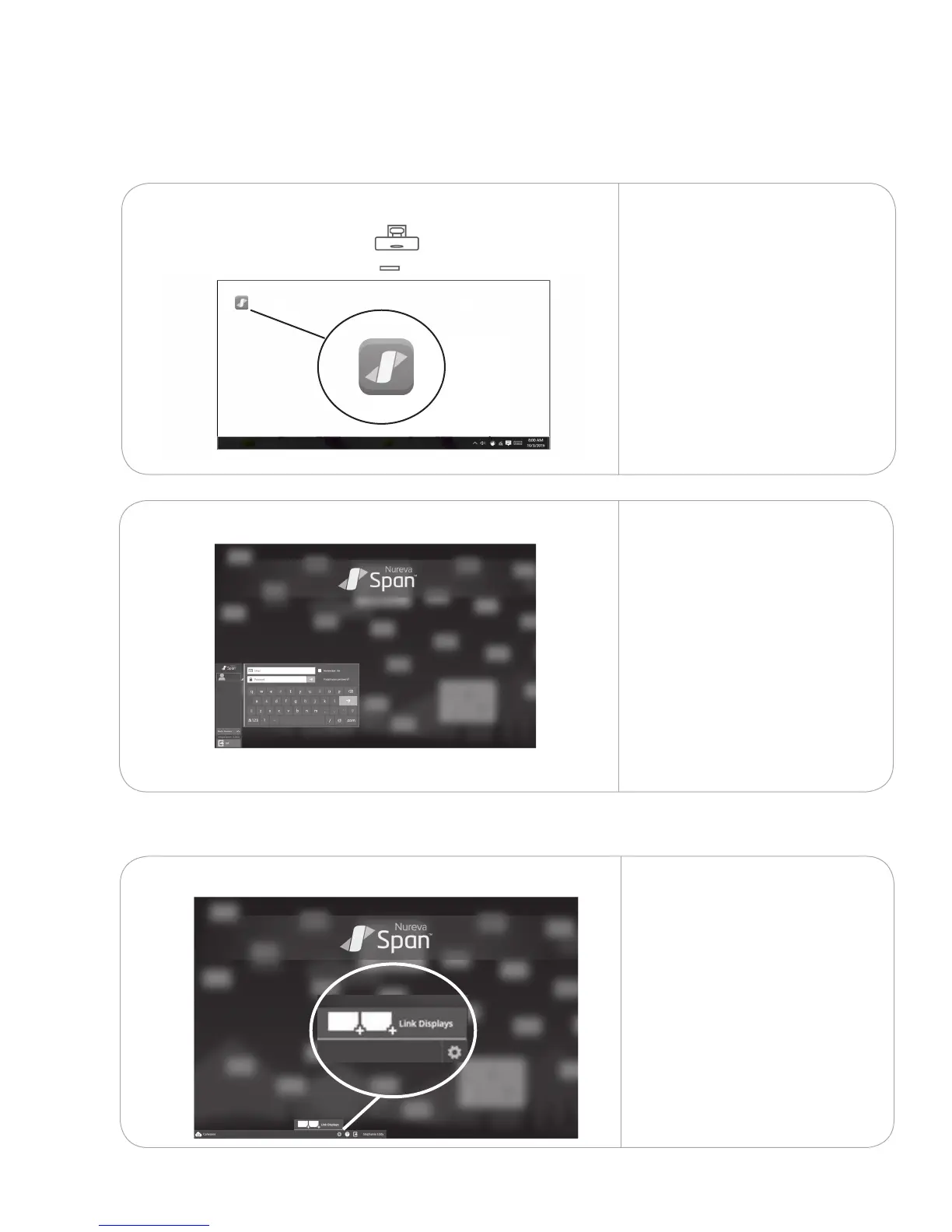
10.1.1 On each projected image,
launch Span wall software
from the icon on the desktop.
Launch Span software10.
10.1
10.1.2
For congurations with
multiple displays, log in
to the software on one
of the displays. This will
automatically log you in on
the other projected images.
Link displays (for congurations with PCs)
10.2.1
10.2
A Link displays dialog will
appear after logging in. If it
does not, tap the gear icon to
bring it up.



 To Next Page