18
February 2017
6. Install the surface(s)
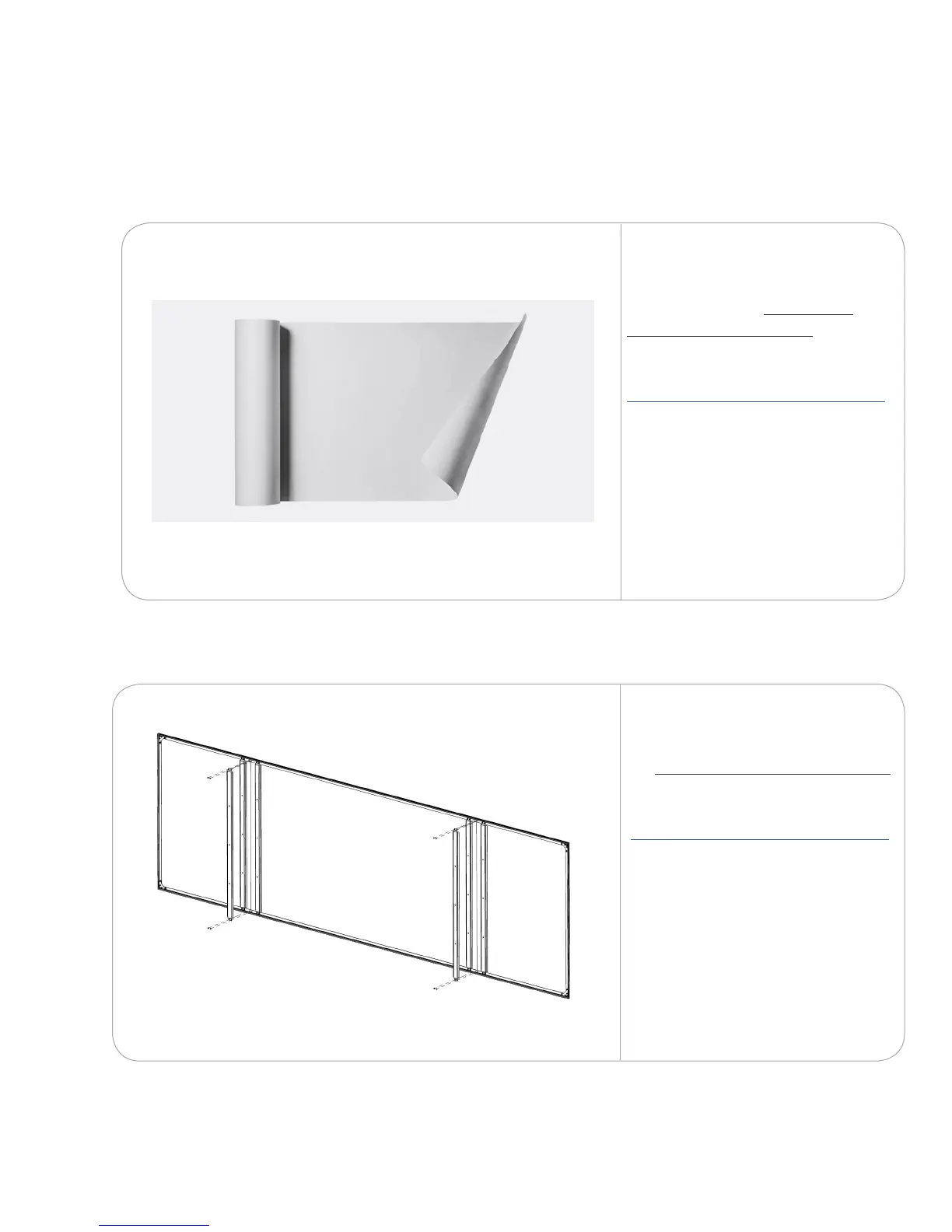
To install the WhisperTek™
surface, follow the WhisperTek
surface installation guide.
Go to
https://nureva-span.uservoice.com/
Search
WhisperTek
Follow the installation guide for your selected surface.
To install the Da-Lite screen, follow
the Da-Lite screen installation guide.
Go to:
https://nureva-span.uservoice.com/
Search:
Da-Lite



 To Next Page