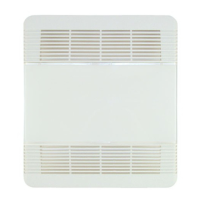
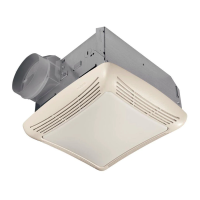
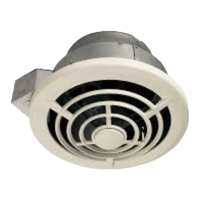
PTE511RK
n
PTE1115RK
n
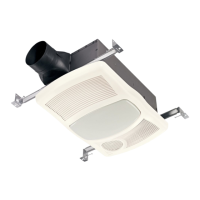
PTEL511RK
n
PTEL1115RK Installation Guide
Page 11
New Construction/Retrofit Installation
11
Install Grille
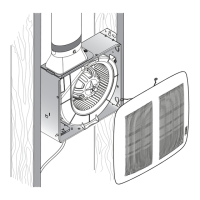
• Slide the grille onto the Trim Cover.
• If using the Motion Sensing Module (accessory) - PEM (purchase separately) remove the cap. Connect the module and
snap to the back of the non-lit Grille. NOTE: this module is not compatible with the fan/light models PTEL511RK and
PTEL1115RK. A motion wall control would need to be used for fan/light models.
1
2
NOTE: For lit models, connect jumper wire to back side of the
grille.
NOTE: Connect motion module to the top
of the fan controller or daisy chain
connecting to PES module.


 To Next Page