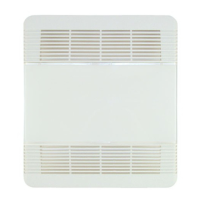
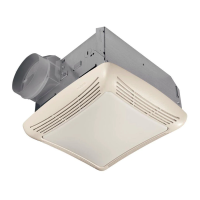
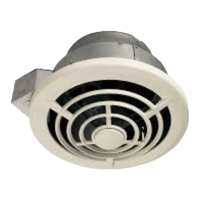
PTE511RK
n
PTE1115RK
n
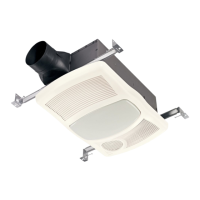
PTEL511RK
n
PTEL1115RK Installation Guide
Page 10
New Construction/Retrofit Installation
9
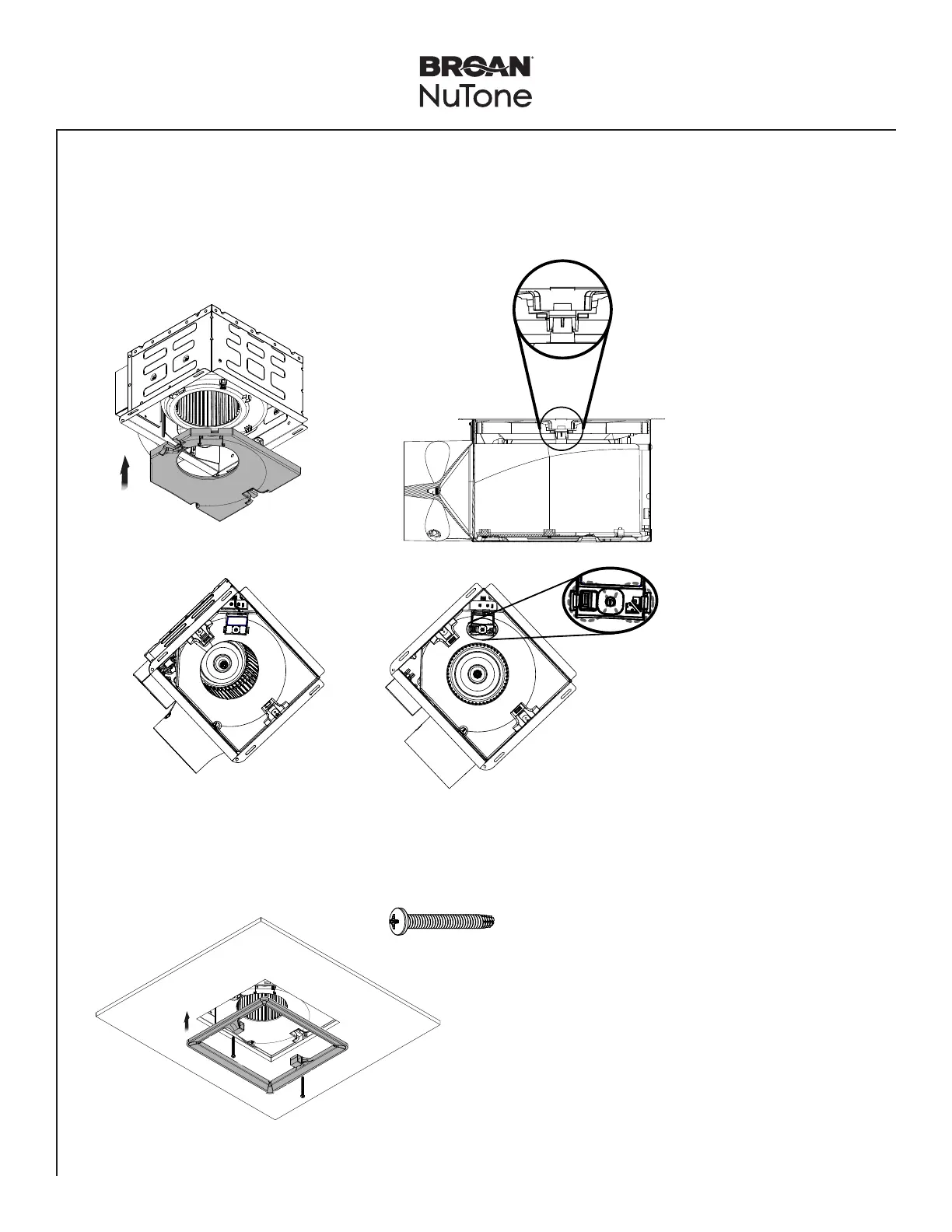
Insert Muffler Plate in the Housing
• Insert the Muffler Plate in the Housing. There are two points that muffler plate snaps in.
• If using the Humidity Sensing Module (accessory) - PES (purchase separately), connect the module and snap into the
Muffler Plate.
snap!
PES
NOTE: To remove the muffler
plate, use a flat head
screwdriver to slide
between muffler and
blower snap-in features
to easily detach the
muffler plate from the
blower.
NOTE: Remove the two small
orange stickers.
10
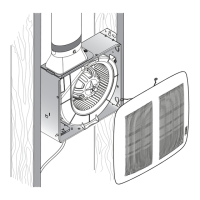
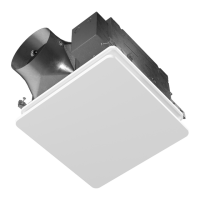
Install the Trim Cover
2 X
NOTE: Install trim cover using a
power screwdriver.
NOTE: Connect the PES
module to the top of the
fan controller.


 To Next Page