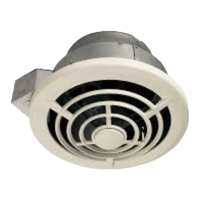
PTE511RK
n
PTE1115RK
n
PTEL511RK
n
PTEL1115RK Installation Guide
Page 9
7
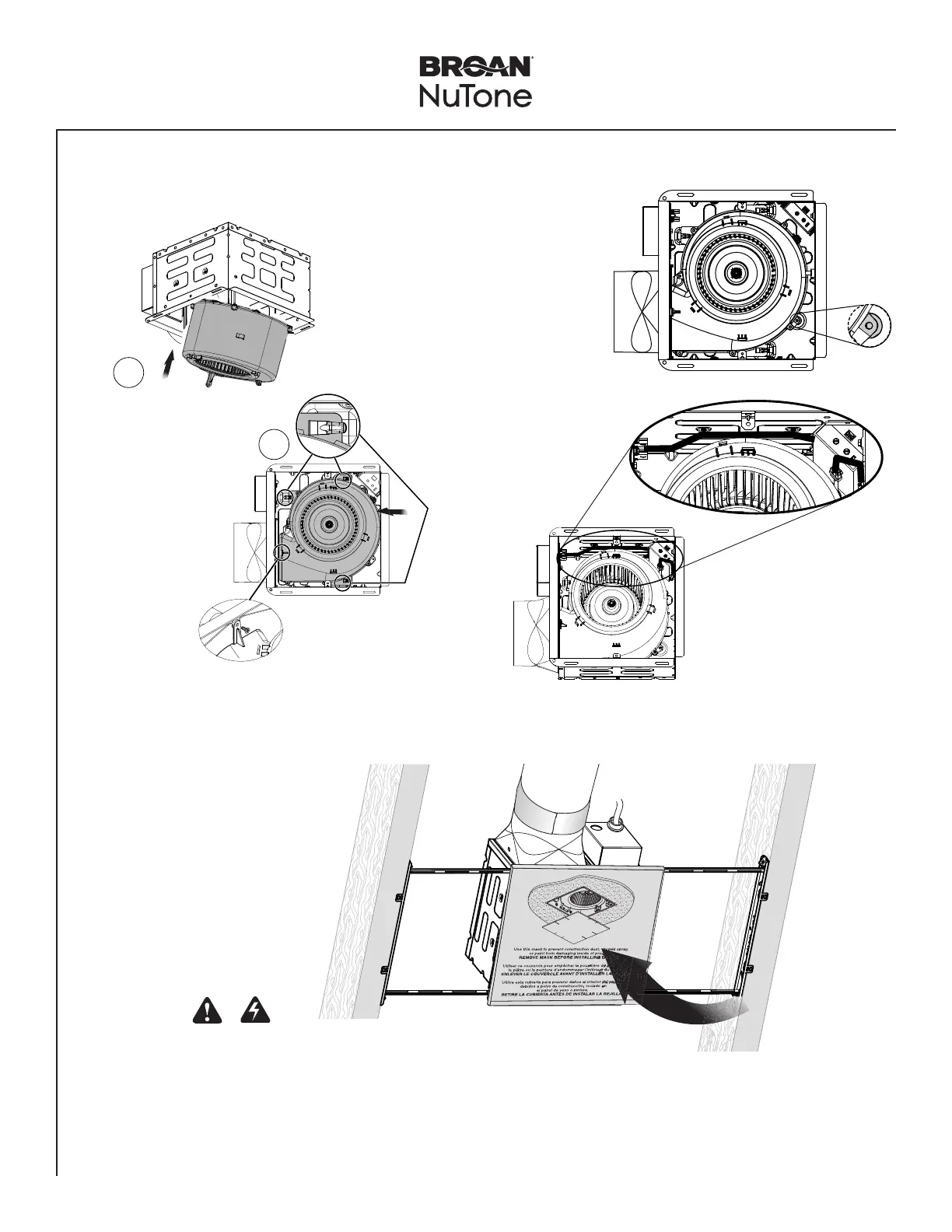
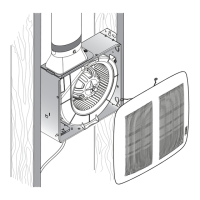
Insert Blower in Housing
Slide the
Blower until it
is engaged at 3
places
inside Housing.
1
2
click!
New Construction/Retrofit Installation
Secure blower in place
using screw from parts bag.
NOTE: Make wire connections
after installing blower.
Adjust fan settings on
controller for boost
airflow, low speed
continuous airflow and
time delay.
E
Tilt blower to
clear metal tabs.
D
Install blower
plate mounting
screw for
recommended
installation.
8
Insert Mask and
Finish Ceiling
Mask protects unit
during construction.
Remove before
installing Grille.
• Install ceiling material.
• Cut out around Housing.
CAUTION
If the blower was unplugged, power must be
disconnected (see page 2, WARNING item 5)
before inserting motor plugs into control assembly.
IN ORDER TO PREVENT MOTOR/CONTROL DAMAGE:


 To Next Page