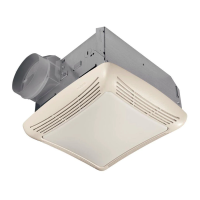
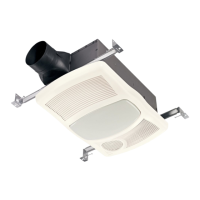
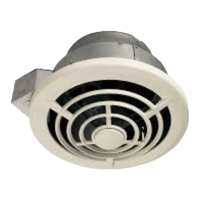
PTE511RK
n
PTE1115RK
n
PTEL511RK
n
PTEL1115RK Installation Guide
Page 7
New Construction/Retrofit Installation
1
3
4
2
4
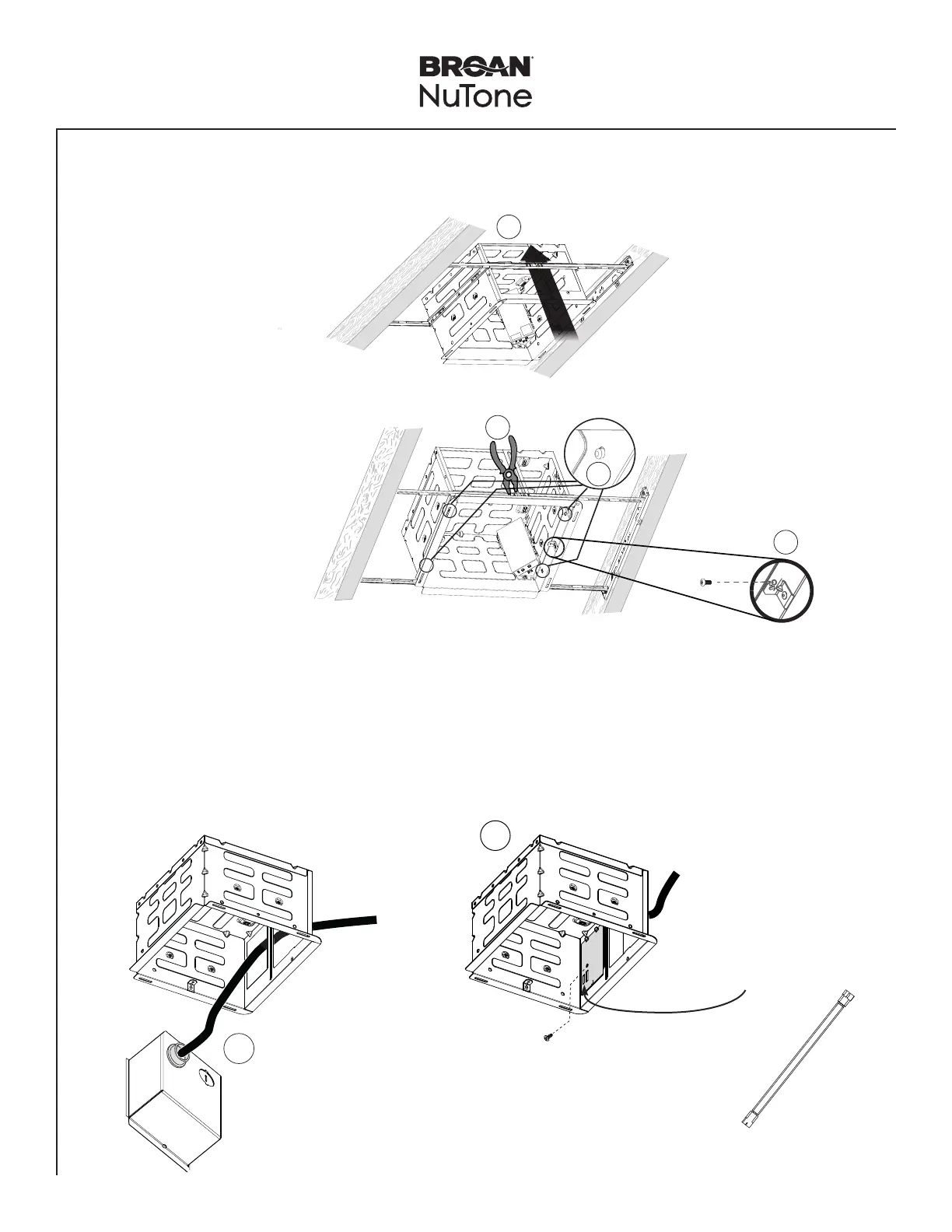
Snap-in and
Secure Housing
Position Housing
between joists and
crimp channel on both
sides of Mounting Frame
to lock Housing in place.
Do not crimp Housing.
snap!
Secure Housing on
both sides using 2
screws per bracket.
Screw from
Parts Bag
5
Insert Power Box into Housing
1
1- Run 120 VAC electrical wiring to the installation location.
2- Attach cable clamp to the Power Box.
3- Secure house wiring using cable clamp.
4- Connect wires on power panel to 120 VAC as shown in wiring diagram.
5- Assemble the Power Panel to the Power Box. Secure Power Panel using provided screw.
2
NOTE: Second knockout plate
used for lit models.
NOTE: If installing the lit model,
connect jumper cable to
wire panel.


 To Next Page