13
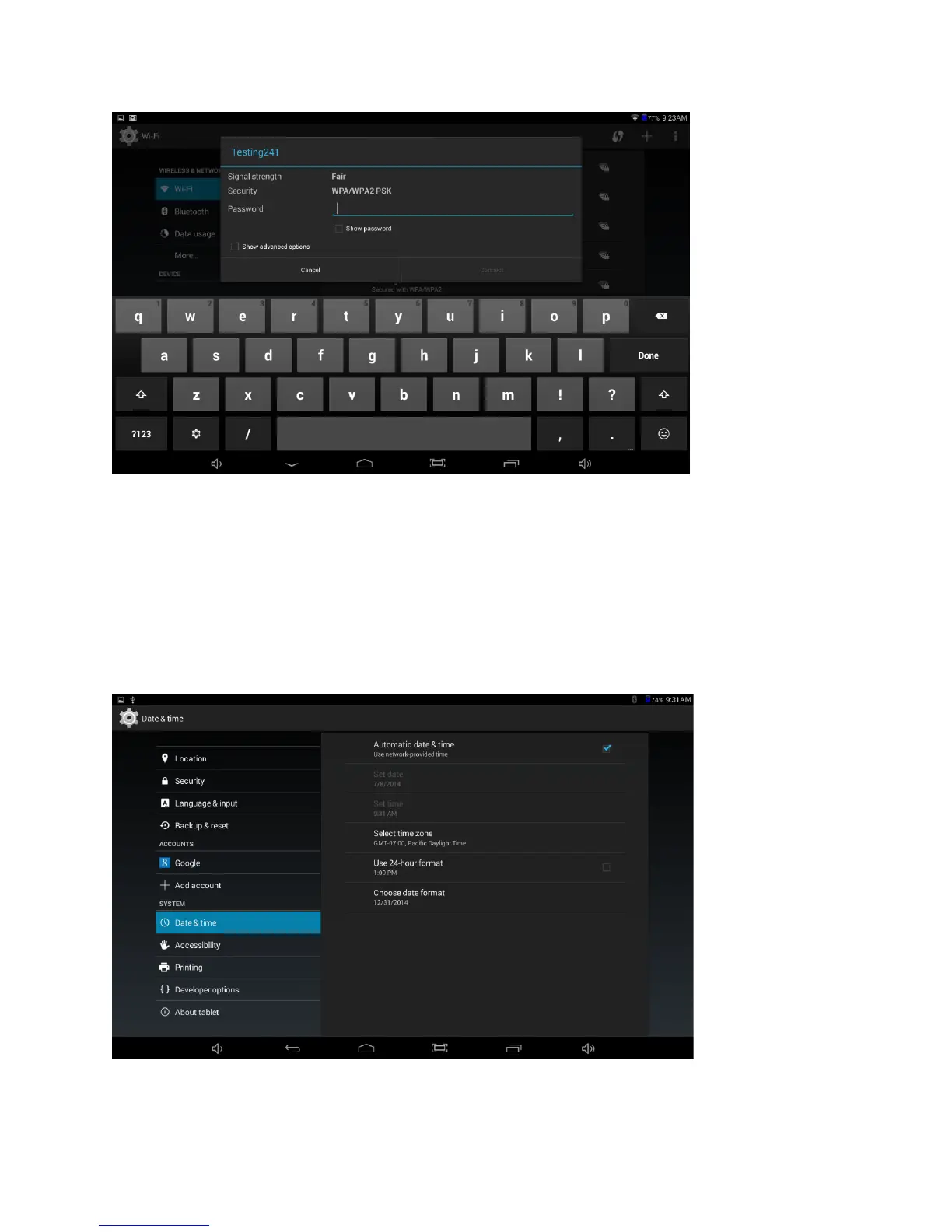
Tap the name of your network and enter a password (if required). Once you have
successfully entered the wireless network information and have connected, the tablet
will remember your settings.
NOTE: When Wi-Fi is not in use, turn off Wi-Fi in order to conserve battery power.
Set Date & Time
Go to Settings > System > Date & time
Automatically set date & time when connected to the internet. Otherwise, you can
manually set date, time, time zone, 12 or 24 hour format, and date format.















 To Next Page