31
Transfer Media Files
Use the included micro USB cable to connect your tablet to a PC in order to transfer
documents and media files (music, movies, photos) to and from your Tablet. When you
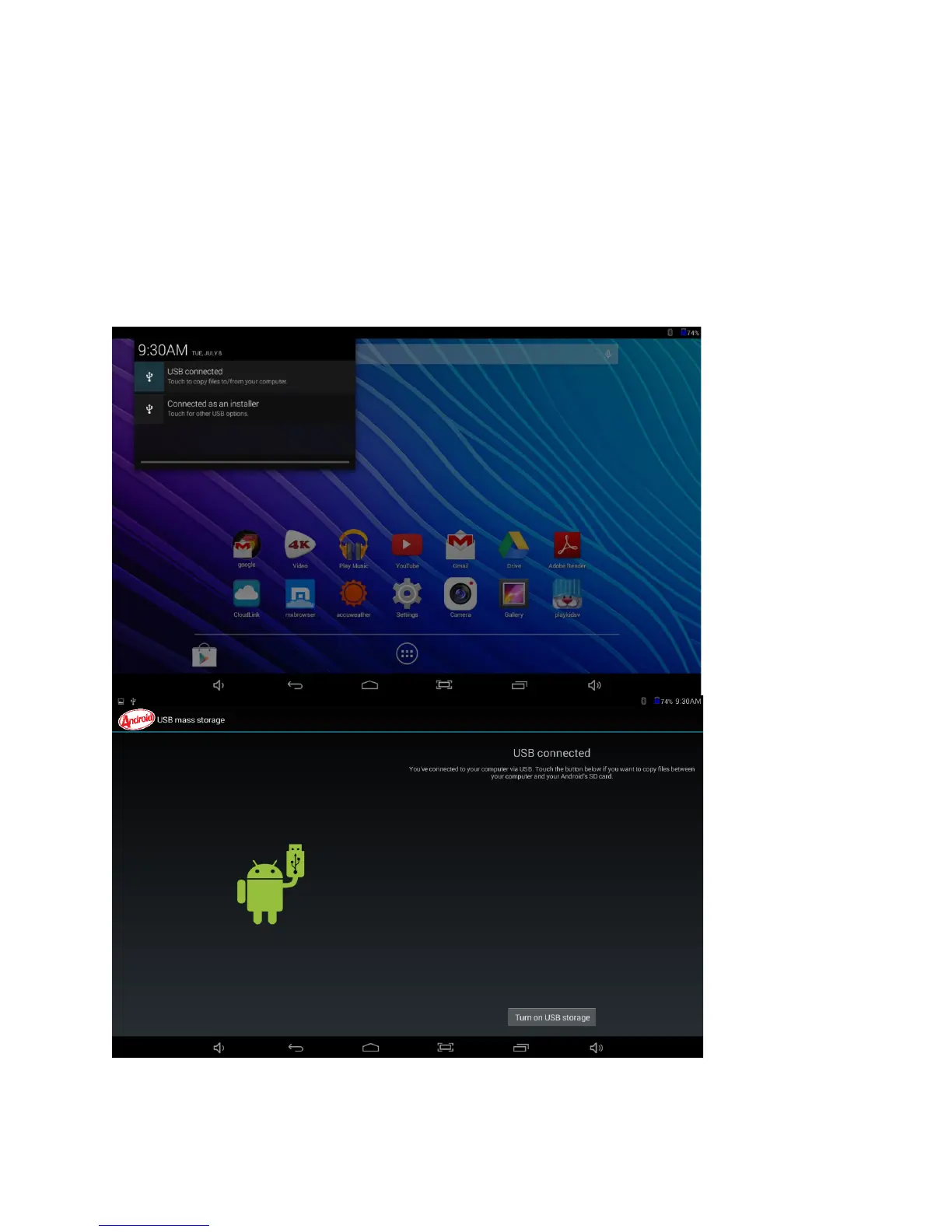
connect the tablet to a personal computer, a brief message will appear in the upper left
corner “USB Connected” or “Connected as an installer”.
From your computer, view files to open and transfer.
As seen on the Tablet when micro USB cable is connected to PC















 To Next Page