4
Function Overview
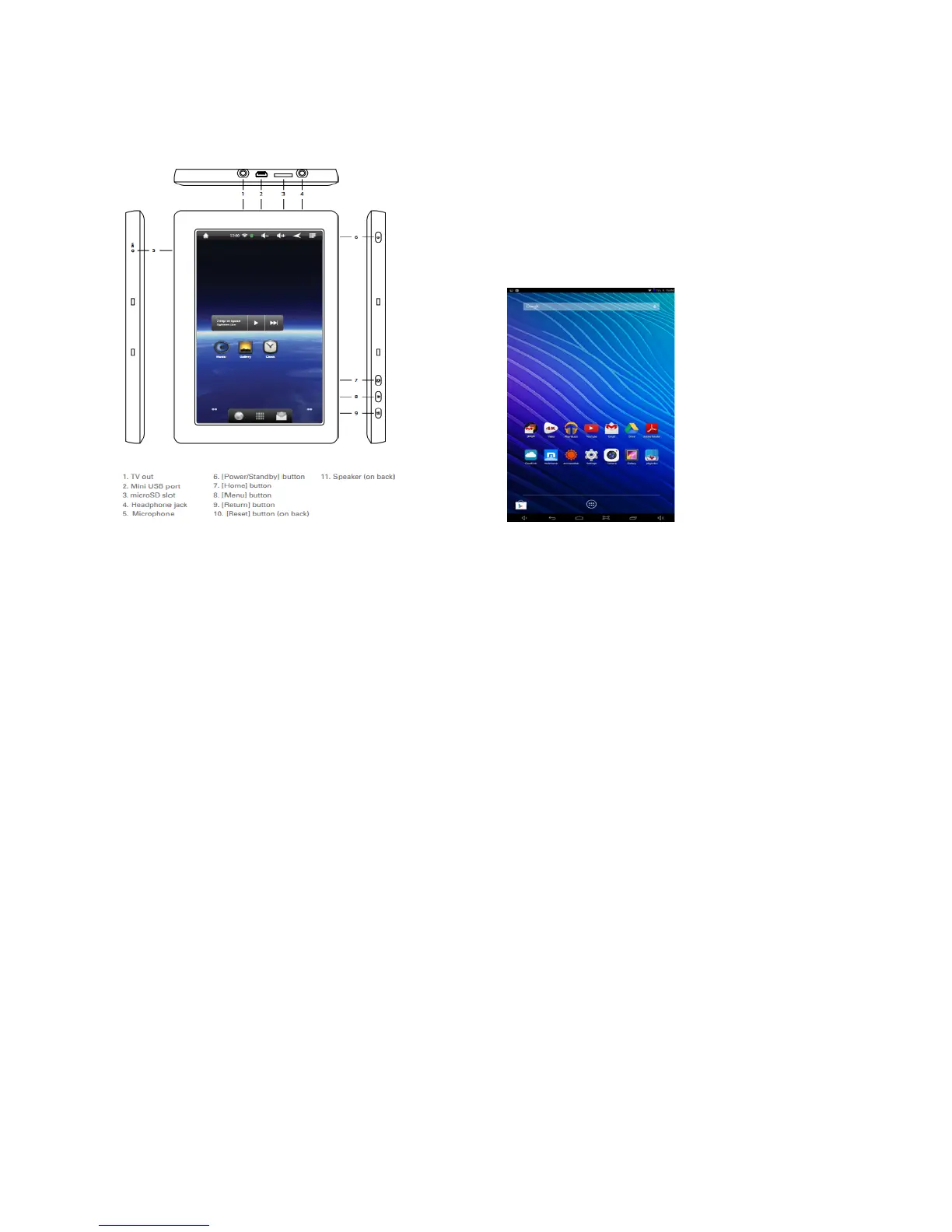
Touch Screen
Experience brilliant detail and wide angle viewing from the widescreen 10.1” IPS panel
with 1280 x 800 resolution.
1- Front Camera
Built in 2MP front camera allows you to take “selfies” or to add video to your calls to
family & friends.
2-HDTV Output
Connect to an HDTV and view all of your media content in high definition
Connect to HDTV or monitor to display Tablet images on a larger high definition screen.
3-Micro USB Port
Transfer media files to or from your computer to the Tablet. Micro USB 2.0 will charge
the internal battery from your PC (slow charge only).
4-DC Input & Charging Port
Connect to charge the internal rechargeable battery.
5- Headphone Jack
Use headphones for private listening or to connect with amplified speakers.
6a- Volume + Key; 6b- Volume – Key
Increase or decrease the volume level.
7- Micro TF Card Slot
Built-in memory card reader slot that supports up to an additional 32GB of storage.
8- Microphone
Use for voice narration, meetings, or note taking.
9- Rear Camera
Built in 2MP rear camera allows you to take HD videos or pictures
10- Speaker
Built in audio speaker to listen without need for headphones















 To Next Page