28
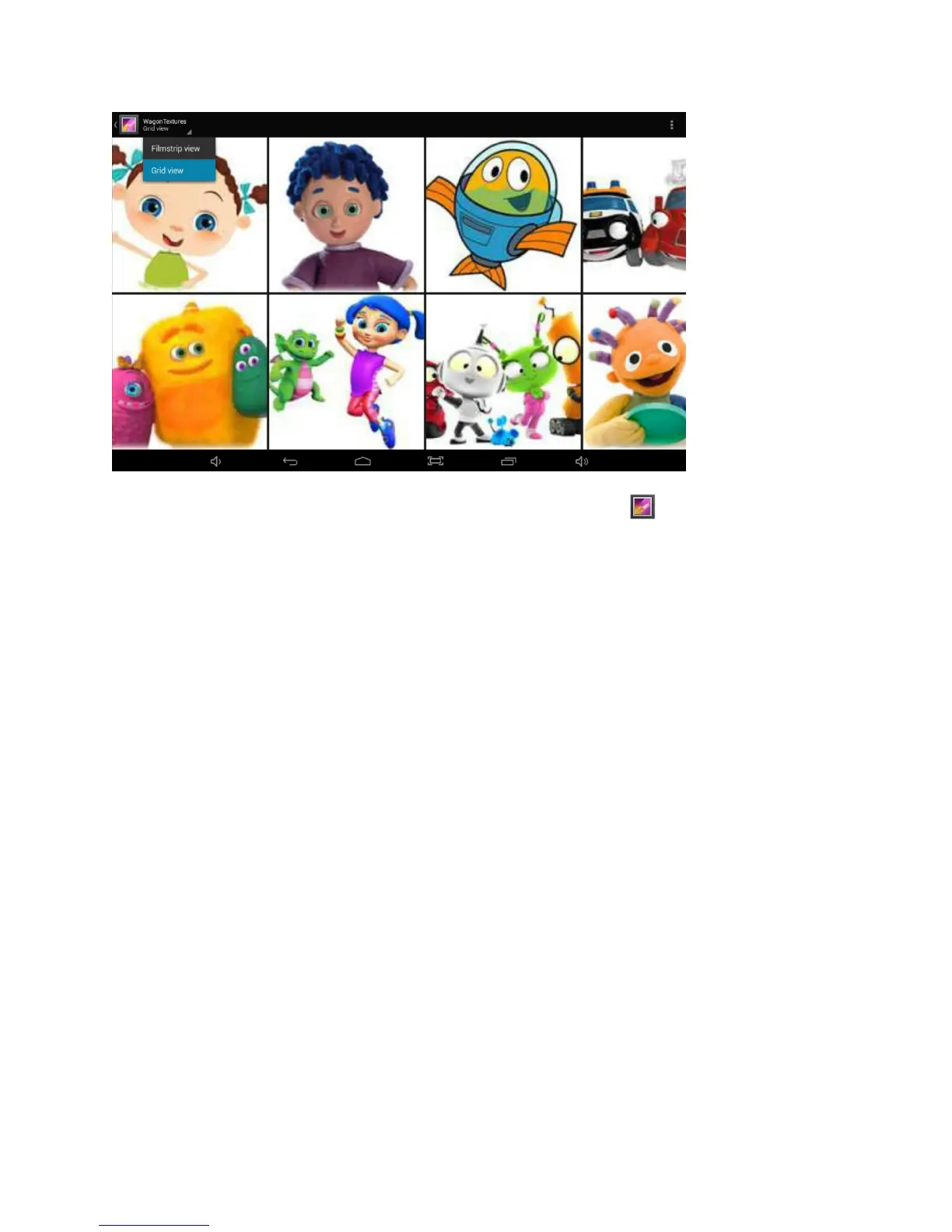
Display and manages photos and image files. Use the Gallery app to view pictures
or play back videos that you’ve taken, downloaded, or transferred. You can perform
basic photo editing tasks, set images as your wallpaper, or share photos and videos
with friends.
HDTV Output
Using an optional mini-HDMI to standard HDMI cable, connect from the tablet to your
HDTV or TV monitor and view all of your content directly onto the larger screen. The
video will automatically display on your TV.















 To Next Page