29
Bluetooth
Your Tablet is compatible with Bluetooth capable devices. Once Windows searches and finds
the Bluetooth device, follow on-screen instructions to complete the pairing of the device with the
Tablet.
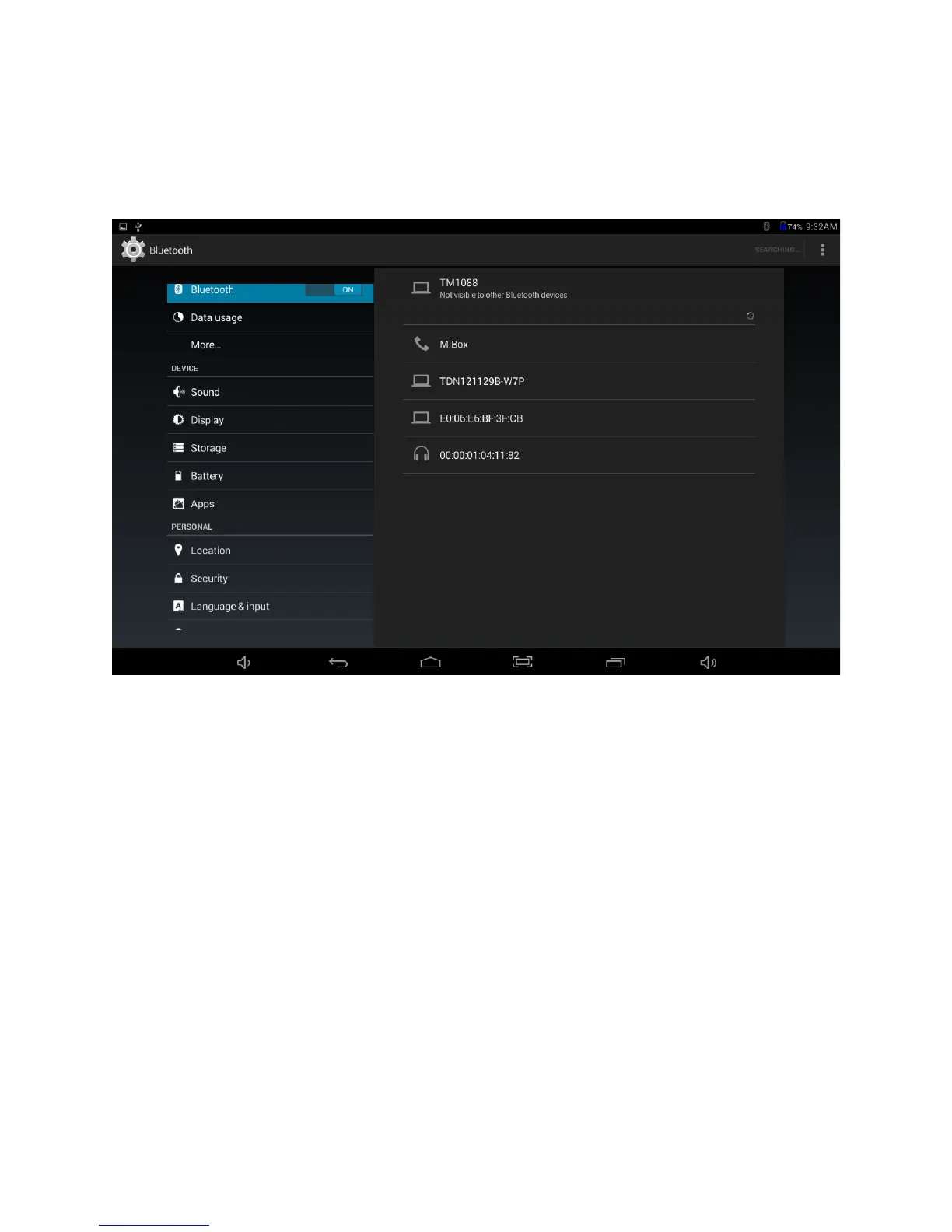
Add or “pair” a Bluetooth compatible device with your Tablet as follows:
1. Turn on the compatible Bluetooth device and make it discoverable.
2. Open the Settings > turn on Bluetooth.
3. Tap on Bluetooth to view paired devices.















 To Next Page