24
Overview of Features
Front & Rear Cameras
Video Chat
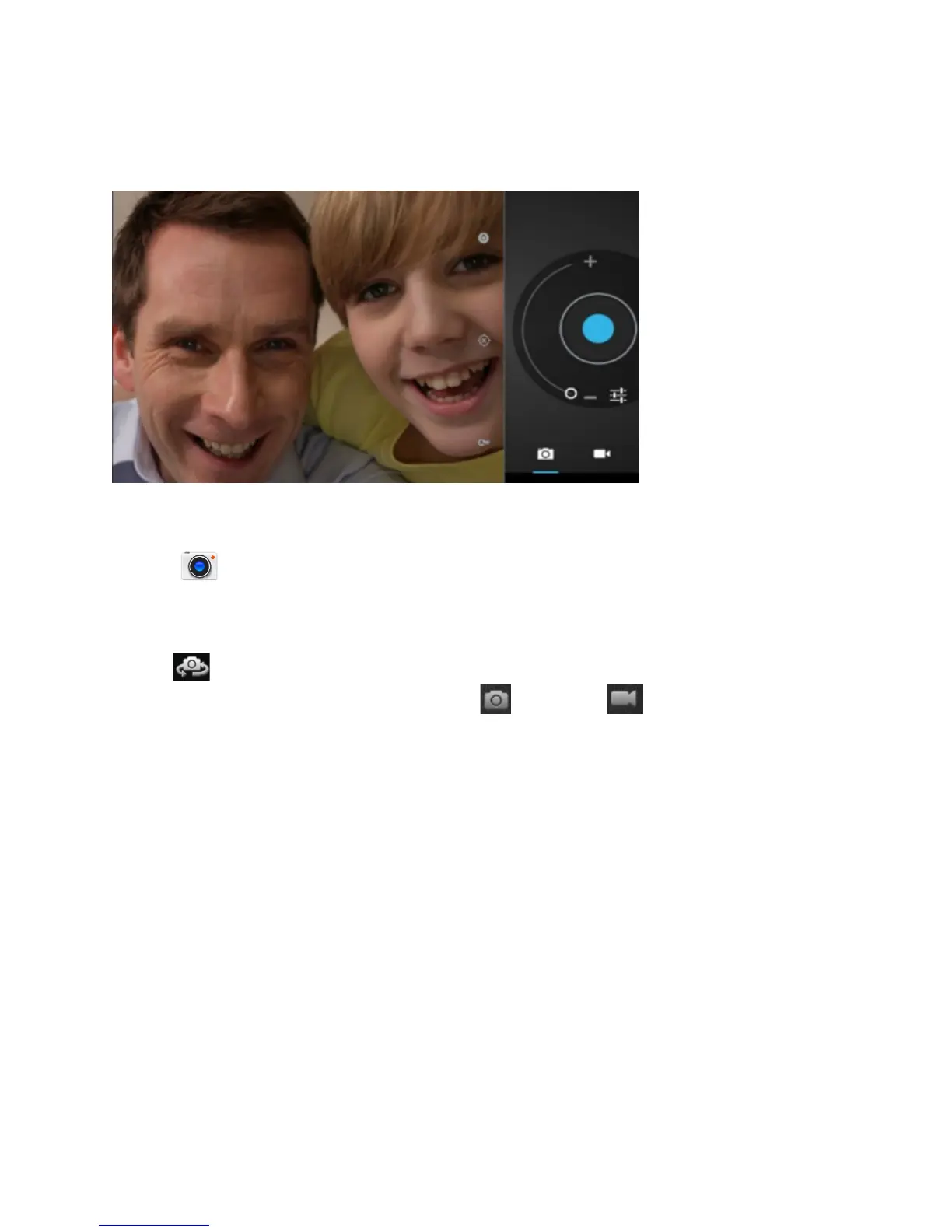
Tap the icon to access Camera mode. The tablet features two 2MP cameras to
take HD photos and video movies. In addition, a second camera found on the front of
the tablet for taking “selfies” or video chatting with family & friends (after installing a
video chat App from the Play Store™). To switch between both front and rear cameras
press
Slide switch to change mode from camera to video
A multitude of camera settings are available for you to customize preferences and make
color adjustments.















 To Next Page