15
Pre-Installed Applications
It is recommended that you have a Google Gmail account as many Apps use Google
services. We have selected a diverse group of Apps to help get you started. They are
located on the Home screens. Otherwise, tap the App tray to access and launch all
other Apps on your tablet.
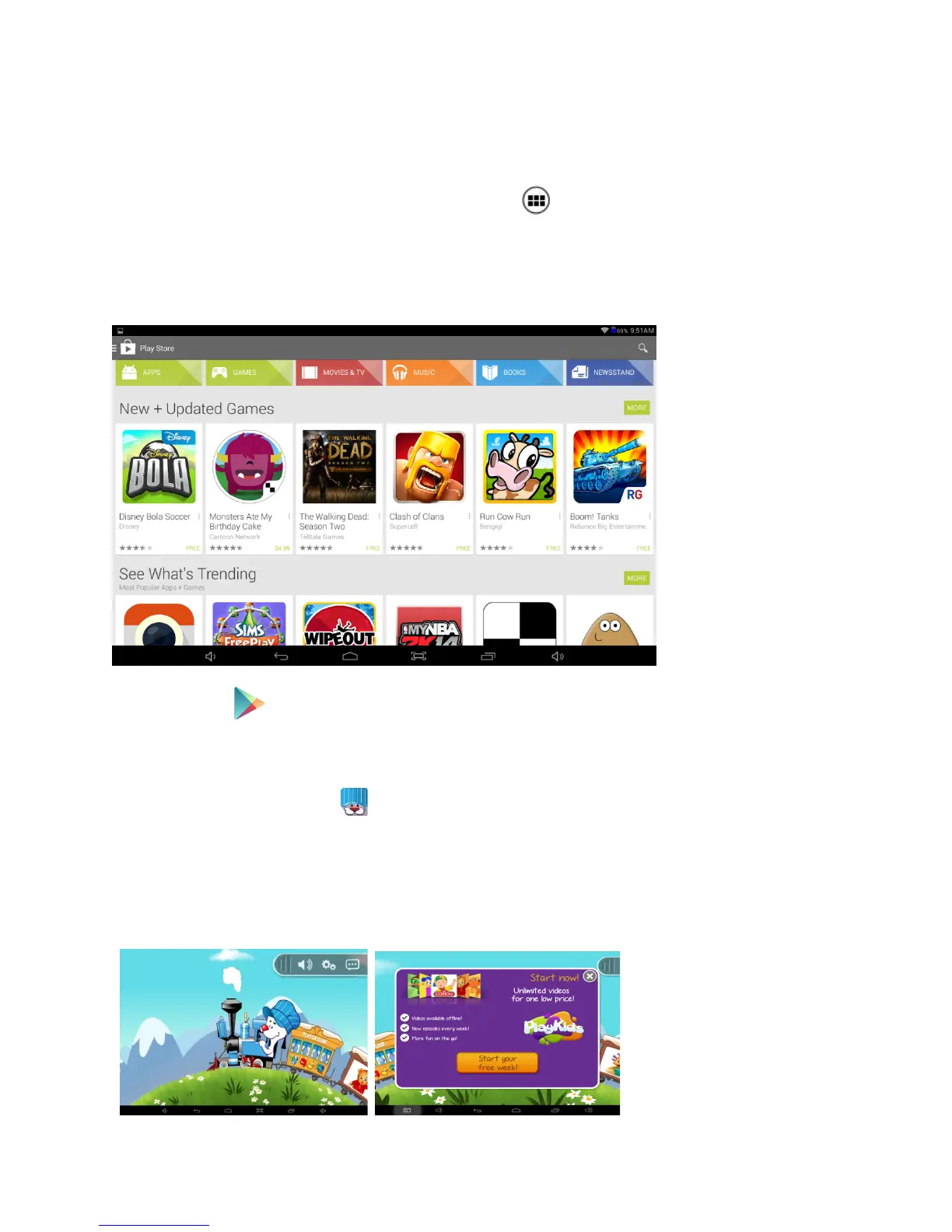
Google Play Store™ – Over 1M Apps are available for download including music,
movies, e-Books, games, and widgets for use on your tablet.
To access tap the Play Store App. Key in your email account and password. If you
need to create an account, tap New and follow the on-screen instructions. Afterwards,
you can start downloading and install Apps.
NOTE: Some Apps require a fee while others can be downloaded for free.
Playkids™ – To access tap Playkids offers the best educational games and popular
TV shows with a child-friendly interface made especially for kids and toddlers. Parental
controls keep your child from accessing the rest of the tablet. Tap on one of the
characters on the train to begin.
NOTE: After a free trial period there is a subscription for premium services.















 To Next Page