Switching from Fahrenheit to Celsius
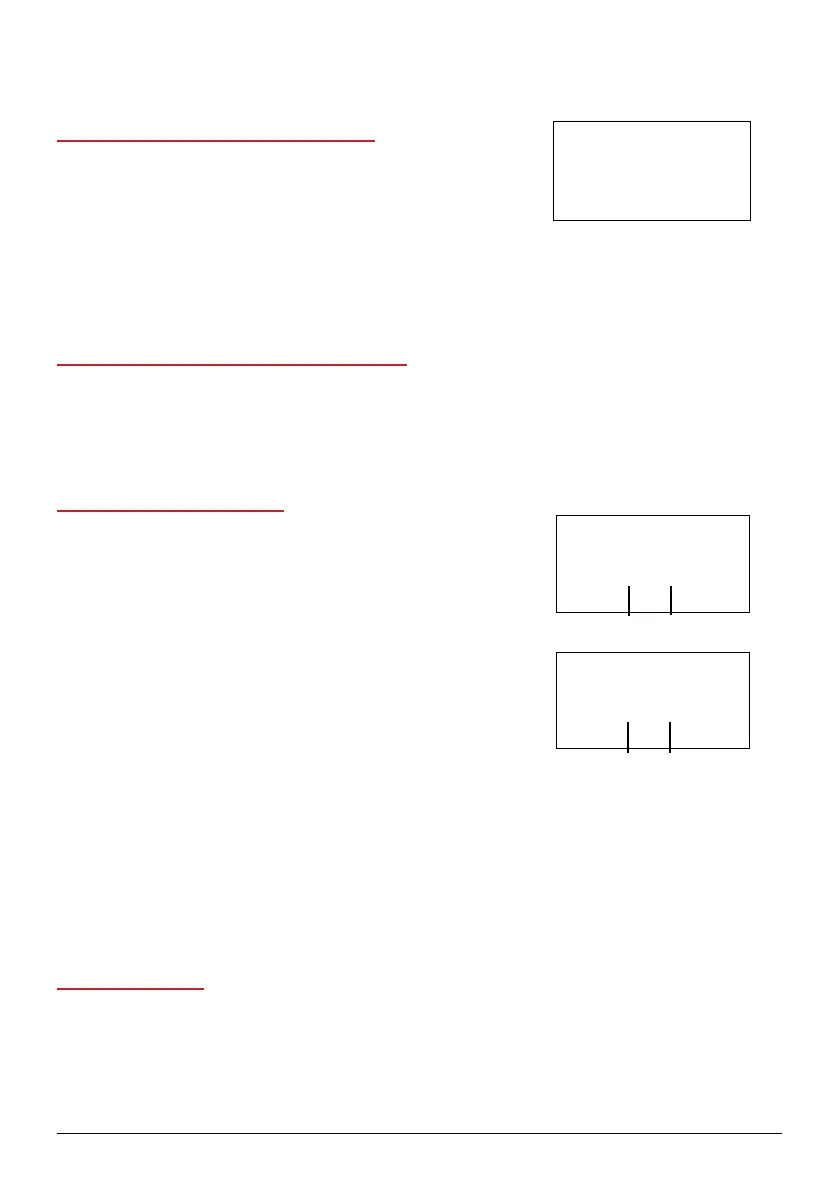
1. Press and hold Temp for 1 second. The Brio will
display the temperature settings in degrees Celsius.
2. Press and hold Temp for 1 second again to switch back
to degrees Fahrenheit.
• You will not be able to switch between F and C while the Brio is cooking. This can
only be done during the setup.
Adjusting Default Temperature and Time
Press and hold START/PAUSE for 1 second and adjust the temperature. This will be the
new default temperature.
Press Time and then press and hold START/PAUSE for 1 second and adjust the time.
This will be the new default time.
Adjusting the Time Format
By default, the Brio displays all times in hours and minutes.
To change to minutes and seconds
1. Press and hold Time for 1 second. The Brio will display
the time format in minutes and seconds.
2. Press and hold Time for 1 second again to return the
time display format to hours and minutes.
• You will not be able to switch between time formats
while the Brio is cooking. This can only be done
during the setup.
To change to Days/Hours
1. Press and hold Menu and Time to switch the format to
Days and Hours.
2. Press Menu and Time again to switch back to hours and minutes.
To change to Month/Day
1. Press and hold Stage and Time to switch the format to Month and day.
2. Press Stage and Time again to switch back to hours and minutes.
Setting the Clock
1. Press Preheat and Time at the same time. The display will show “12:00” and “:” will
ash. Use the Up and Down arrows to set the time.
1800
1500
700
350F
1800
1500
700
177C
1800
1500
700
60:00
minutes
seconds
1800
1500
900
0 1:00
hours minutes
ADVANCED SETTINGS
24 | nuwavenow.com



 To Next Page