hours/minutes
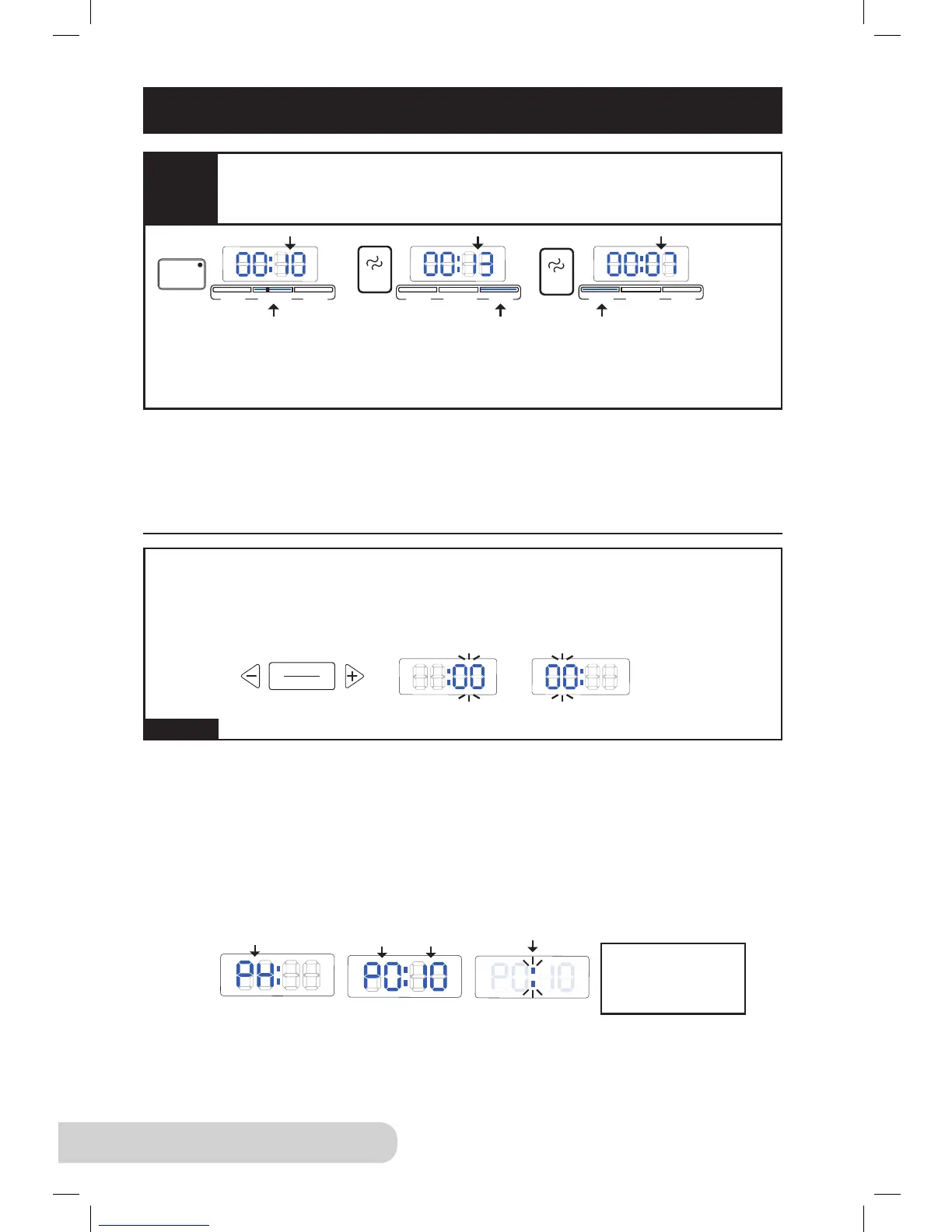
This button will let you manually adjust the time. When the “hours/minutes”
button is pressed, the 2 digits will ash to indicate these are selected.
Pressing the “+” and “-” buttons will increase and decrease the time.
Example:
Preheating: While the unit reaches the appropriate temperature for the function
selected, the display will show “PH”, indicating that it is preheating. Once the
unit reaches the appropriate pressure, it will shift from preheating to the selected
preset cooking time. Once pressure has built inside the Pressure Cooker, the
“PH” displayed will change to “P”, followed by the amount of time it will remain
under pressure.
Pressure: The function selected will determine the amount of pressure time.
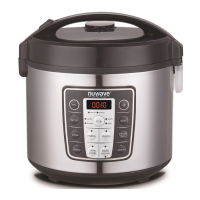
For example, the display will show “P0:10” (pressure time). The colon or “:”
will ash to indicate that the Pressure Cooker is under pressure and the timer
is counting down.
Refer to the Preset Times Chart on page 20 for default times for each function.
Figure 2
Preheat time
can take up to
15 minutes
minutes hours
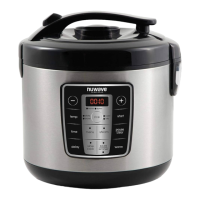
Press “rice”, it will default to “normal” (00:10). Press “texture” to change to
“more” (00:13). Press the “texture” button again to change to “less” (00:07).
The bar will light up indicating what mode you are in. Press “start/stop”
to begin.
Figure 1
When making rice using our “rice” function, you can make sticky rice
by setting the “texture” to “more” and if you want ufer rice, set the
“texture” to “less”.
Note (Applies to all):
• Pressing the “-” or “+” buttons will switch to “manual” mode.
• Press “start/stop” twice to clear.
• The Pressure Cooker will clear out in 30 seconds if the “start/stop” button is
not pressed.
CONTROL PANEL (Continued)


 To Next Page