CONTROL PANEL (Continued)
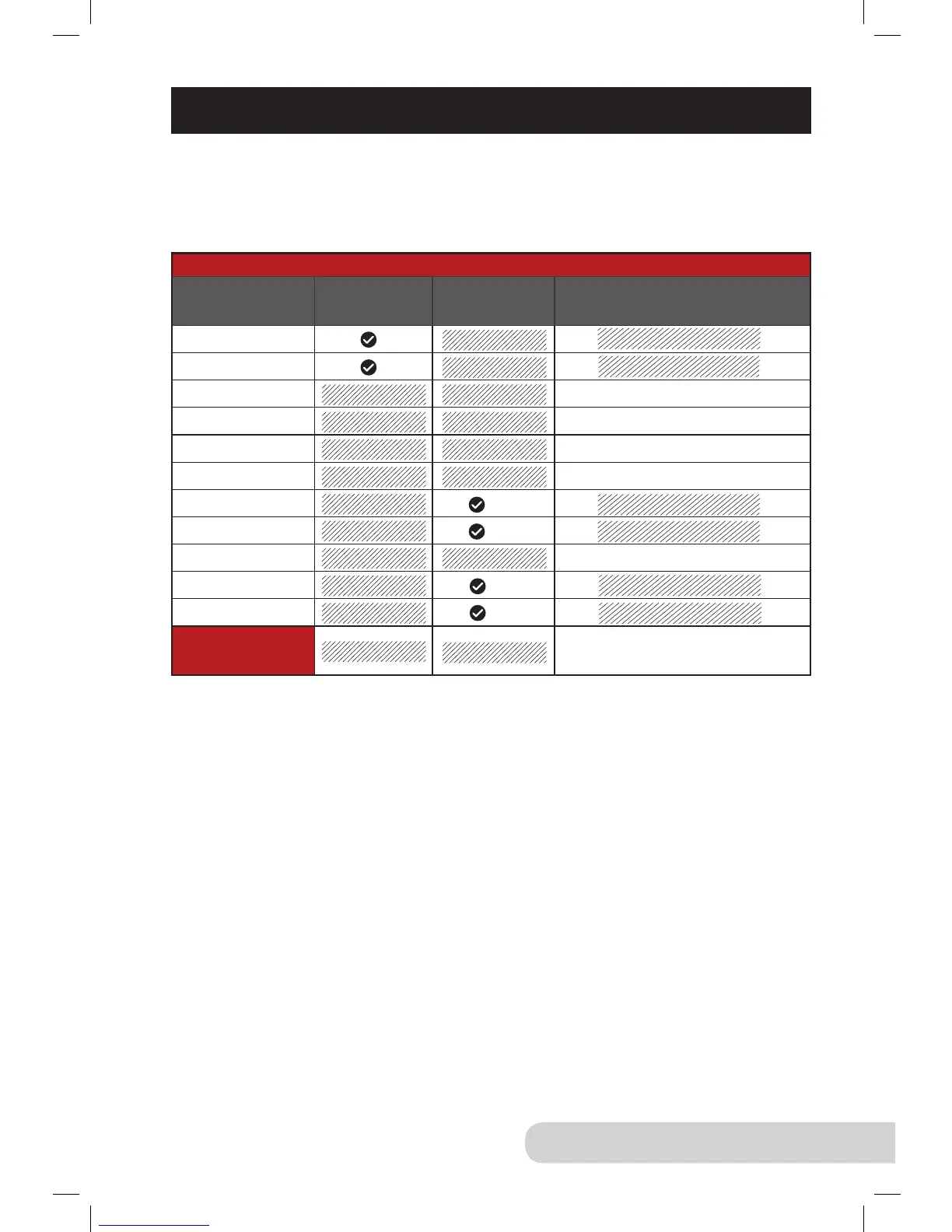
Auto Warm Feature
Presets Indenitely
Auto
Shutoff
Time
Hours: Minutes
Rice
Multi Grain
Soup 04:00
Meat/Stew 02:00
Poultry 01:00
Beans 04:00
Fish
Steam/Veggies
Potatoes 01:00
Bake
Canning
Warm
(Function)
04:00
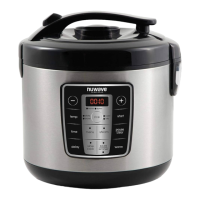
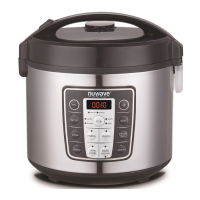
Auto Warm Feature: When pressure cooking is complete, the NuWave Nutri-Pot
®
Digital Pressure Cooker will automatically switch to the warm function. This allows
the pressure to naturally release while your food remains warm. The times for the
presets are listed below.
Example: When the “rice” preset is complete, the NuWave Nutri-Pot Digital
Pressure Cooker will keep your “rice” warm indenitely, until you press the
“start/stop” button.
Note:
Food can be prepared at an earlier time and kept warm inside the Pressure
Cooker using the “warm” function. Food can be kept warm for up to 4 hours.
Additional time may cause a change in avor, appearance, and cause food
to spoil.


 To Next Page