nuwavenow.com | 15
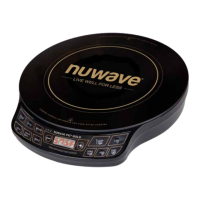
Cleaning the PIC Double
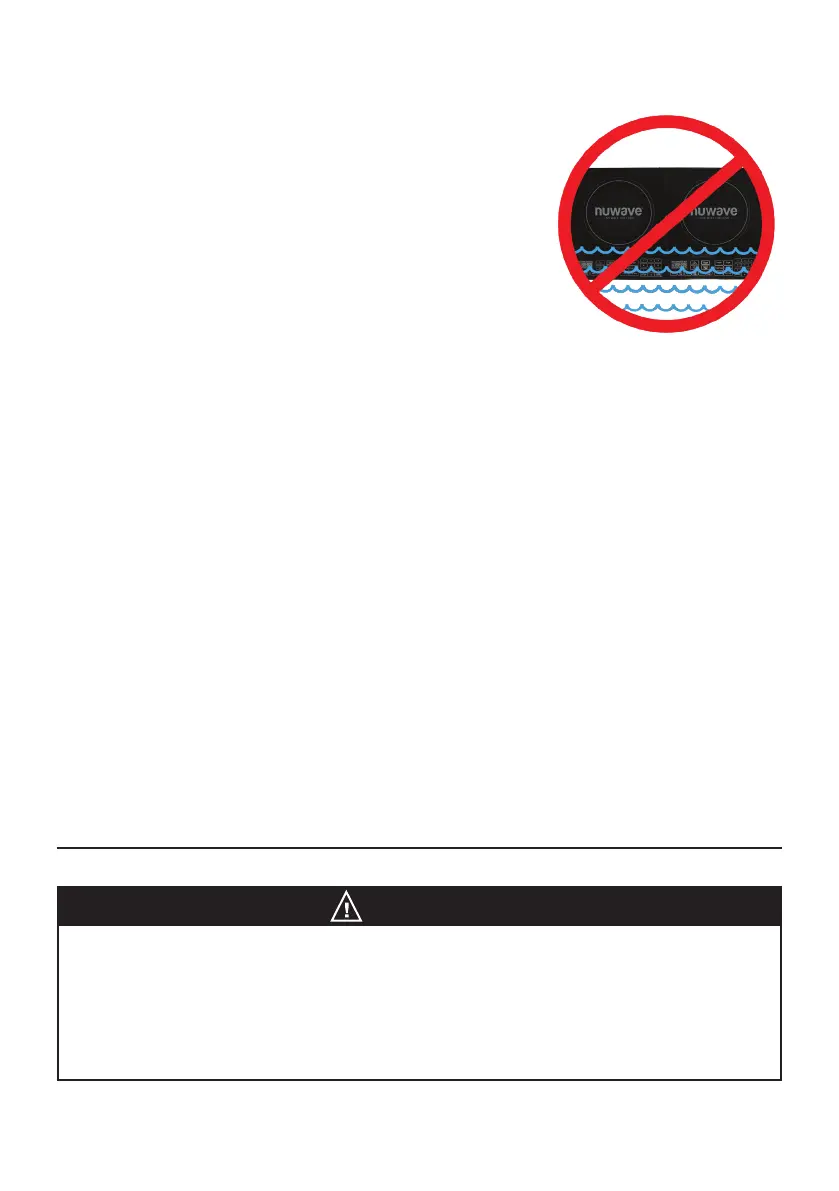
Before rst use, wipe the cooking surface with a cloth damp
with warm, soapy water. Dry throughly before plugging the
PIC Double into any electrical outlet.
General Cleaning Instructions
1. Unplug the PIC before cleaning.
2. Clean after each use.
3. Make sure the PIC has cooled completely prior to
cleaning.
4. The outer surface may be cleaned by wiping carefully with a damp dishcloth or
sponge.
5. Remove the power plug prior to cleaning the Nuwave PIC. Do not use caustic cleaning
agents and water should not penetrate the interior of the induction cooktop.
6. Never immerse the PIC power cord or plug in water or other liquids.
7. Wipe the glass surface with a damp cloth or use a mild, non-abrasive soap solution.
8. Wipe casing and operating panel with a damp soft cloth and mild detergent.
9. Do not use oil-based cleansing products as their use may damage plastic parts or the
casing/operating panel.
10. Do not use flammable, acidic or alkaline materials or substances near the PIC, as
this may reduce the service life of the induction cooktop or pose a fire risk when the
induction cooktop is in use.
11. Ensure that the bottom of any cookware does not scrape the PIC’s glass surface,
although a scratched surface will not impair the use of the induction cooktop.
12. Properly clean the PIC before storing it in a cool, dry place.
13. For grease or grimy build-up, you can use Bar Keeper’s Friend
®
. Then rinse
thoroughly.
NOTICE
Check Your Electrical Outlets
Check your electrical outlets to ensure proper operation. Do not use in an outlet
where other major appliances are engaged. Check the wattage settings if the
PIC is cooking too slowly.
The electrical plug must be properly plugged into the outlet.
CARE & MAINTENANCE



 To Next Page