nuwavenow.com | 9
GETTING STARTED
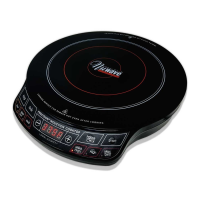
Control
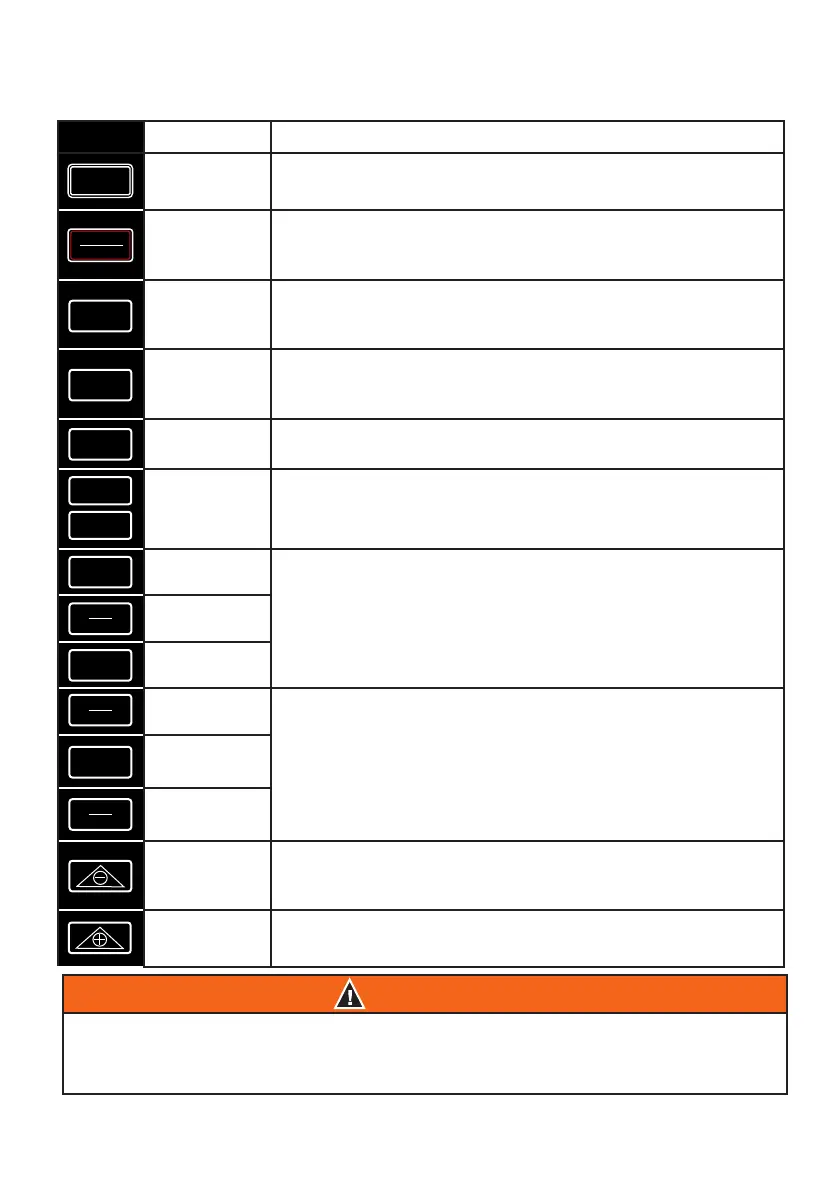
Function
Start
Press Start to begin cooking. If you have paused cooking,
pressing Start will begin the cooking process again.
Pause/
Clear
Press Pause/Clear to pause cooking. To clear out a set
cooking sequence, press Pause/Clear a second time.
Program
Access presets 1–50, and program and save your own
presets 51–200.
Stage
Set up to 10 cooking stages.
1800W
Controls the wattage of your PIC. The default wattage is
1800W. Press 1800W to adjust from 1800W to 900W.
Time
Allows you to adjust the cooking time before and during the
cooking process.
Low
Left side set temperature buttons: Low (100°F), Med/Low
(175°F), and Med (275°F). Use the - or + keys to further adjust
the cooking temperature in 5°F increments.
Med/Low
Med
Med/High
Right side set temperature buttons: Med/High (375°F), High
(425°F), and Max/Sear (575°F). Use the - or + keys to further
adjust the cooking temperature in 5°F increments.
High
Max/Sear
(–)
Allows you to decrease the cooking temperature and time
before and during the cooking process.
(+)
Allows you to increase the cooking temperature and time
before and during the cooking process.
CAUTION
While the PIC Double is in operation, do not touch the cooking surface as it may
become very hot, leading to the risk of burns. The cooktop may retain residual heat
after cookware has been removed.
Start
Program
Stage
1800W
Low
Med
High
Cook Time
End Time
Pause
Clear
Med
Low
Med
High
Max
Sear



 To Next Page