14 •
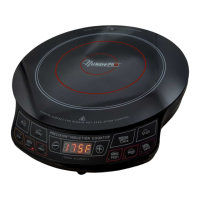
NuWave
®
PIC
®
Titanium Complete Cookbook
Troubleshooting
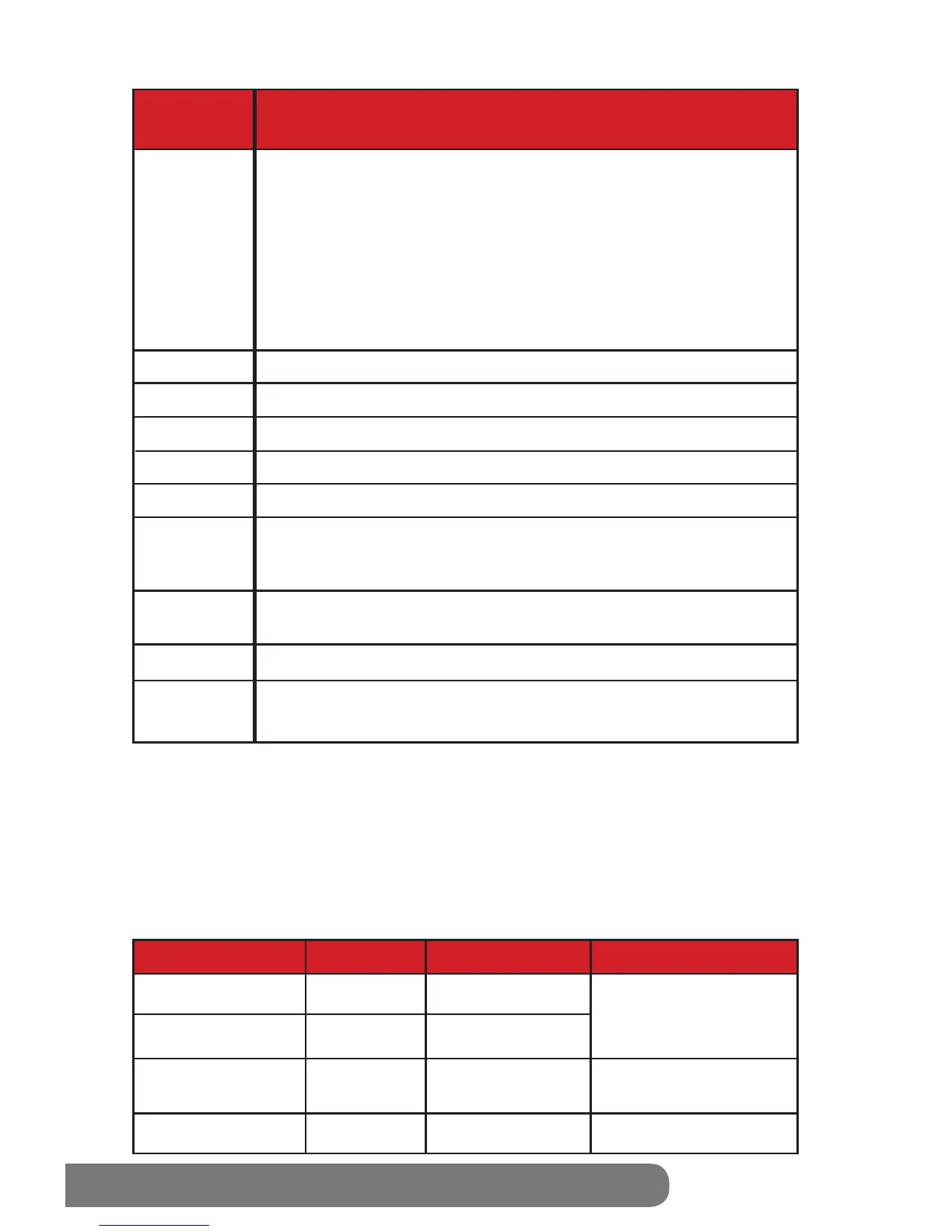
Solution
Error
Message
E2
E3
E4
E5
E6
E7
E8
E9
FULL
E1
The unit is malfunctioning. Contact customer service.
The unit is malfunctioning. Contact customer service.
The unit is malfunctioning. Contact customer service.
An E1 reading typically means that your NuWave PIC Titanium does
not detect cookware on its surface. This can occur for one of two
reasons.
1. The induction coils contained within the NuWave PIC Titanium will
only work when they are in direct contact with a piece of cookware. To
maintain your appliance’s effectiveness, always ensure that it rests on
a at surface and that contact is consistent with your cookware.
2. An E1 message may also occur if your chosen cookware is not
induction-ready.
The unit’s voltage is too low. Minimum = 85 volts
The unit’s voltage is too high. Maximum = 144 volts
Overheating, or air ventilation is obstructed. If internal temperature
exceeds 230
°F, operation will cease and a “beep” noise will be
produced. Press “Pause/Clear” twice. Wait for the unit to cool.
In programming mode, when the total entered time reaches the
appliance’s limit of 99:60, no additional stages can be inputted.
Overheating, if unit exceeds a temperature 20
°F higher than sear,
the appliance will turn off. Contact customer service.
The unit is malfunctioning. Contact customer service.
• When any of the above error messages display on the LED, the unit will “beep” at
least once.
• The fan will run up to a maximum of 60 seconds after pressing the “Pause/Clear
button once. Continue cooking by pressing the “Start” button within 45 minutes.
• The unit will turn off after 45 minutes if no buttons (such as “Start”) are pressed.
When the unit shuts off, it will clear all previous cooking history.
• After pressing the “Pause/Clear” button twice or cooking has stopped, the fan will run up
to a maximum of 60 seconds until the unit cools. At that point the NuWave PIC
Titanium will
turn off.
Beep sound Display Reference
Initial
< 10 seconds
11- 70 seconds
After 70 seconds
Single beep
None
Yes
None
“F” or “C” or “Sear”
or “:” Flashing
“F” or “C” or “Sear”
or “:” Flashing
E1
0
After returning the pot,
NuWave PIC Titanium
will automatically
resume cooking.
Resume cooking by
pressing “Start” button.
Cooking stops.
After removing
cookware


 To Next Page