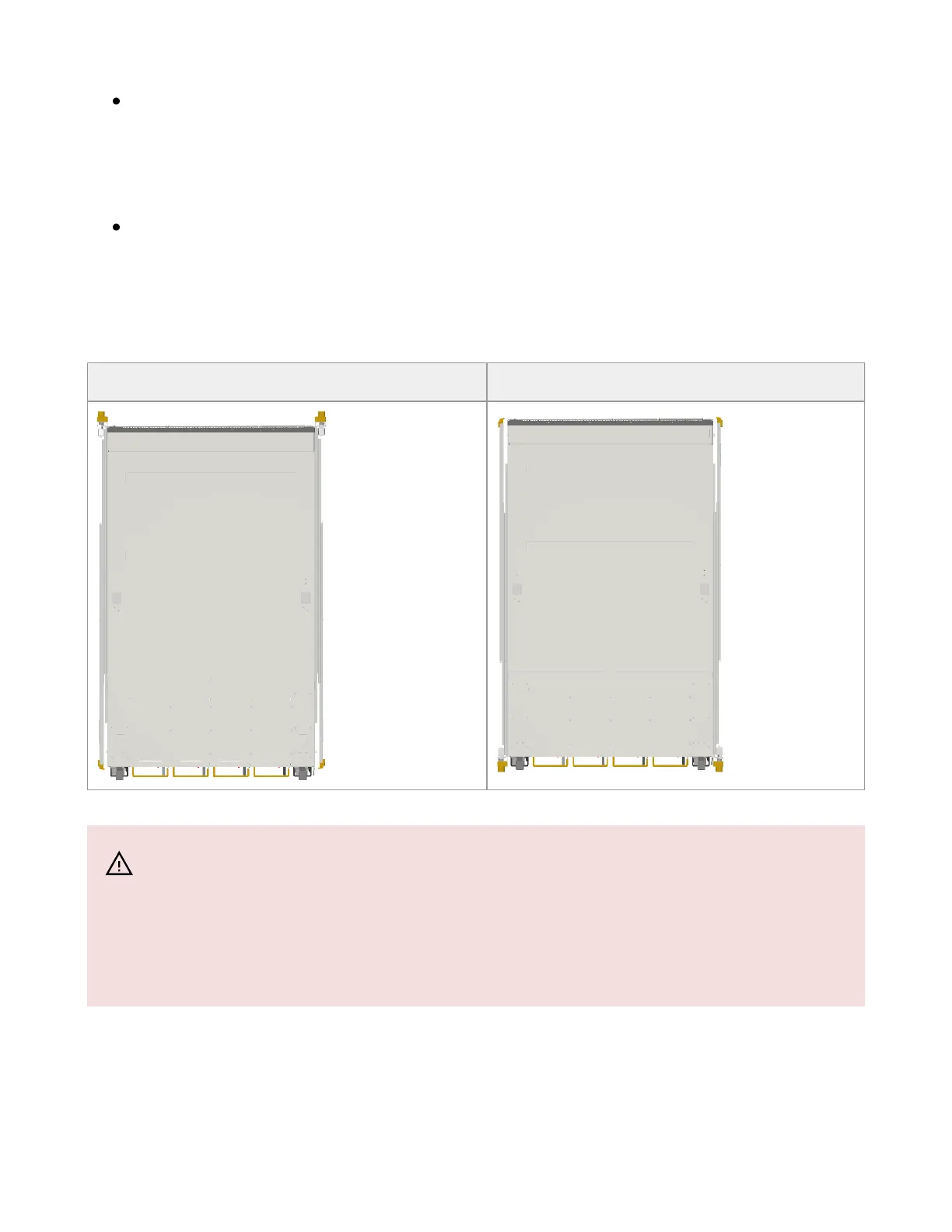
Note that the part of the system to which you choose to attach the rails (the front
panel direction, as demonstrated in Option 1 or the FRUs direction, as
demonstrated in Option 2) will determine the system’s adjustable side. The system’s
part to which the brackets are attached will be adjacent to the cabinet.
The FRUs, as well as high-speed and MNG cables, must be extracted for
replacement as part of the switch service. Consider this when planning the switch
installation.
Switch Rails Installation - Top View
Front Side (Ports) Rear Side (FRUs)
1. Attach the left and right system rails (A) to the switch.
Warning
The following steps include illustrations that show front side (ports)
installation, yet all instructions apply to all installation options.



 To Next Page