To remove a fan unit:
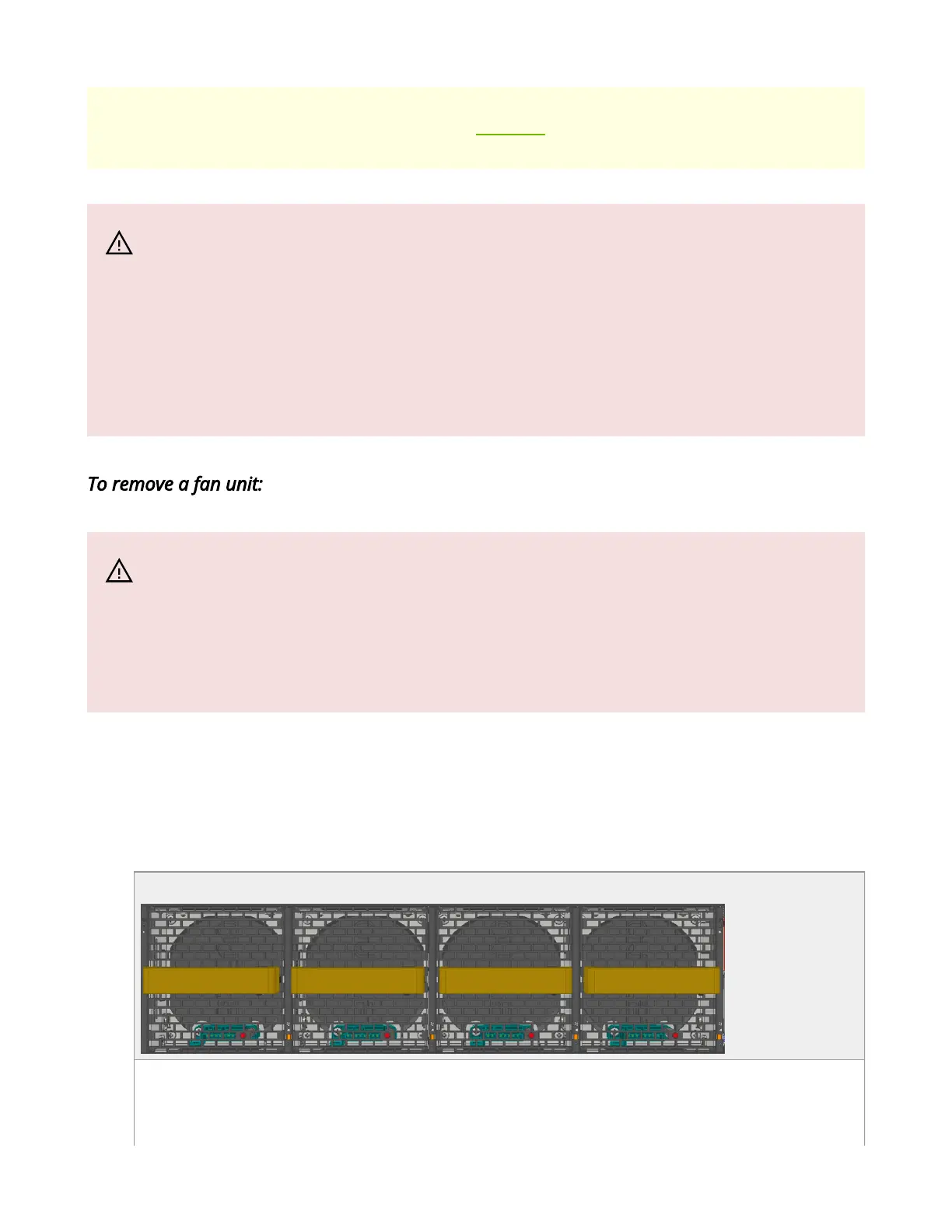
1. Grasping the handle and pull the unit outward. As the fan unit unseats, the fan unit
status LEDs will turn off.
2. Remove the fan unit.
SN5400/SN5600C Fan Module Latches
SN5400/SN5600C Fan Module Pulled Out
temperature/temperature shutdown in certain scenarios. For power
supply unit air flow direction, refer to Air Flow.
Warning
In case the system is operated at 35°C ambient temperature at full
capacity with all ports occupied, and one of the system fans becomes
faulty, it is recommended to replace the fan as soon as possible to
avoid the risk of having no fan redundancy.
Warning
When replacing a faulty fan unit in an operational switch system, do
not leave the slot unpopulated for more than 60 seconds.



 To Next Page