8.3.2 GUI operation
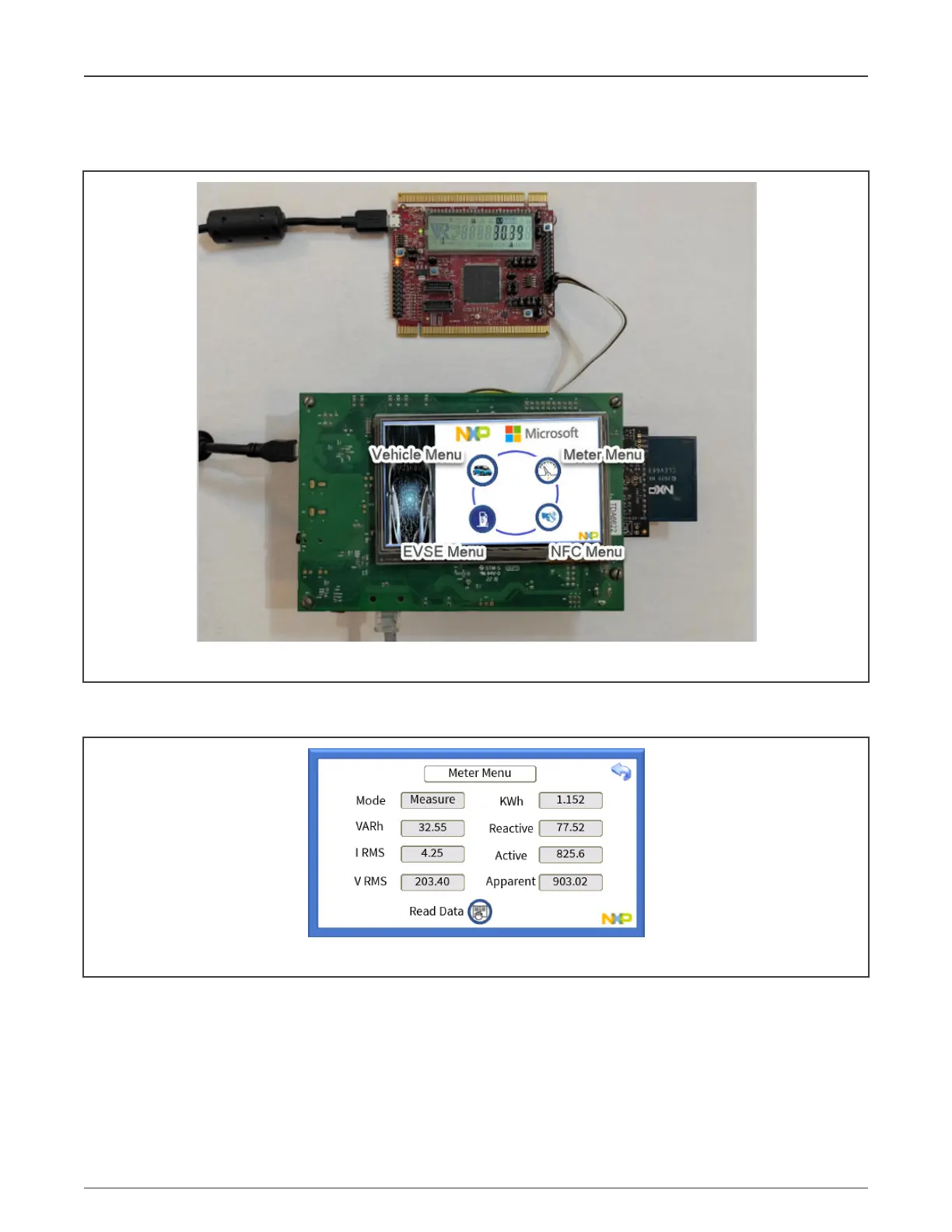
You can interact with the EasyEVSE touch interface GUI.
Figure 66. EasyEVSE main menu
• Go to the "Meter Menu" icon and press the "Read Data" button to trigger a read from the host controller of the metering
data. The host controller is also performing periodic meter updates in the LCD.
Figure 67. Meter Menu
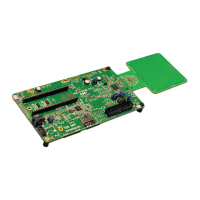
• Go to either the "NFC Menu" or "Vehicle Menu" and tap an NFC device, such as an NFC card on the CLEV6630 ARD
antenna.
NXP Semiconductors
System powerup and operation
NXP EasyEVSE EV Charging Station Development Platform User Guide, Rev. 0, 18 March 2022
User Guide 48 / 64



 To Next Page