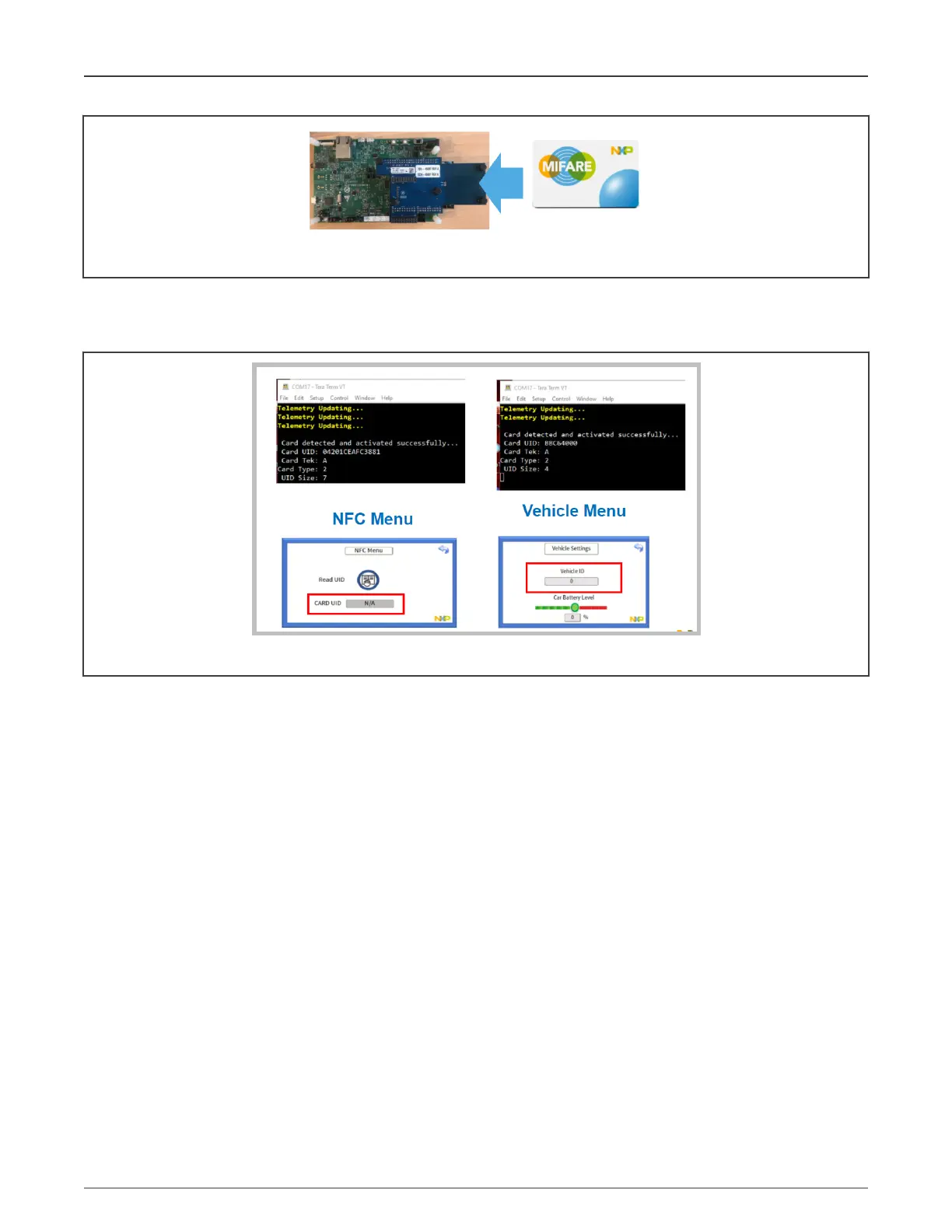
Figure 68. Tapping an NFC card into the CLRC663 Antenna field
In the menus, you can visualize the Unique Identification (UID) number of the NFC device. The vehicle menu shows the latest UID
read. Every time the "Read UID" button in the NFC Menu is pressed, the last UID read is prompted. The UID being read is also
displayed in the terminal along with card or tag information.
Figure 69. Reading UIDs of NFC cards
In Figure 69, two different NFC cards (MIFARE ULTRALIGHT EV1 with a 7-byte UID, and MIFARE CLASSIC EV1 with a
4-byte UID) are read.
8.3.3 EasyEVSE Dashboard operation
The main EasyEVSE Dashboard view is shown in Figure 70.
NXP Semiconductors
System powerup and operation
NXP EasyEVSE EV Charging Station Development Platform User Guide, Rev. 0, 18 March 2022
User Guide 49 / 64



 To Next Page