- 23 -
While playing an audio source press and release the Sleep
button on top of the radio and the display will show a list of
different delay times. Select a time delay before the Radio
automatically turns off allowing the listening of audio
entertainment while falling asleep.
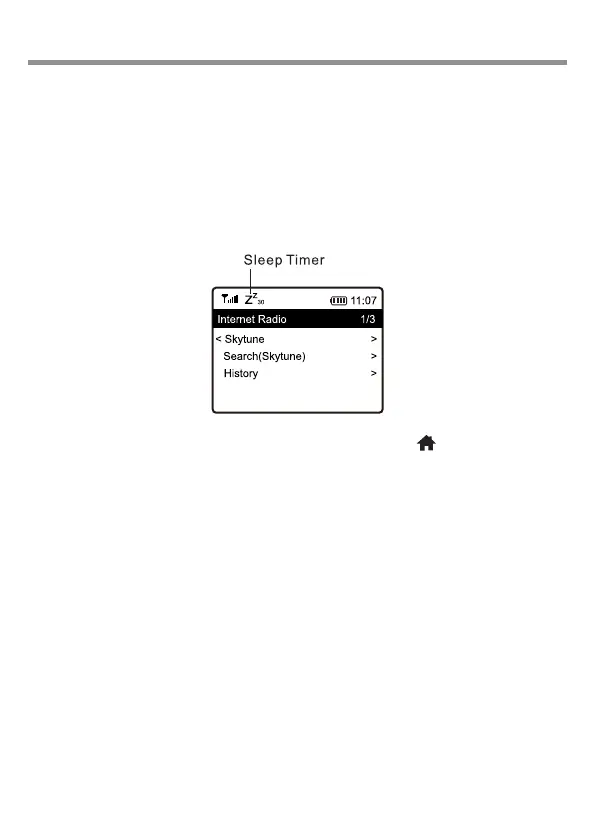
Selecting a delay time will automatically start the delay count
down with the Sleep Timer symbol displayed in the top left had
side of the screen.
Use the Move Back control or Home button ( ) to exit Sleep
Timer setup.
15/ Sleep timer













 To Next Page